
Answered
How to snap to off-page objects?
I need to create some spread guides and wanted to use my "awesome drafting skills" to create objects representing specific divisions of the page. It's super-fast.
However, I just found that ID won't snap to objects if they're not on the page, and won't snap spread guides to objects ON the page.
So, in this example, I'm trying to create a spread guide that snaps to the edge where the blue and magenta areas meet. Is there a way to do this? (Positining objects halfway off the page doesn't work.)
Note: I don't want to use math 🙂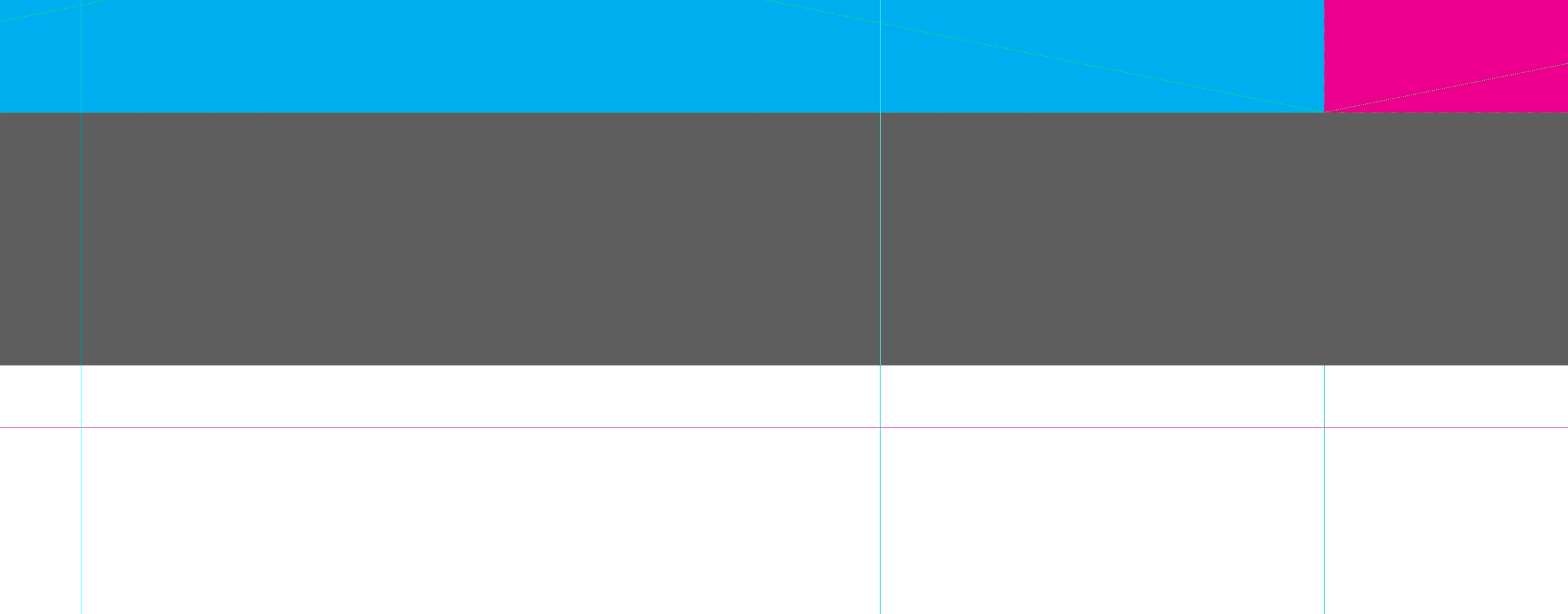
<Title renamed by moderator>
 AdChoices