

Answered
How to split an image across multiple pages for printing
I have a long image that I'd like to split in order to print on several pages as it's too long for a single page. So for example, I'd like the top third of the image on page 1, the middle third on page 2 and the bottom third on page 3. Is there a straightforward way of doing this?
My starting point was a simple paste to put the image an a single page but I cannot see how progress from there. (image attached).
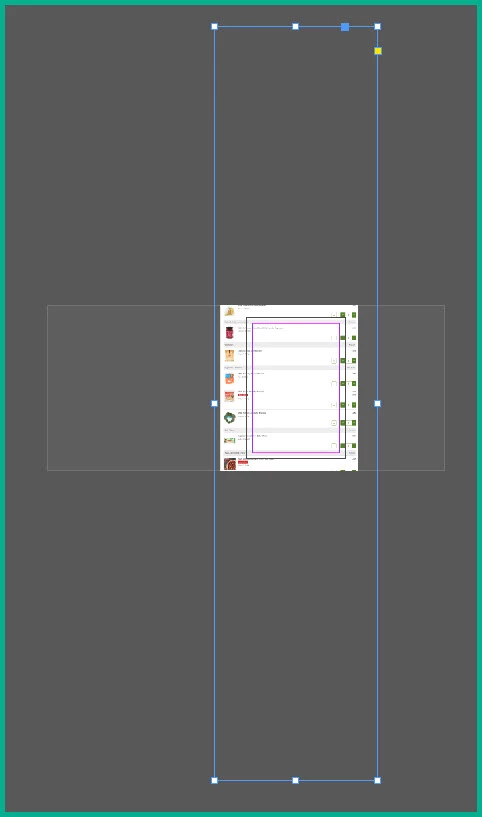
I have looked at creating a spread but cannot see how to get the image to spread beyond the first page. I am fairly novice at InDesign so I'm not really familiar enough to look for the right things to search for.
I'm using InDesign 2024 on Windows 10 64-bit
Can anyone help?
Thanks
 AdChoices