stephene9093387
Known Participant
November 8, 2023
Answered

How to split an image across multiple pages for printing

  • November 8, 2023
  • 3 replies
  • 10113 views

I have a long image that I'd like to split in order to print on several pages as it's too long for a single page. So for example, I'd like the top third of the image on page 1, the middle third on page 2 and the bottom third on page 3. Is there a straightforward way of doing this? 


My starting point was a simple paste to put the image an a single page but I cannot see how progress from there. (image attached).
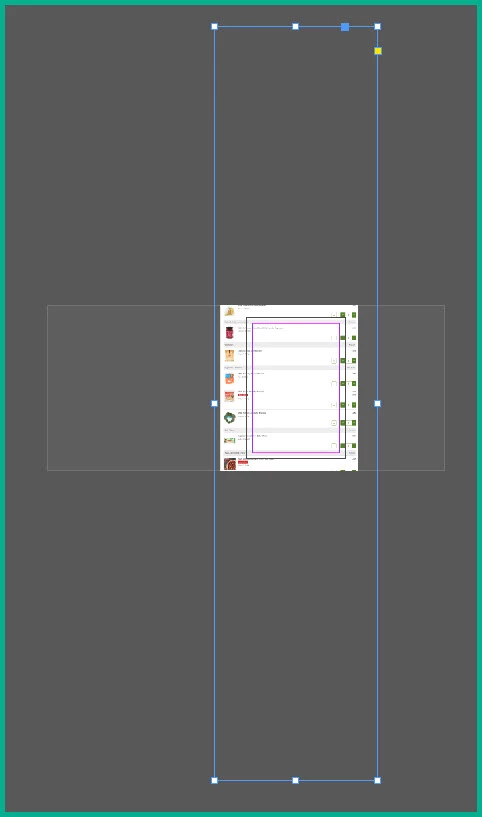
 

I have looked at creating a spread but cannot see how to get the image to spread beyond the first page. I am fairly novice at InDesign so I'm not really familiar enough to look for the right things to search for.


I'm using InDesign 2024 on Windows 10 64-bit


Can anyone help?


Thanks
    Correct answer rob day

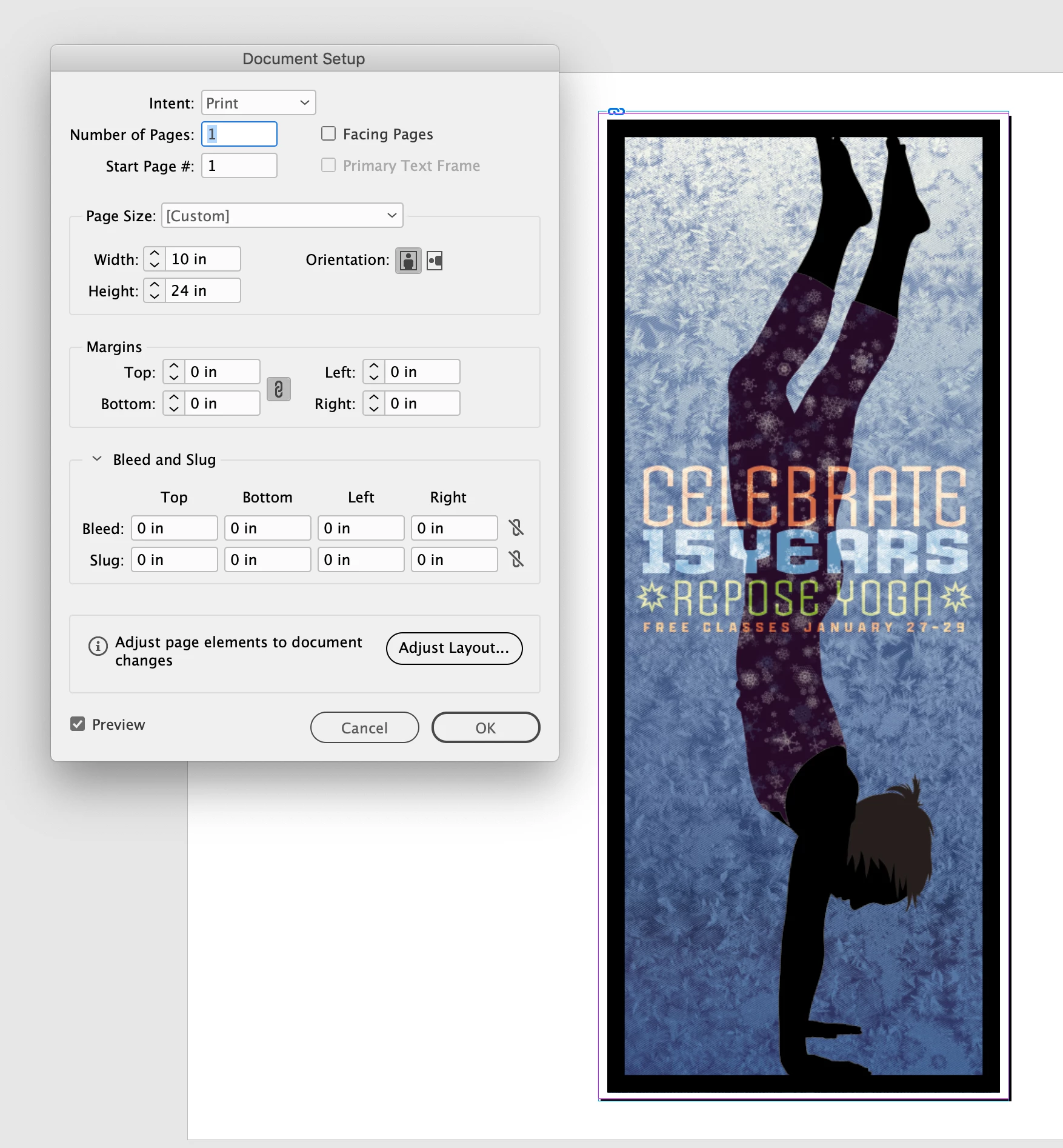
    Hi @stephene9093387 , Look at the Print dialog’s Tile feature in the Setup tab.


    I can tile this 10"x24" page onto 4, 11"x8.5" sheets with a designated overlap:


    3 replies

    rob day
    Community Expert
    rob dayCommunity ExpertCorrect answer
    Community Expert
    November 8, 2023

    Hi @stephene9093387 , Look at the Print dialog’s Tile feature in the Setup tab.


    I can tile this 10"x24" page onto 4, 11"x8.5" sheets with a designated overlap:


    Participant
    January 16, 2025

    why don't you use tools for splitting images like this one  and the good thing is you original image quality will not be reduced

    Robert at ID-Tasker
    Legend
    November 8, 2023

    If it's one of - you could make a frame the size of your page, place your image inside, duplicate this page - then on each page use Direct Selection arrow and select image - INSIDE the frame - and in Y value of the position - add or subtract - height of the page / frame. 


    (I'm sorry but I'm on my phone so can't give you step-by-step screenshots) 


    John T Smith
    Community Expert
    Community Expert
    November 8, 2023

    You need to ask program questions in the forum for the program you are using
    To ask in the forum for your program please start at https://community.adobe.com/
    Moving from Using the Community (which is about the forums) to the correct forum

    stephene9093387
    Known Participant
    November 10, 2023

    Thanks for the heads-up John. Apologies for my unfamiliarity with the forum. Noted for the future.