
Question
How to stop table row from jumping to next page?
Hi,
I'm creating a large table in InDesign, some of the rows have more info than others. When the copy is longer than the bounding box / text box, it is automatically jumping to the next page. This leaves a large amount of white space on the previous page - I'm trying to create this doc with as little pages as possible for printing costs. So it would be great if the table used the whole space and automatically ran left over text into the next table instead of shifting the entire row.
I've checked the row and column heights and the keep settings.
Any ideas would be much appreciated! 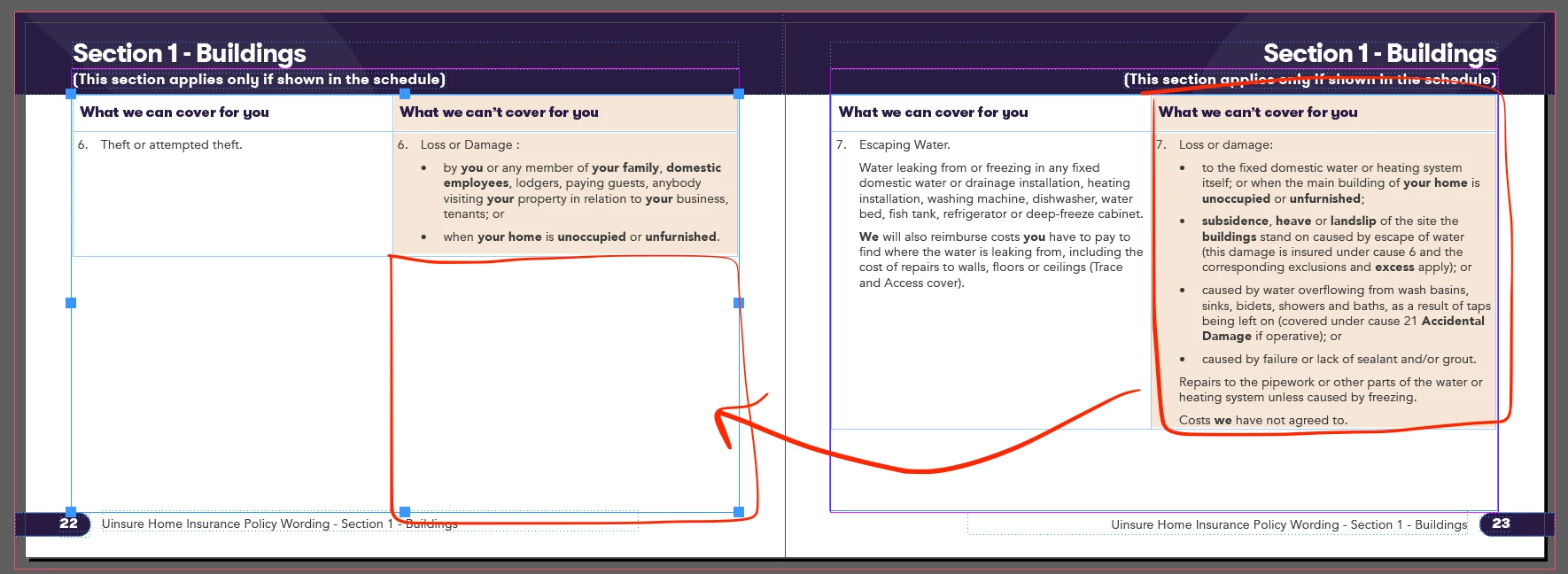
 AdChoices