Participating Frequently
September 20, 2023
Answered

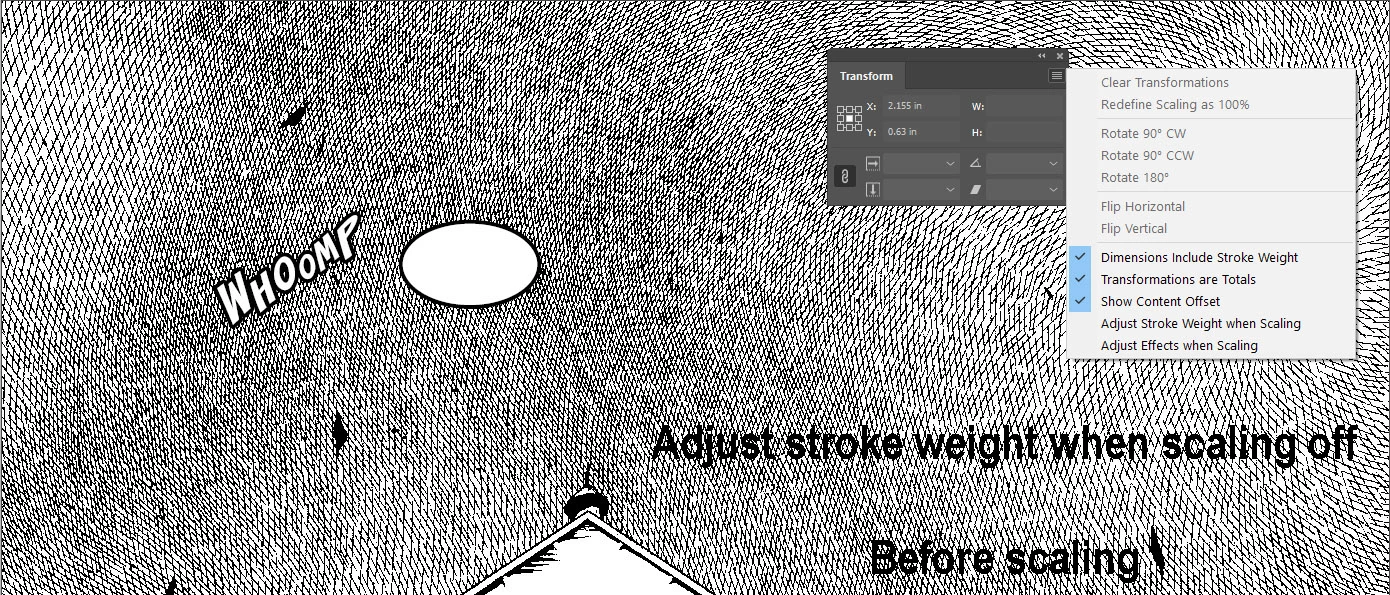
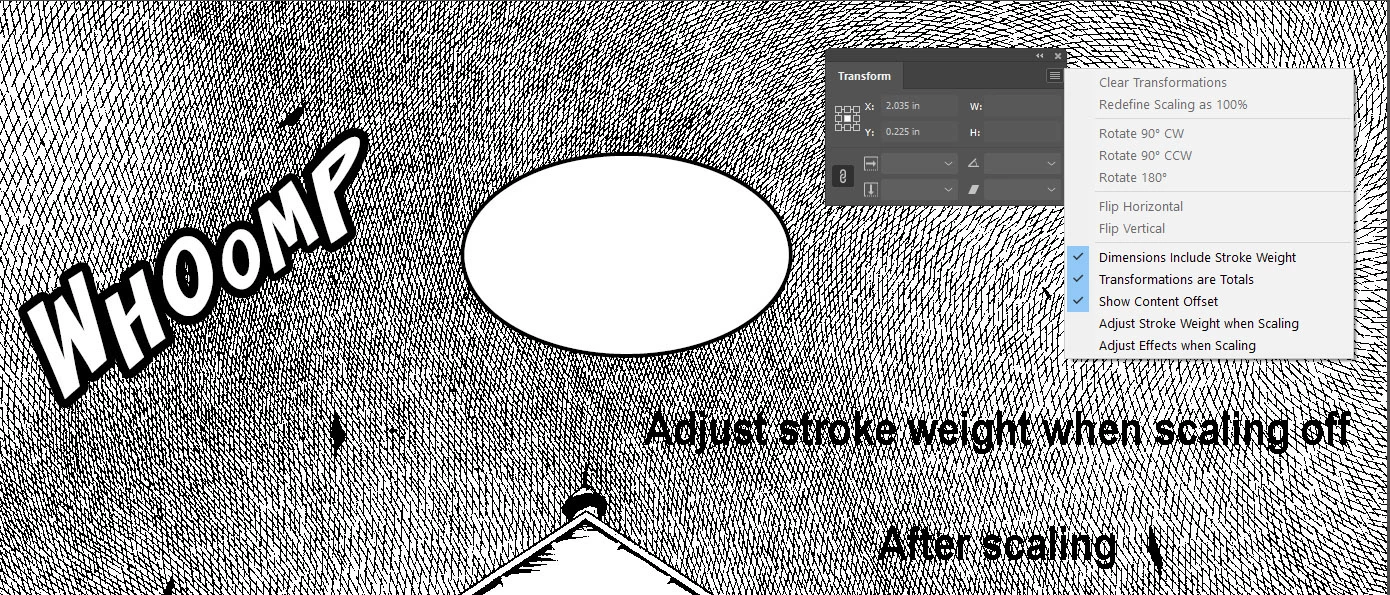
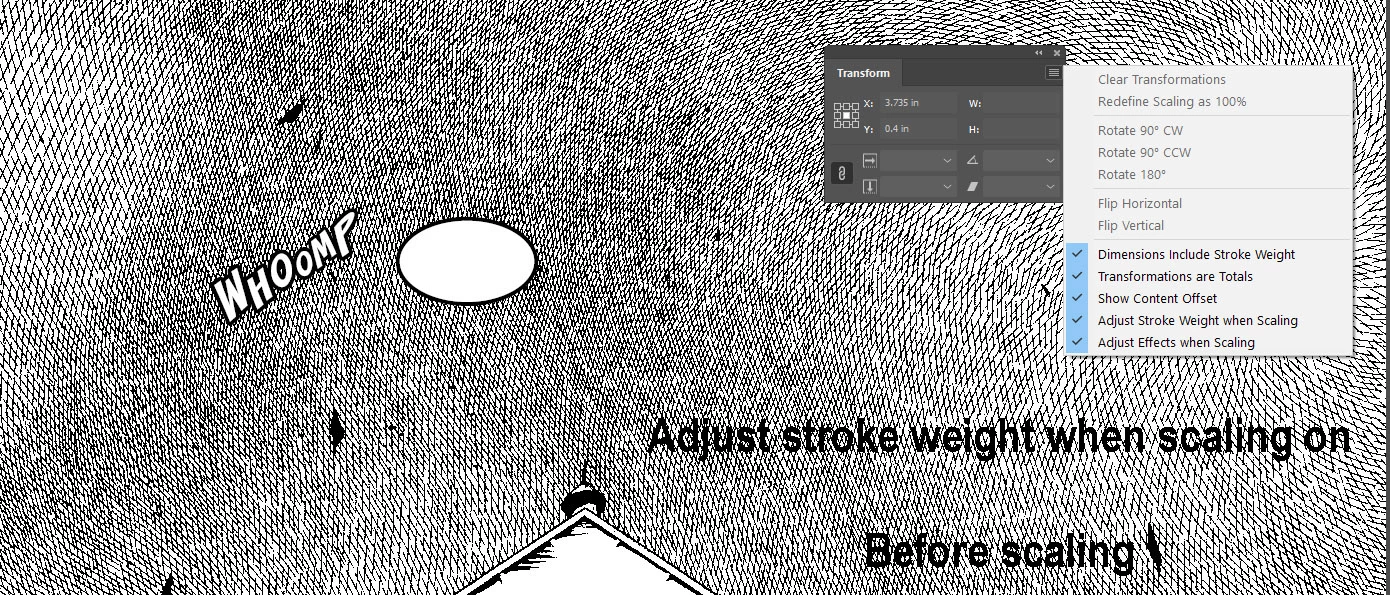
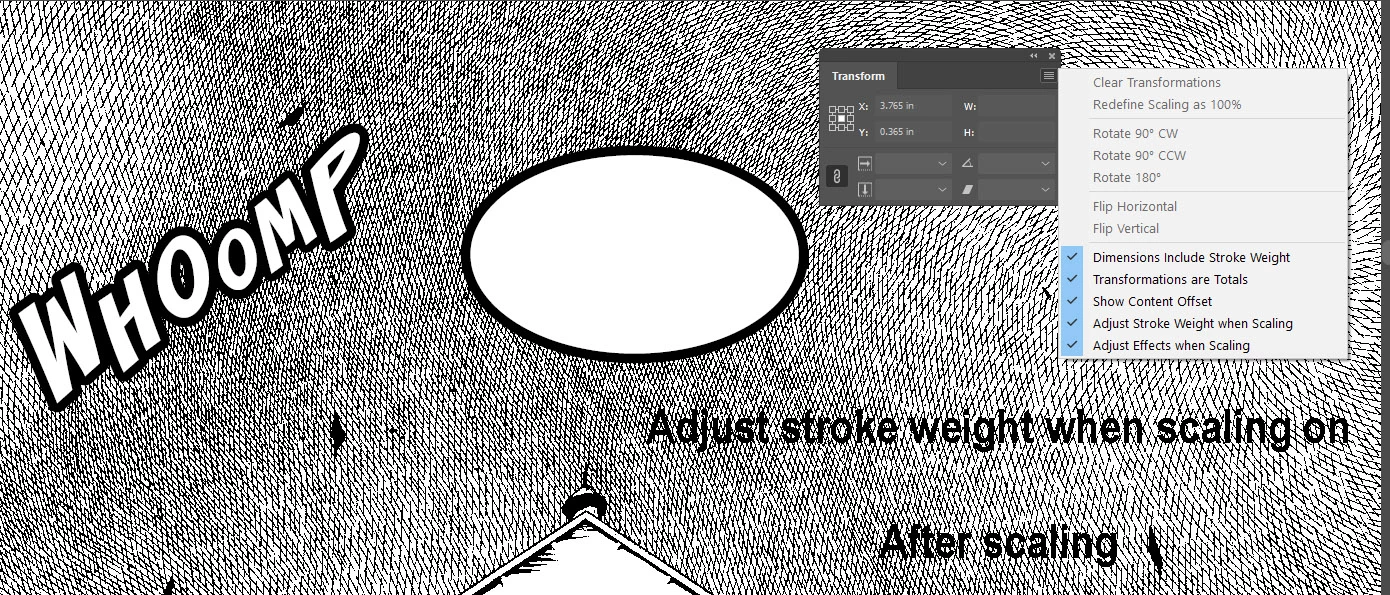
How to turn off "Adjust Stroke Weight when Scaling" for text

  • September 20, 2023
  • 1 reply
  • 4107 views

I have stroked text that I want to resize while maintaining the stroke weight. I had hoped that this could be accomplished by unchecking the "Adjust Stroke Weight when Scaling" box in the Transform window menu but this only appears to work on stroked objects and not stroked text. Is there anything I can do to accomplish this or is it not possible in InDesign?
    

This topic has been closed for replies.
Correct answer Bill Silbert

If the text is live text then simply increasing its point size will maintain the stroke weight. The stroke weight does increase if you use the scale tool or any other enlarging options on the text frame itself.

1 reply

Bill Silbert
Community Expert
Bill SilbertCommunity ExpertCorrect answer
Community Expert
September 20, 2023

If the text is live text then simply increasing its point size will maintain the stroke weight. The stroke weight does increase if you use the scale tool or any other enlarging options on the text frame itself.

eerbesAuthor
Participating Frequently
October 14, 2023

Thanks for the explaination. It'd be easier and more efficient for me to be able to lock the stroke width on text when scaling like you can on objects (a feature request maybe) but at least it's nice to know it can be done if you increase the point size.