
Participant
May 9, 2024
Answered

HTML Video Embedding Not Funtioning

  • May 9, 2024
  • 2 replies
  • 500 views

Hello, 

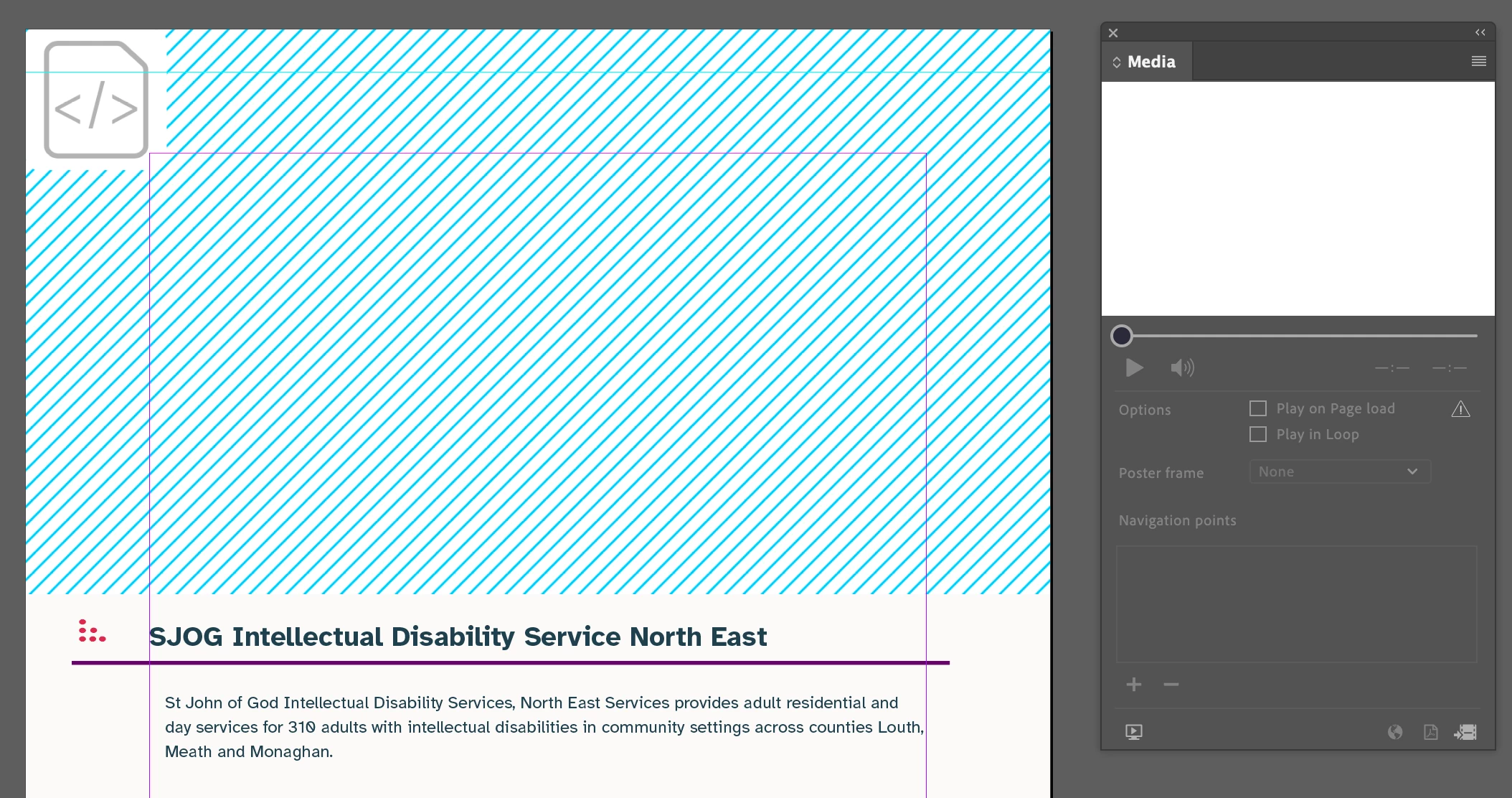
I really hope someone can help me. I'm trying to embed several videos from vimeo into a document which will be exported as a PDF. I only get a blank image with lines in the container and nothing shows up in the media window. I have tried following step by step guides but I can't find any advice on this specific issue anywhere. I've attached a screenshot that I hope is helpful but I'm aware that the problem may lie with the document setup. 
This topic has been closed for replies.
Correct answer Derek Cross

Rather than embed, include hyperlinks from the PDF to external sites, such as Vimeo or Youtube.

2 replies

Steve Werner
Community Expert
Community Expert
May 9, 2024

@540812 is correct. Video cannot be embedded directly in a PDF file (it was possible in the distant past in some cases). 

Participant
May 9, 2024

I didn't realise that. Quite annoying that they would leave defunct tools lying around to mislead people if thats the case.


Derek Cross
Community Expert
Community Expert
May 9, 2024

Blame Apple for making Flash obsolete.

You might have a look at InDesign's Publish Online, which is HTML5 and can include short videos. 

Alternatively, if you have the budget, consider in5, an InDesign plugin at extra cost.  
 https://ajarproductions.com/pages/products/in5/?ref=footer

Derek Cross
Community Expert
Derek CrossCommunity ExpertCorrect answer
Community Expert
May 9, 2024

Rather than embed, include hyperlinks from the PDF to external sites, such as Vimeo or Youtube.

Participant
May 9, 2024

Hi Derek, thanks for your response. Accessibility is important for this project as many of our users have a range of disabilities so I was really hoping to have the video placed as shown, and for it to be very clear, rather then using hyperlinks so I would really like to solve the HTML issue.