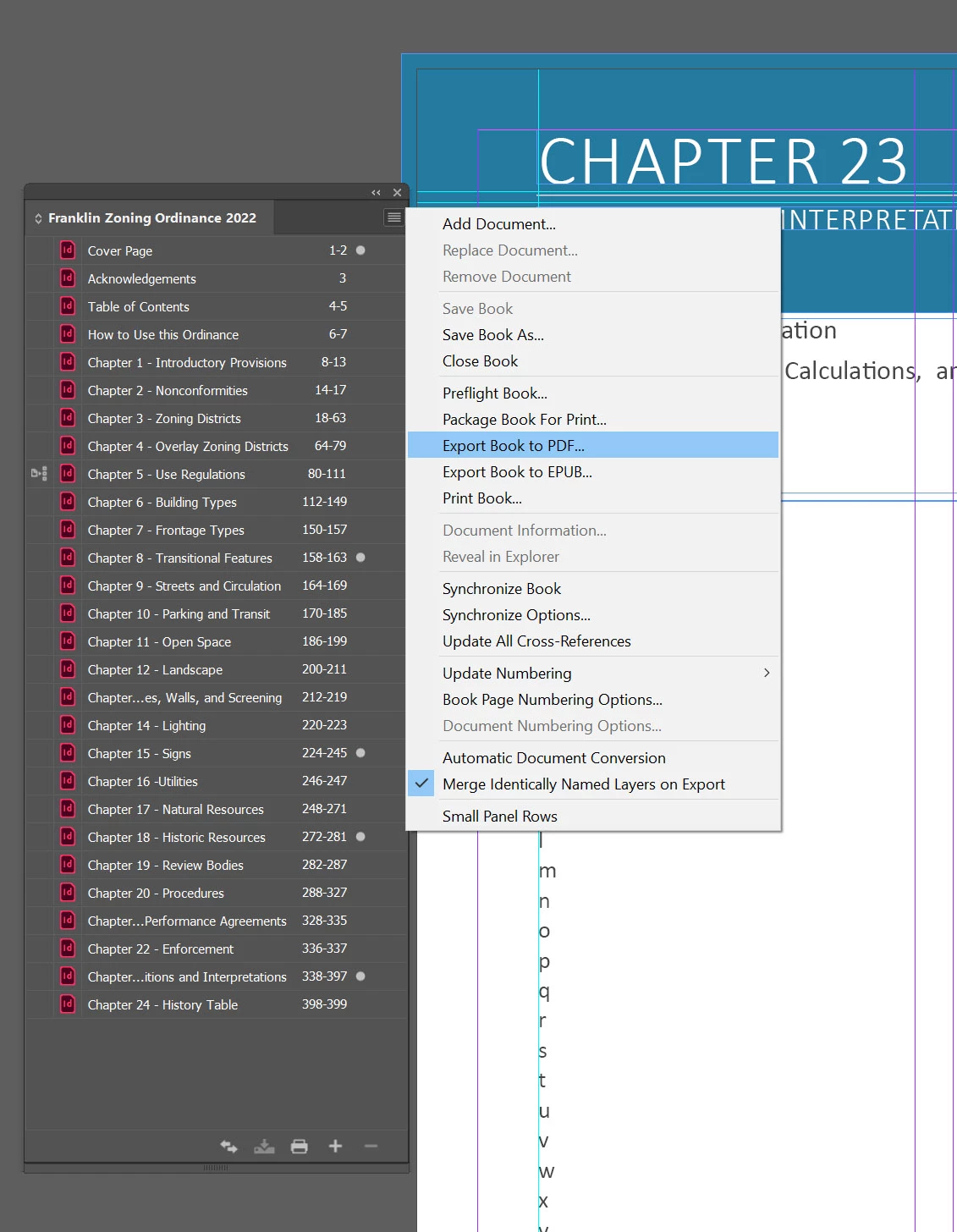
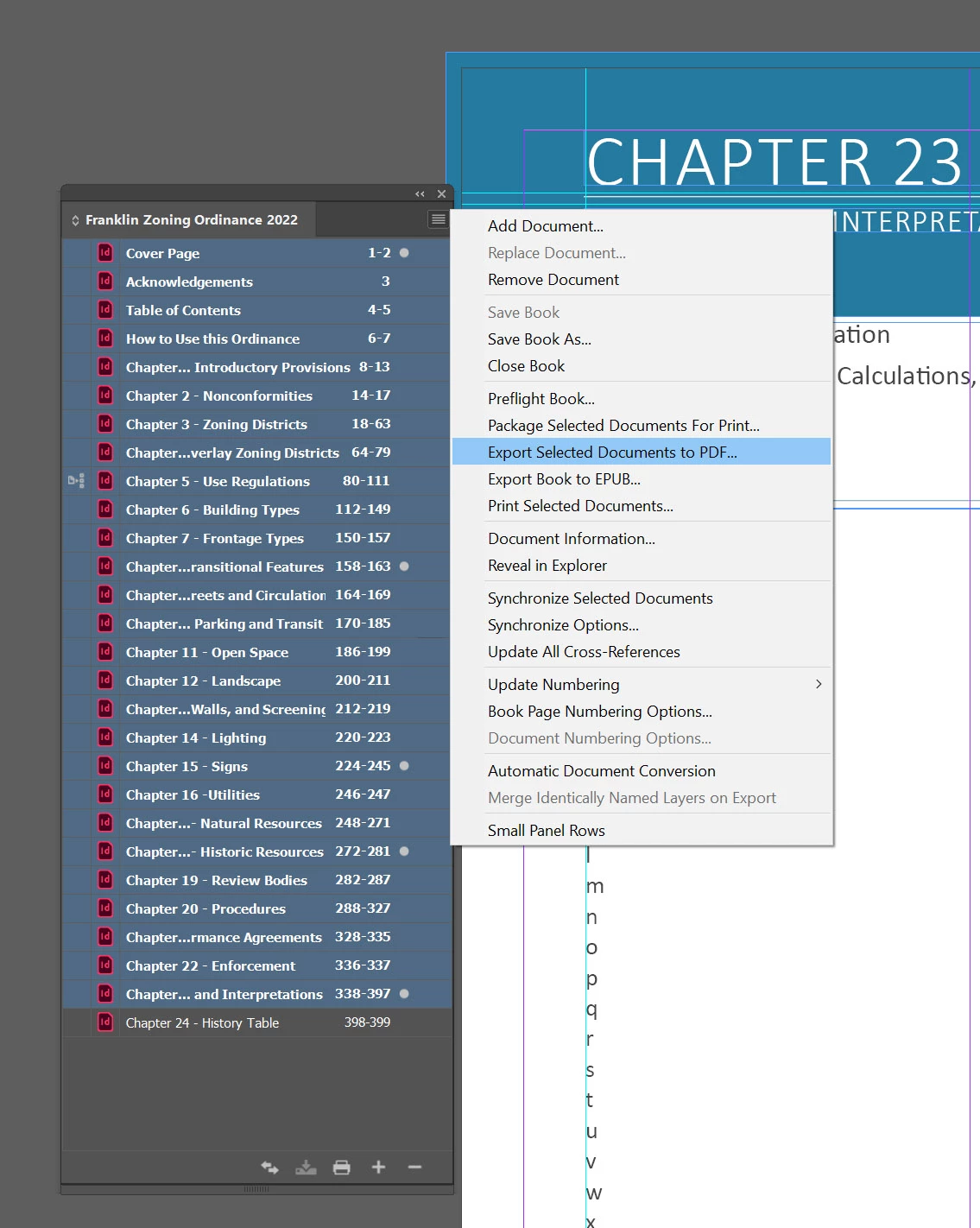
The problem has not been corrected. If I try to export the entire book together, it doesn't give me the option to select hyperlinks and bookmarks when creating a PDF. If I only choose Chapters 1 through 23 then it will allow me to choose the hyperlinks and bookmarks buttons but it still will not hyperlink from Chapter to Chapter. it will only hyperlink if it stays within the same chapter. If someone else in our office opens up the file and uses the same exact settings then it works fine and all the hyperlinks work throughout the document. We uninstalled the program on my computer and reinstalled it and the same exact thing happens. It just seems to be a buggy and acts differently on different peoples computers - even showing different display settings for export - even though we have the exact same version of Indesign.
In case anyone was wondering, I figured it out. The hyperlinks are connecting to an old 2020 document rather than the current 2022 document. If I open up the 2022 Book, open Chapter 1 it opens from the 2022 folder where I have all the files saved. If I open up the hyperlinks panel, click on a word that is hyperlinked and choose, "Click to go to destination," it goes to an old file in the 2020 book. It shouldn't do this because I packaged the entire 2020 book to the 2022 folder before revising anything. If I manually change the hyperlink destination and reroute it to the 2022 files and hit save and reopen the document and check the link it still goes back to the 2020 folder. It is incredibly bizarre. I finally stopped it from doing this by changing the name of the 2020 folder where all the files are saved. It works perfectly fine now. All the links work in the 2022 document when I export the file to PDF. I never had this problem from the 2019 to 2020 version that I created, so I don't know why this is all of a sudden as issue. I shouldn't have to change the name of a 2020 folder in order to correct this, but I've been trying to fix this for weeks and was tired of it.

 AdChoices