
I need help exporting RGB colour CORRECTLY to jpg or png
- January 17, 2025
- 3 replies
- 3695 views
Ok so I before I start please don't tell me to use phtoshop for this thanks 🙂
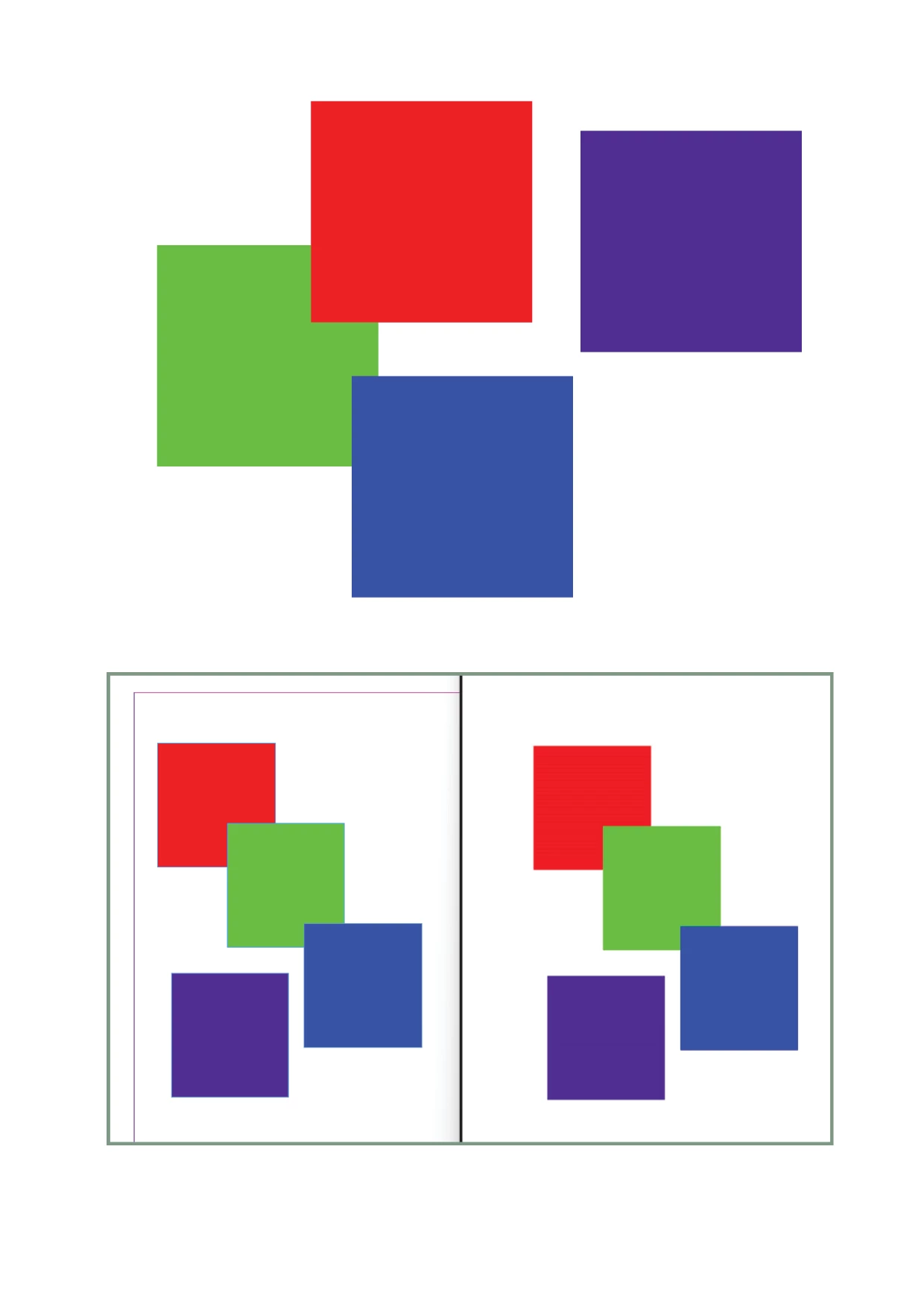
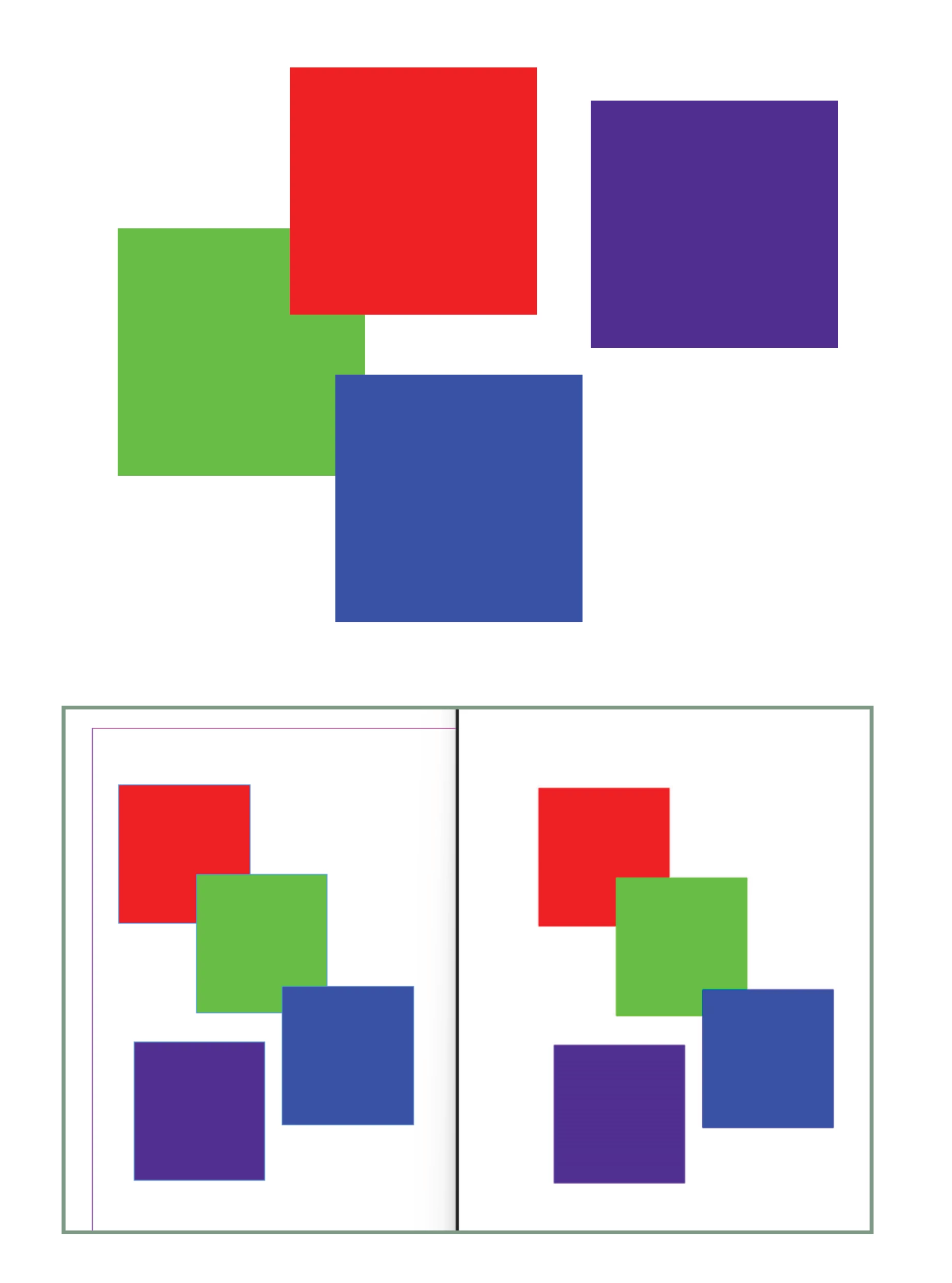
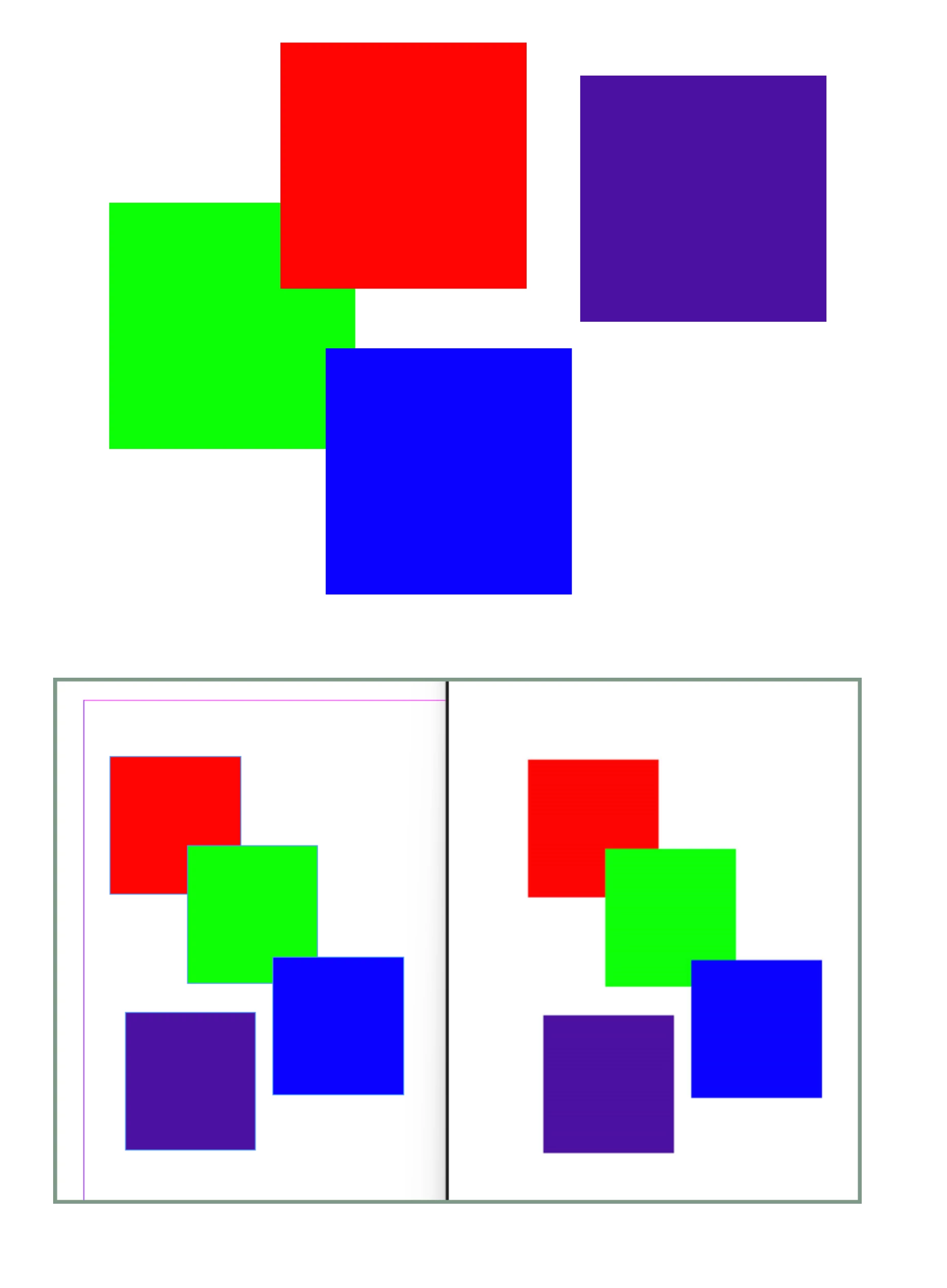
So my issue is RGB's displaying correctly both in indesign and once exported to jpg or png.
They work fine if I export to Interactive PDF in RGB mode, so I am curretly exporting to .pdf and saving as a jpg in Photoshop which is annoying and an extra step.
See images the colour on the left is correct #4c11a1
Incorrect colour is #502e90
Interestingly when I open the colour swatch it tells me that the colour is 'out of Gamut' and if I click to correct it changes it to a very similar colour to #502e90, which is my theory of what it is doing.
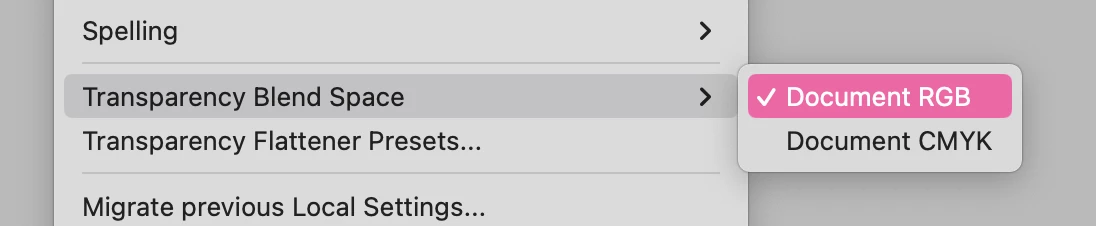
I've tried changing the RGB profile, currently sRGB IEC61966-2.1 and nothing seems to make a difference.
Anyone know what the issue is and why the Interactive PDF is fine and how to fix the Export to jpg setting?
 AdChoices