
ID CC isn't splitting where "Split ePub" is checked, is splitting where it's not
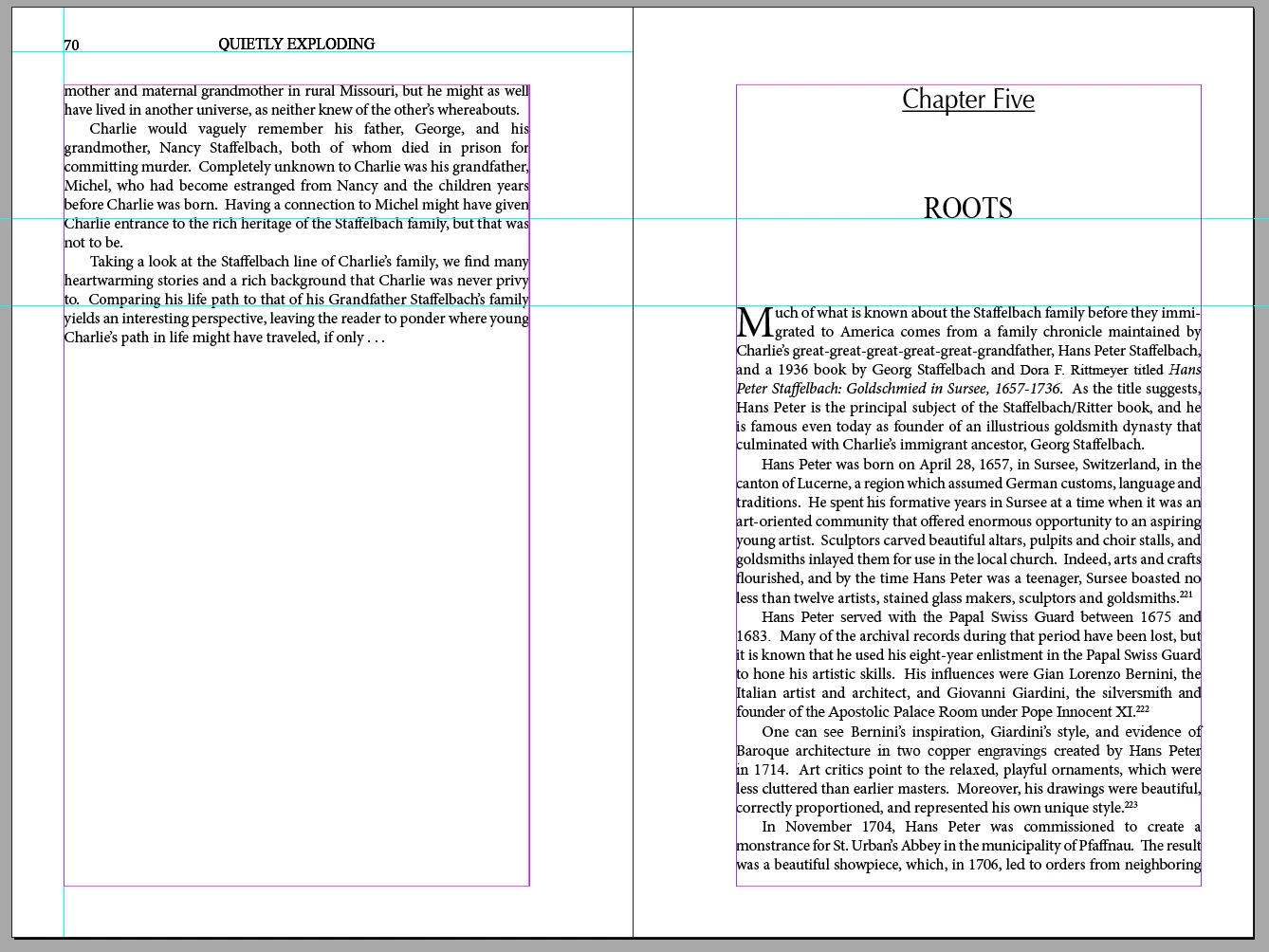
I have a book I've created in which each chapter has a chapter number at the top of the page, followed by the chapter title about an inch down, and then the chapter text begins about 3/4 of an inch below that. The chapter number, chapter title, and chapter text are all in their own text frames. I've done it that way because it's the only way I've been able to force the chapter to start in a new document, despite the fact that I have the "Split document" option under "Export Tagging" checked for the chapter number style. but unchecked for the chapter title style. If I go into Object Export Options for the chapter number text frame and turn on Insert Page Break > Before Image, it *will* go ahead and force a new chapter document—I've checked this in the HTML—but it still creates ANOTHER new document for the chapter title and chapter text, despite the fact that I have no options turned on for starting a new page for the chapter title—not as part of the paragraph style or in the object export options. What's more, if I remove the chapter title from the ID document page, it exports just fine: the epub shows a new page with the chapter number at the top and the chapter text below.
I've been trying to fix this off and on for days now. I've put the chapter number, chapter title, and chapter text all in one text frame, and it *still* breaks to a new page with the chapter title. This is maddening.
Check out the screenshots for more clarity. Thanks in advance to whomever can help me break this code. I'm at the end of my debugging rope.
This is what it looks like in InDesign. Note that Chapter Number is tagged to split the document, but Chapter Title isn't. And yet . . .
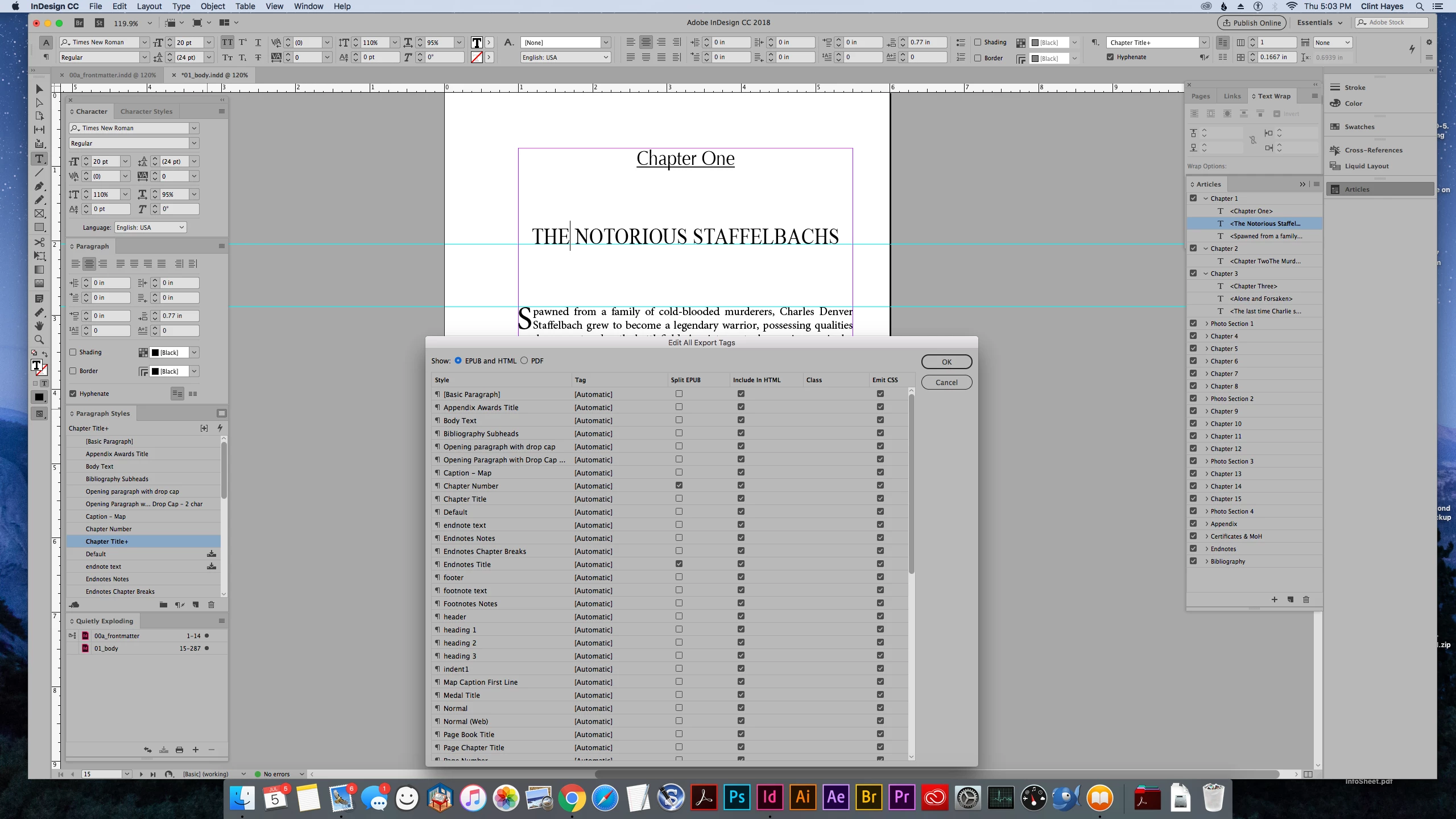
. . . this is what it looks like in the ePub, with the Chapter Number on its own page like it's supposed to be, but the Chapter Title on its own page like it's NOT supposed to be. IMPORTANT: The Chapter Number is on its own page ONLY because I told the Chapter Number text frame to break the page before the image under Object Options. Only using the epub split document tag—which you can see is *turned on*—doesn't work.
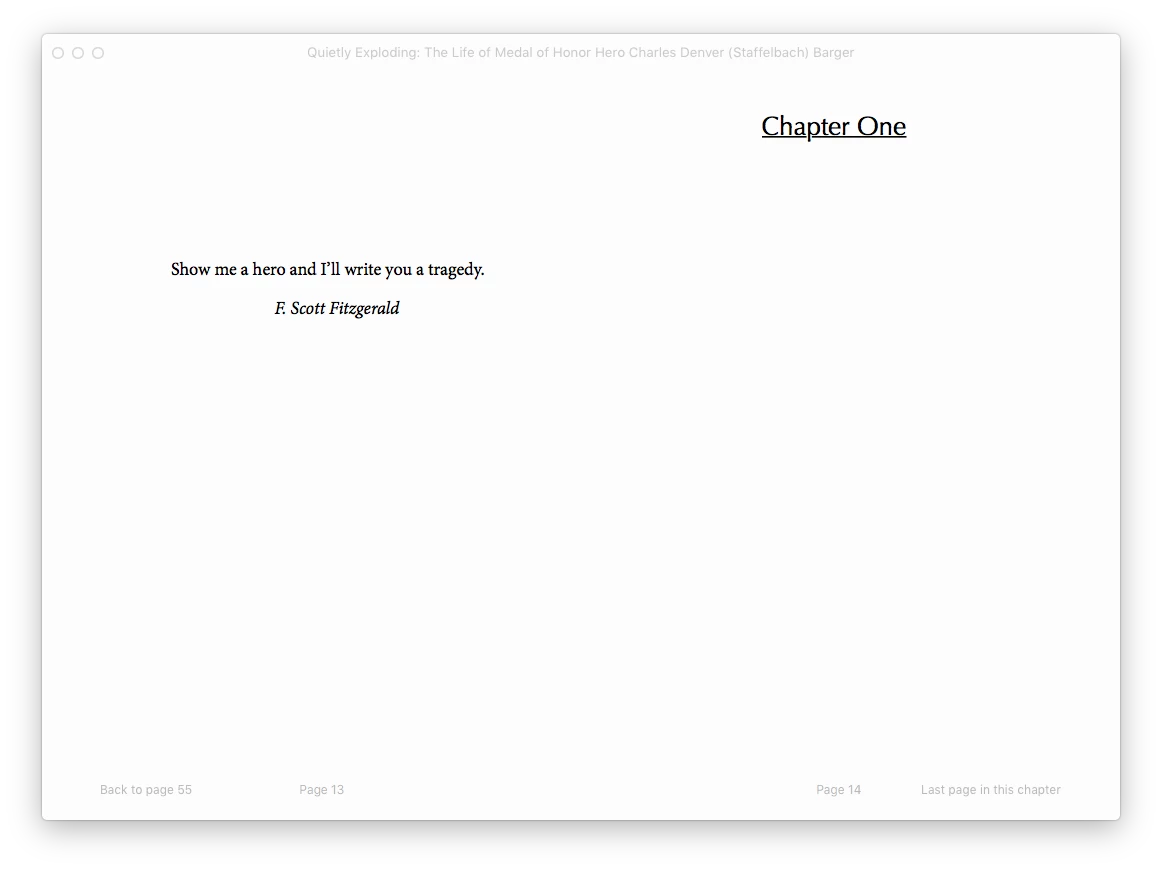
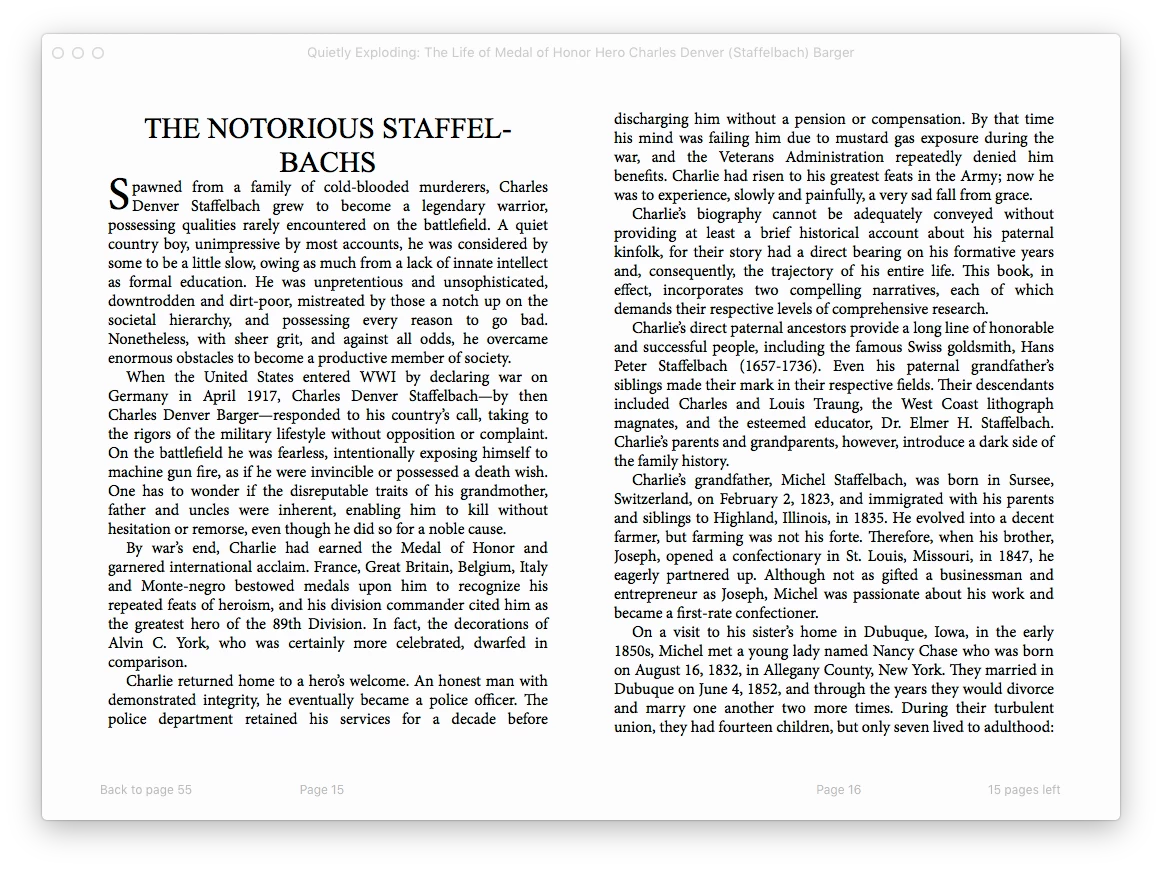
Here you can see what it's doing on chapters where I have NOT set the Chapter Number text frame object options to put a page break before the image. Despite having the epub split document option checked, it *does not* start it on a new page. In the HTML, the Chapter Number text appears at the end of the text for the previous chapter, and the next document begins with the Chapter Title text.


 AdChoices