

Answered
Illustrator item in PANTONE P Process Black U shows as composite black in InDesign
Dear Community,
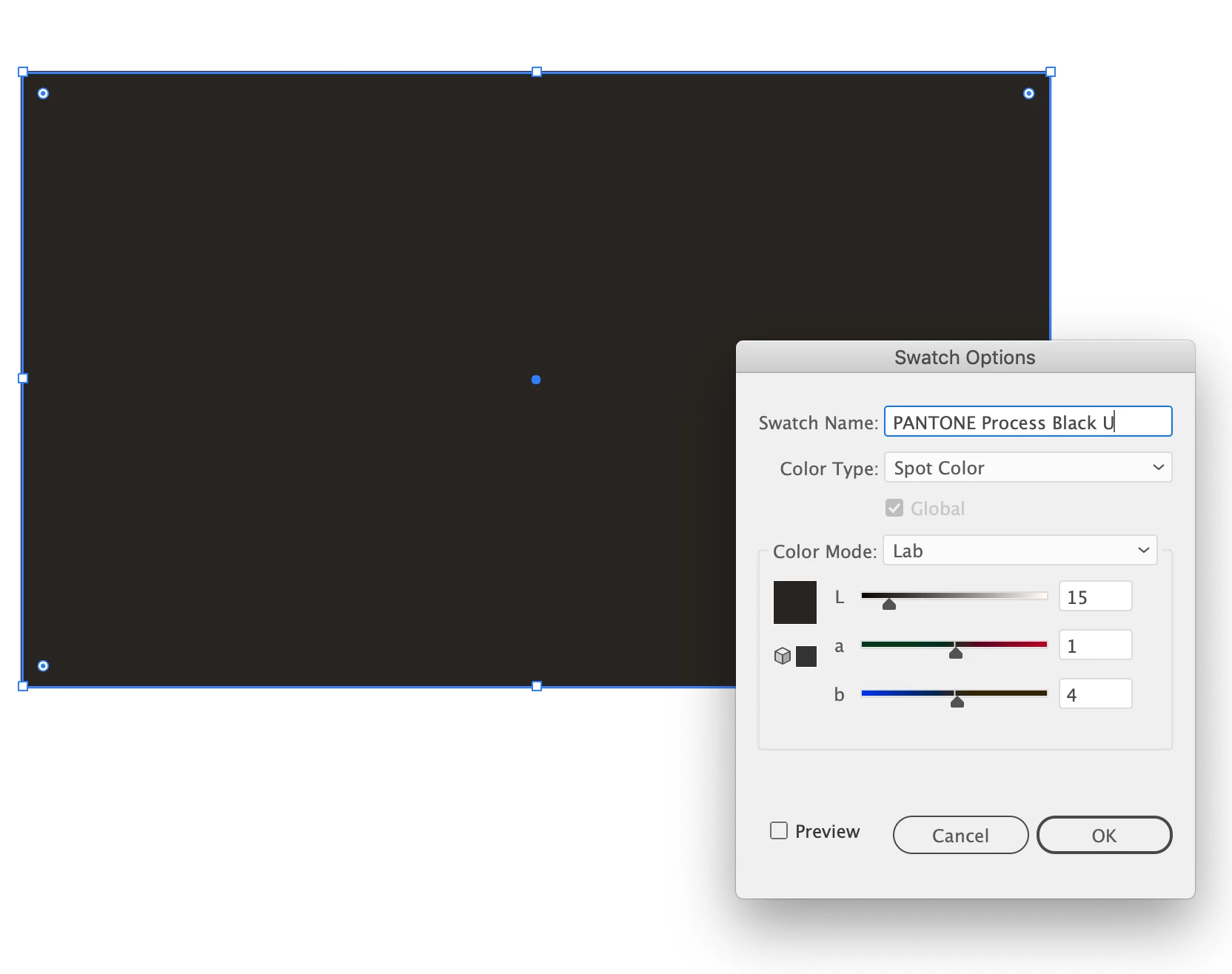
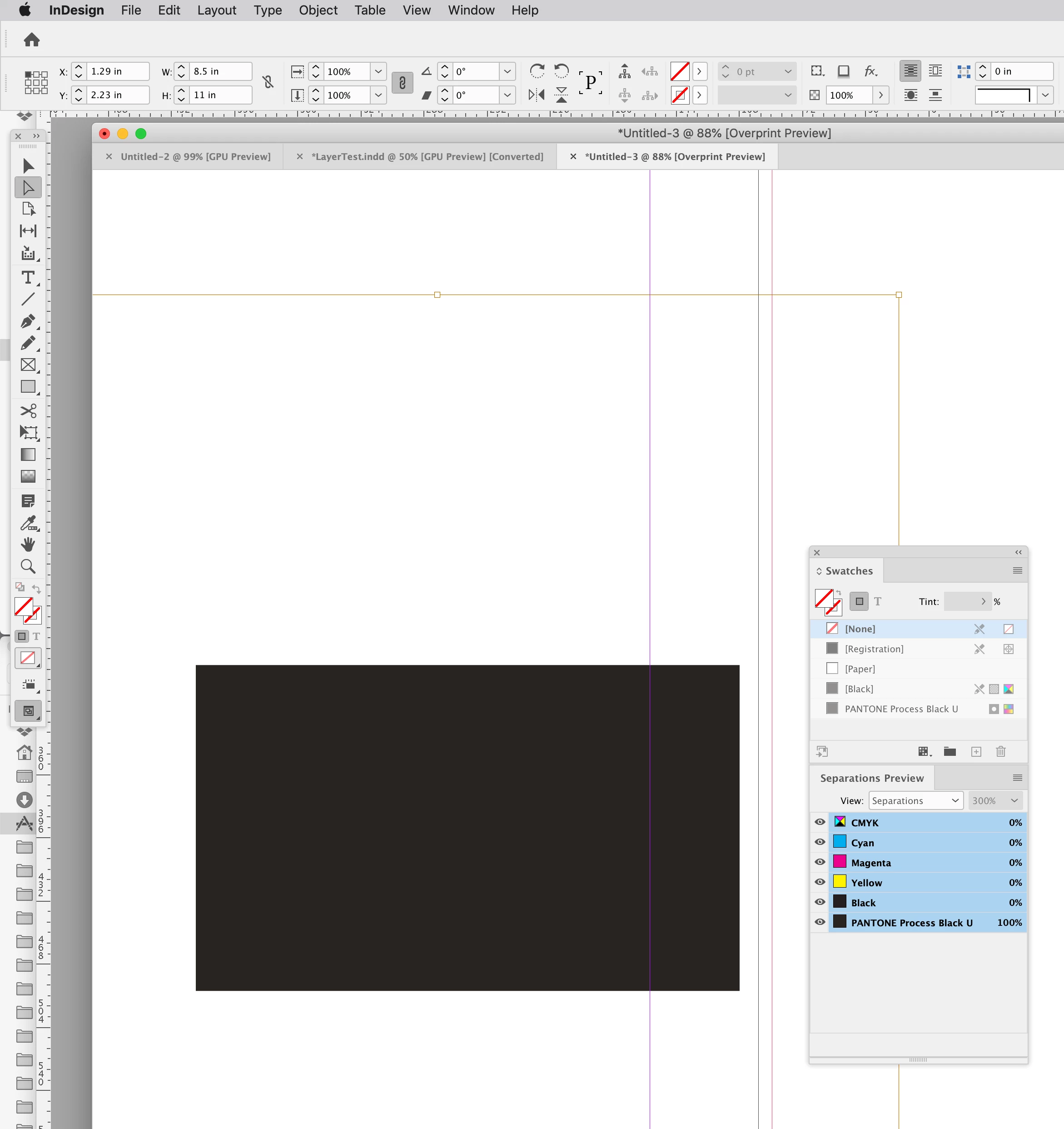
I set up a simple item in Illustrator, colour: PANTONE P Process Black U. File format is .ai. Placed in InDesign, Separations show it as C60, M69, Y71, K73. Any idea why, and how to have it appear as PANTONE P Process Black U?
Thanks
 AdChoices