OK,
My current plan is to replace all images with Adobe RGB profiled ones. That will also enable me to output to any color space I want without having to redo the images.
Then make sure the document's current profiles are set to AdobeRGB so there is no issue when exporting to PDF as CMYK.
My printer has told me the reason for the dark prints is because I am using an RGB monitor. True, but there is no such thing as a CMYK monitor, you can only simluate via soft proof.
Funny thing is, when I soft proof, the onscreen images go lighter.
I think my only option is to make the images lighter in the document. I could of course make my cdm2 in calibration lower, but I am not sure that is the best approach. It is currently at 100cdm2.
Regards,
Steve
My printer has told me the reason for the dark prints is because I am using an RGB monitor.
Your printer clearly doesn‘t understand how the Adobe color management system works. The assigned CMYK profile affects the soft proof of CMYK values, and the CMYK values of an RGB to CMYK conversion.
Funny thing is, when I soft proof, the onscreen images go lighter.
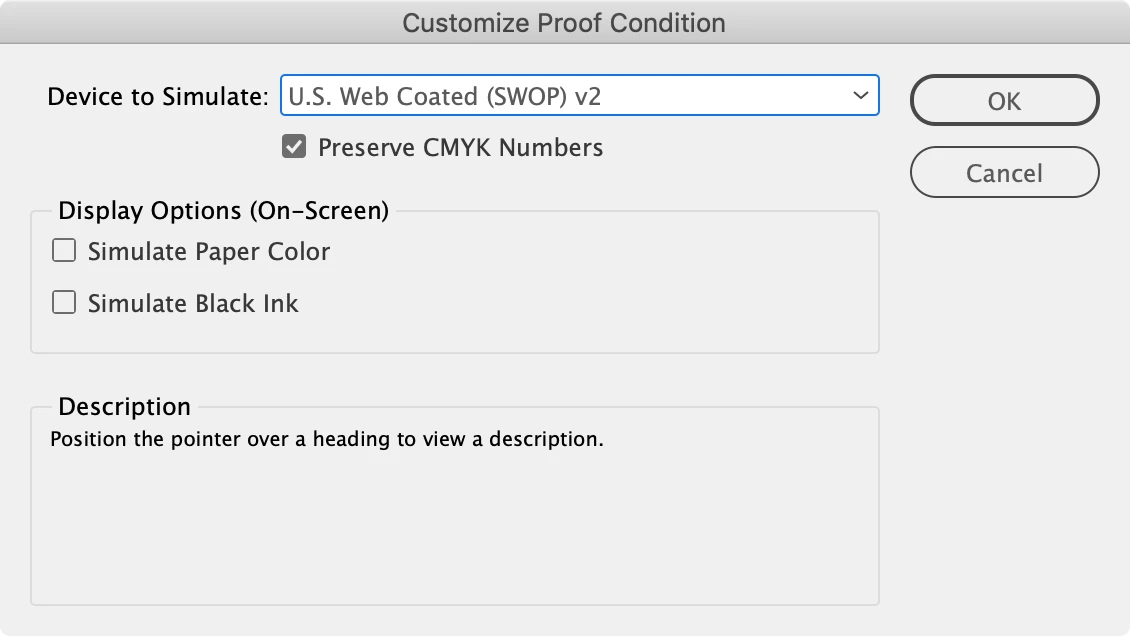
What profile are you choosing for Proof Setup? Try setting the Proof Setup to US Sheetfed Coated with Preserve CMYK Numbers checked, and the soft proof of your US Web Coated SWOP images should darken. This proofs the document CMYK numbers as they would print on a US Sheetfed Coated press:


 AdChoices