
gggraphicsEvan
Participant
May 30, 2018
Answered

Images placing cropped/incorrect sizes - how to fix?

  • May 30, 2018
  • 1 reply
  • 696 views

Hello,

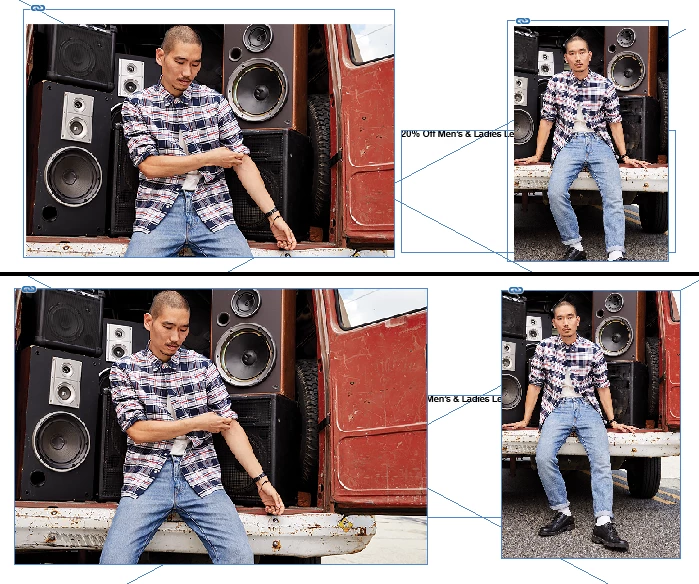
I'm having a problem where InDesign is placing images cropped and sized differently from their initial frames, which is a nuisance, and requires running "Fit Frame to Content" to fix whenever I place an image link. I have a screenshot attached showing the initial placement/cropping, and then the actual image links after resizing the frames to the actual dimensions of the link. I have never had this happen before. Does anyone know how to fix this, or experienced this before?
This topic has been closed for replies.
Correct answer Laubender

Hi,

check the frame fitting options.

Can you show a screenshot of that before you place an image?

Regards,
Uwe

1 reply

LaubenderCommunity ExpertCorrect answer
Community Expert
May 30, 2018

Hi,

check the frame fitting options.

Can you show a screenshot of that before you place an image?

Regards,
Uwe

gggraphicsEvan
Participant
May 30, 2018

That did it! Under Frame Fitting Options, it had somehow been set to crop by default. By deselecting any objects and then removing the crop settings under Object/Frame/Frame Fitting Options, the problem is gone! Thank you!

Article: Work with frames and objects in InDesign