

Images with text explanation (legend)?
I am working on a new book and was wondering if there is proper way in InDesign to add text explanation to image, as shown in example below:
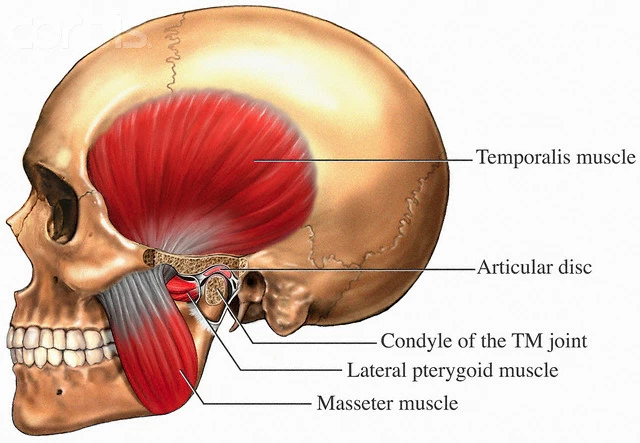
The way i've done this before was to prepare this kind of images (with text explanations) in Photoshop, but that way was making other problem - i do not know in advance the exact image dimensions and often need to rescale the image in InDesign (to make it smaller or bigger). Image rescaling of course changes font size of text explanation, which brings us to an uneven text size across different images in same text, which is definitely something not desirable. So i want somehow to add this text explanations in InDesign so i could stylize that text evenly, but on the other hand i want those text frames to follow text (and image) flow automatically.
Is there a solution for this in InDesign?
 AdChoices