
Importing excel cell range information to Indesign with javascript
Hi Developorers!
I have managed to import information from an excel table into indesign with js, I am curently using the dialog box and placing the result to a certain layer:
var myExcelFile = File.openDialog("Choose the excel file");
app.documents.item(0).layers.item("data").textFrames[0]place(myExcelFile);
My question is the following:
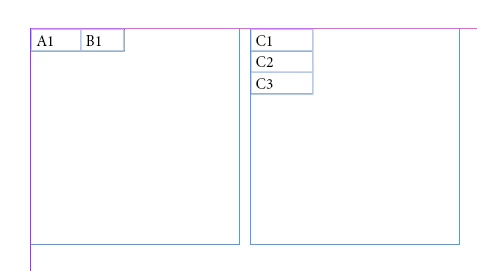
Is there a way to import certain data from different places of the excel sheet? What I would like to do is get data from two or more pages of the spreadsheet, ie page1(a1:b1), page2(c1:c3)
I have seen how I can import certain range data using app.excelImportPreferences, but this will only import a SINGLE range of data ie page1(a1:b1).
How can I import more data ranges using js?
The excel file is very complicated and converting everything to an array would not be a good solution in this particular case.
Any advise will be more than welcome.
 AdChoices