
Importing multiple page .doc or docx files InDesign 14.02 - OSX
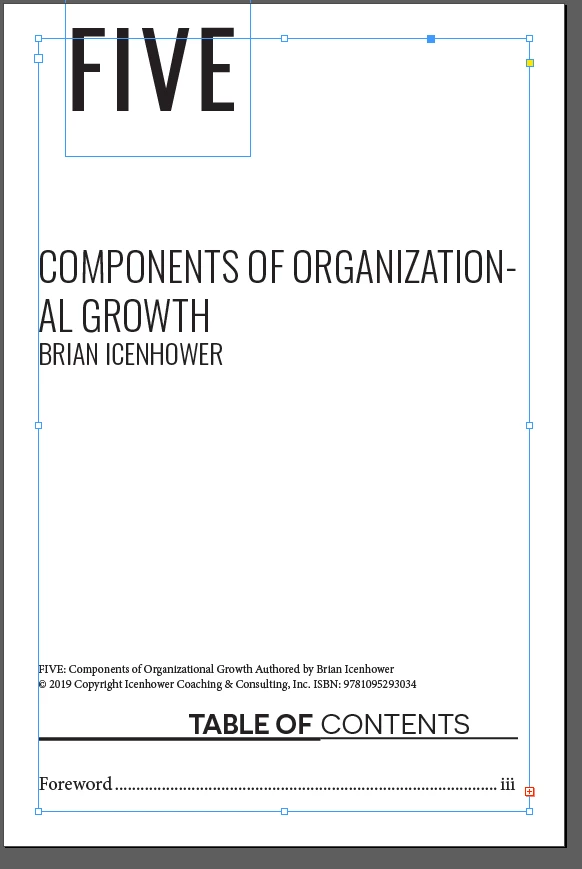
Trying to use the place command to import a doc file with multiple pages into a new.indd file. When I do this I get the red cross on the bottom right. I tried this with placing a .doc and again using a .docx ( I'm on a mac) I have to be doing something wrong as I have not had this trouble on my last project . This .doc is converted from a.pdf file saved both as a .doc and .docx
Figuring it was the file itself I tried to import OTHER .doc files I have and I get the same result.
I'm placing this doc into a new .indd file that has 100 pages, no matter what I tried I cant get the text to flow to the rest of the pages
Pics below are the screenshot of the red cross and the second image is to show I have Smart text Reflow on.
Any help, this is killing me.
MD

 AdChoices