
Answered
Importing Swatches from One Indes into Another
Hi there Community!
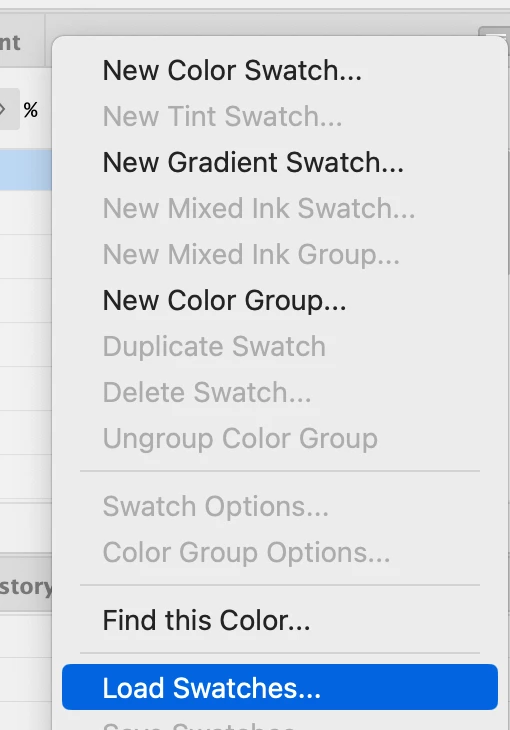
I used to be able to use this very handy way of importing swatches from one InDesign doc into another, whereby in 'Swatch Options' you'd choose 'Other Library' and then the document you want to copy/ import swatches from and e voila.
I've done this a week or so ago and all worked fine. When trying it yesterday I noticed I can no longer bulk choose swatches by clicking shift/ ctrl - I have to add swatches one by one (very tedious). The 'Add' button is also now missing.
A nifty tutorial that describes the method: https://www.youtube.com/watch?v=9aT-4h7BODk
Does anyone know why this option is now apparently unavaliable?
I'm on Windows and INDD version 20.4
TY!
 AdChoices