

Frans van der Vleuten
Known Participant
February 20, 2025
Question

Impossible to assign keyboard shortcut to 'Make Hyperlink'

  • February 20, 2025
  • 2 replies
  • 340 views

(I need to translate everything from Dutch to Englsih, so maybe some words are not translated right)

Hello!

I need to assign 100+ hyperlinks to different elements in my InDesign file, so I need keyboard shortcut to do it faster. But if I check keyboard shortcuts, I can not select 'Make Hyperlink' or anithing related. It is just not in the list.
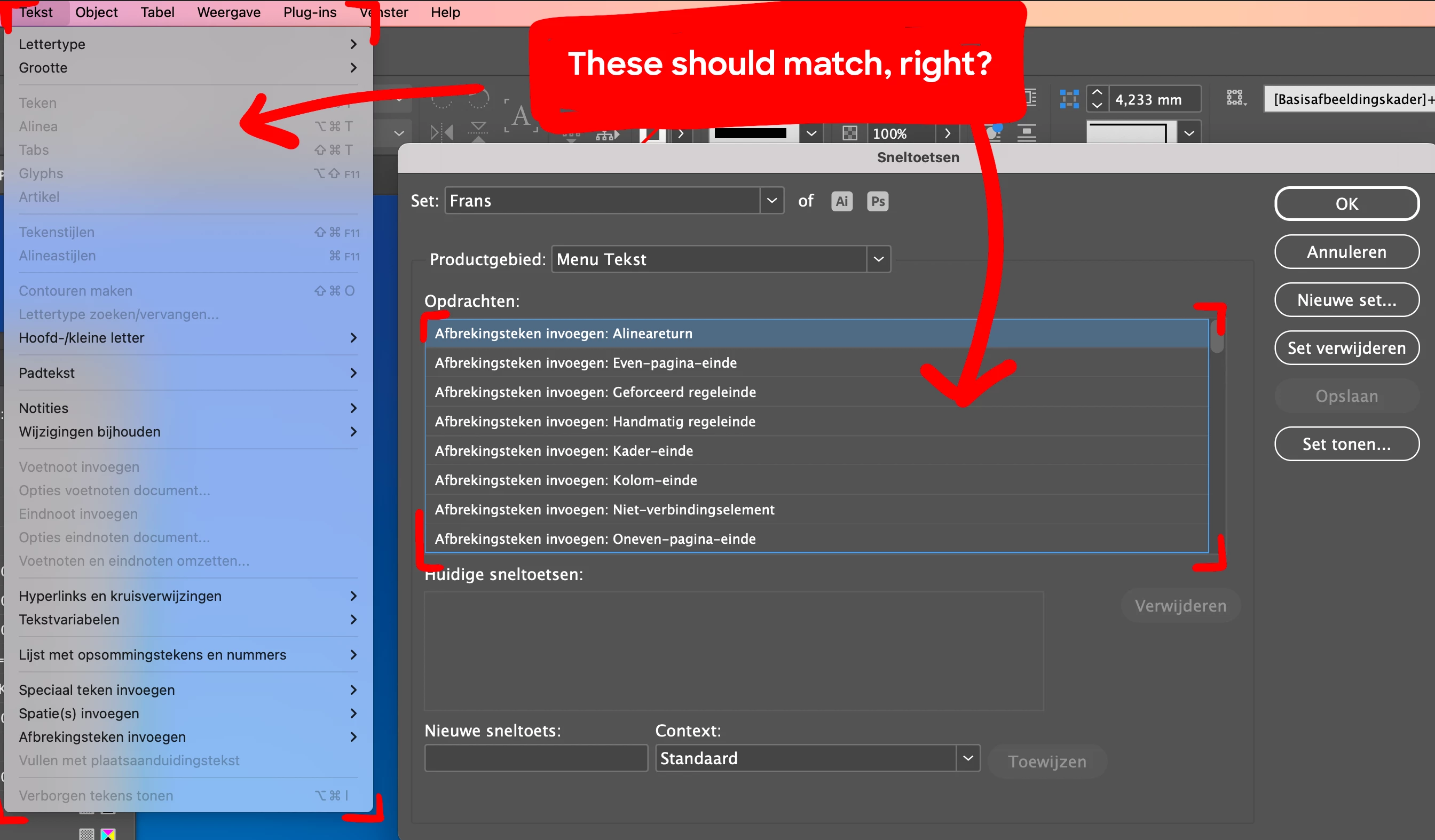
 

How can I assign a shortcut to 'Make hyperlink'?

2 replies

Robert at ID-Tasker
Legend
February 20, 2025

@Frans van der Vleuten


If there is a pattern - it could be scripted. 


Community Expert
February 20, 2025

In the option for  Product Area: <select> Panel Menus


scroll  down to the Hyperlink section - it should be in alphabetcial order

In the panel in the bottom - says New Shortcut - insert your text short cut you want to use

If it's occupied - you may change the context to Text or something similar - and see if it's used there.

So only when you are editing Text the shortcut works.  


Then save your Set 

Frans van der Vleuten
Known Participant
February 20, 2025

Hello Eugene,

Thanks for your fast reply! Unfortunately when I select 'Panel menu's', I only see these option for shortcuts:

(those all have something to do with History, but no Hyperlinks or anyrthing.)

Why does my list differ from yours?

Community Expert
February 20, 2025

Well... that's not right


Try resetting your preferences:

Windows: Start InDesign, and then press Shift+Ctrl+Alt. Click Yes when asked if you want to delete preference files.
macOS: While pressing Shift+Option+Command+Control, start InDesign. Click Yes when asked if you want to delete preference files.
A dialog will appear asking to delete the InDesign Preferences, select 'Yes' on this dialog.
Further info and instructions here if needed:
https://helpx.adobe.com/in/indesign/kb/indesign-preferences-support-file-locations.html