Hosun
Inspiring
July 30, 2024
Answered

in-book Cover and uploading EPUB

  • July 30, 2024
  • 1 reply
  • 934 views

Hi,


1.

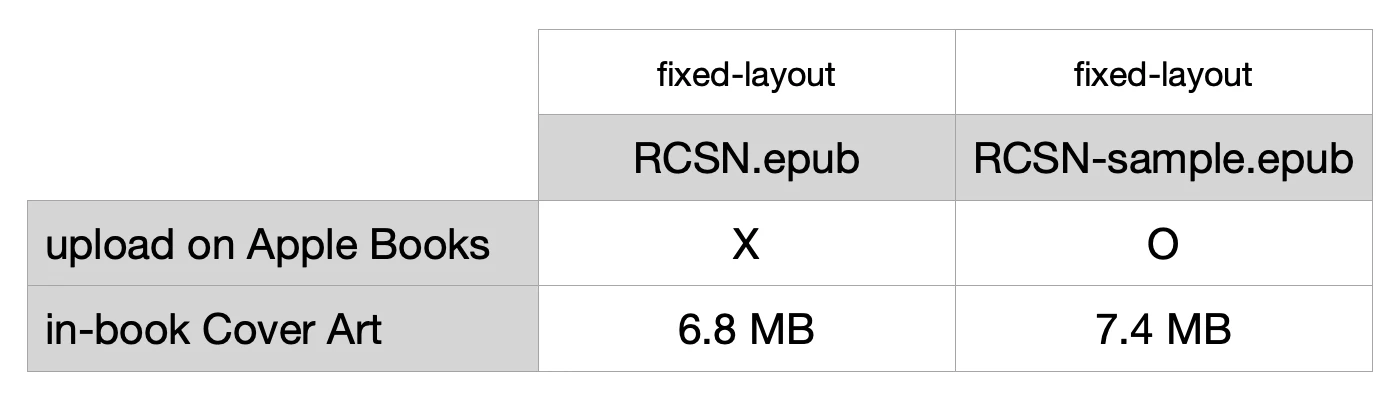
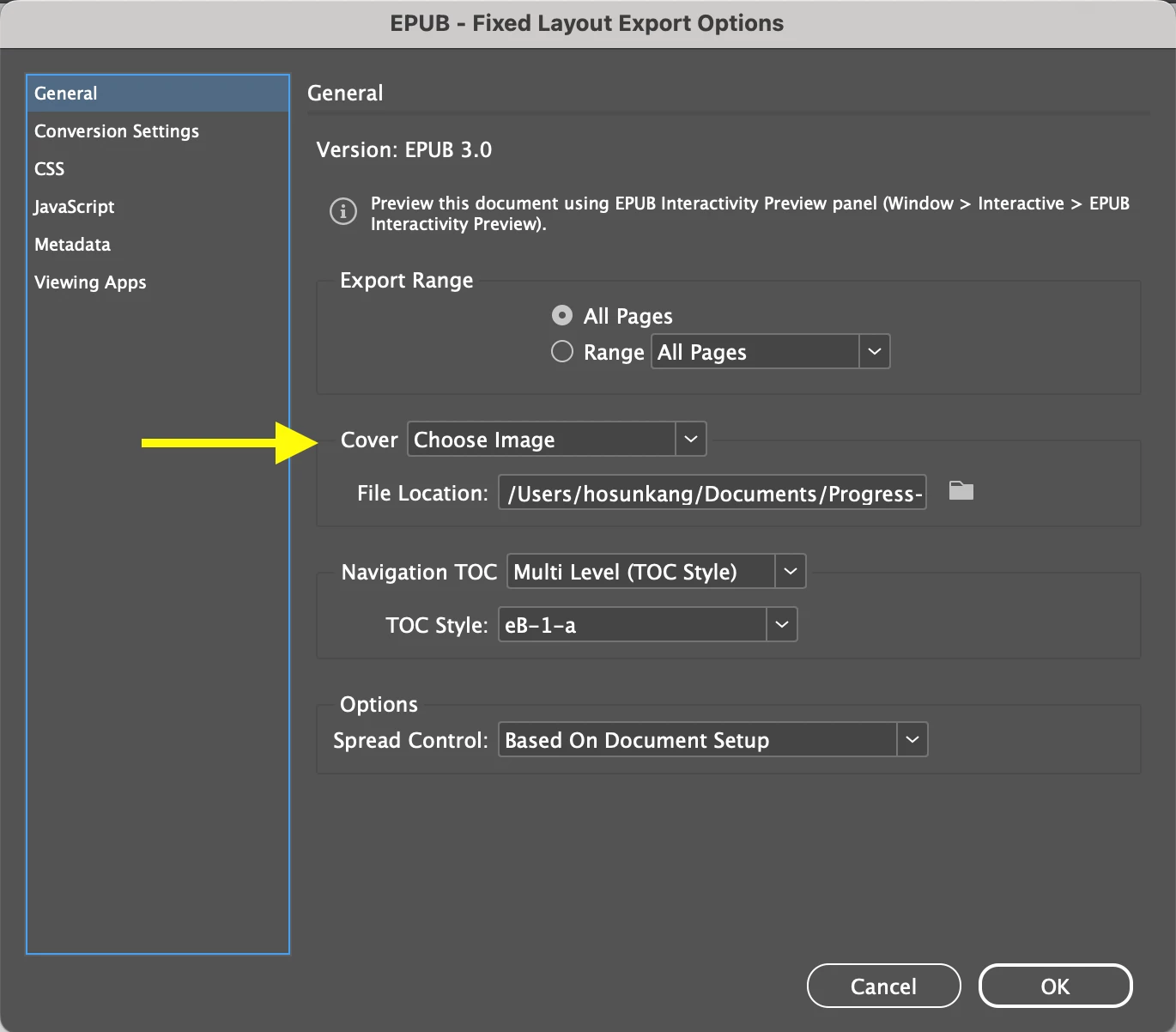
[Screenshots 1 and 2]

I was uploading Fixed-Layout EPUBs on Apple Books.

One was failure and the other was success.

The cause of the failure was the file size of the in-book Cover.


To upload EPUB on Apple Books, there is a limit to the image file, which is 10 MB per XHTML.

The in-book Covers of two EPUBs are below 10 MB. 


2.

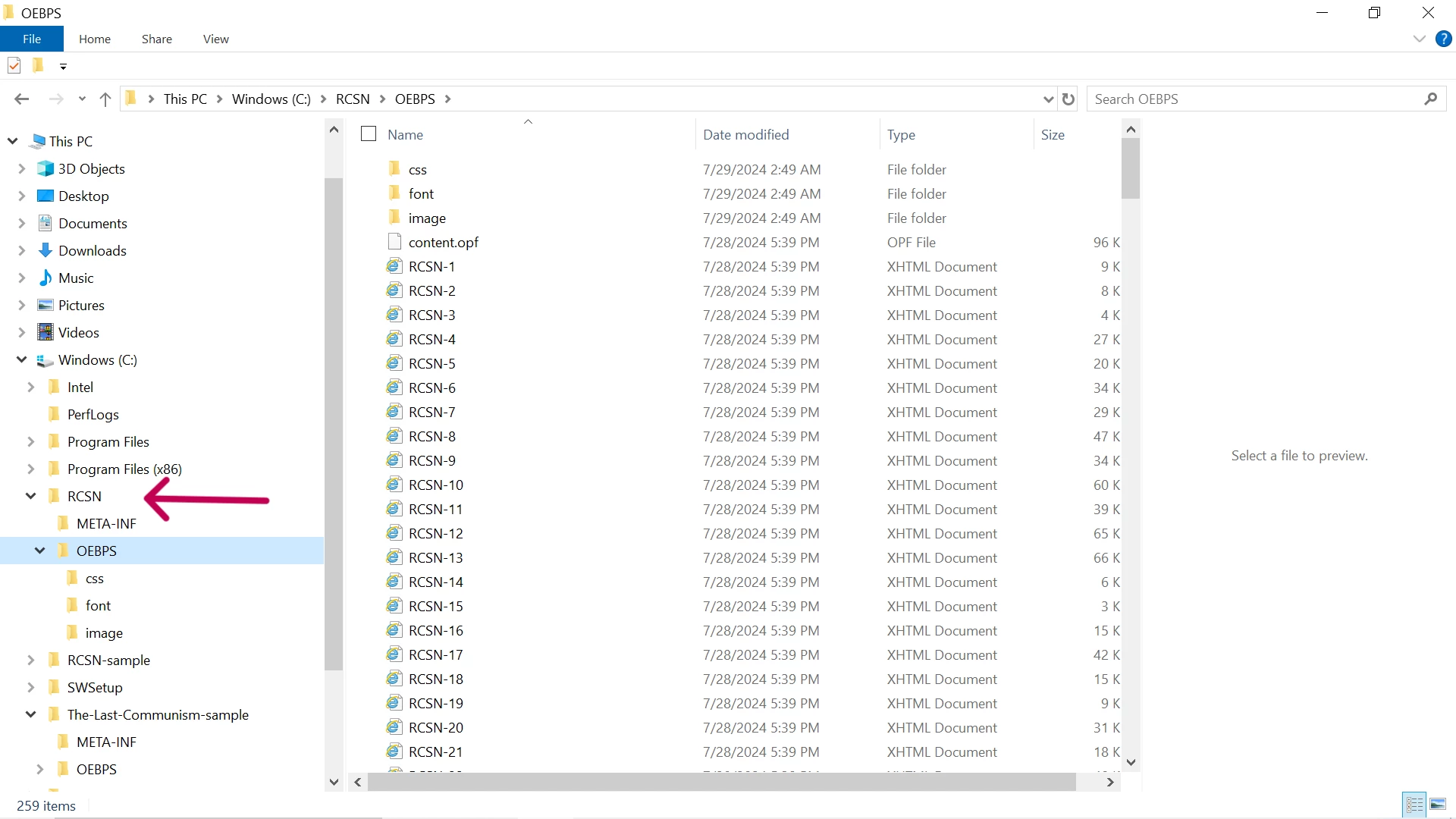
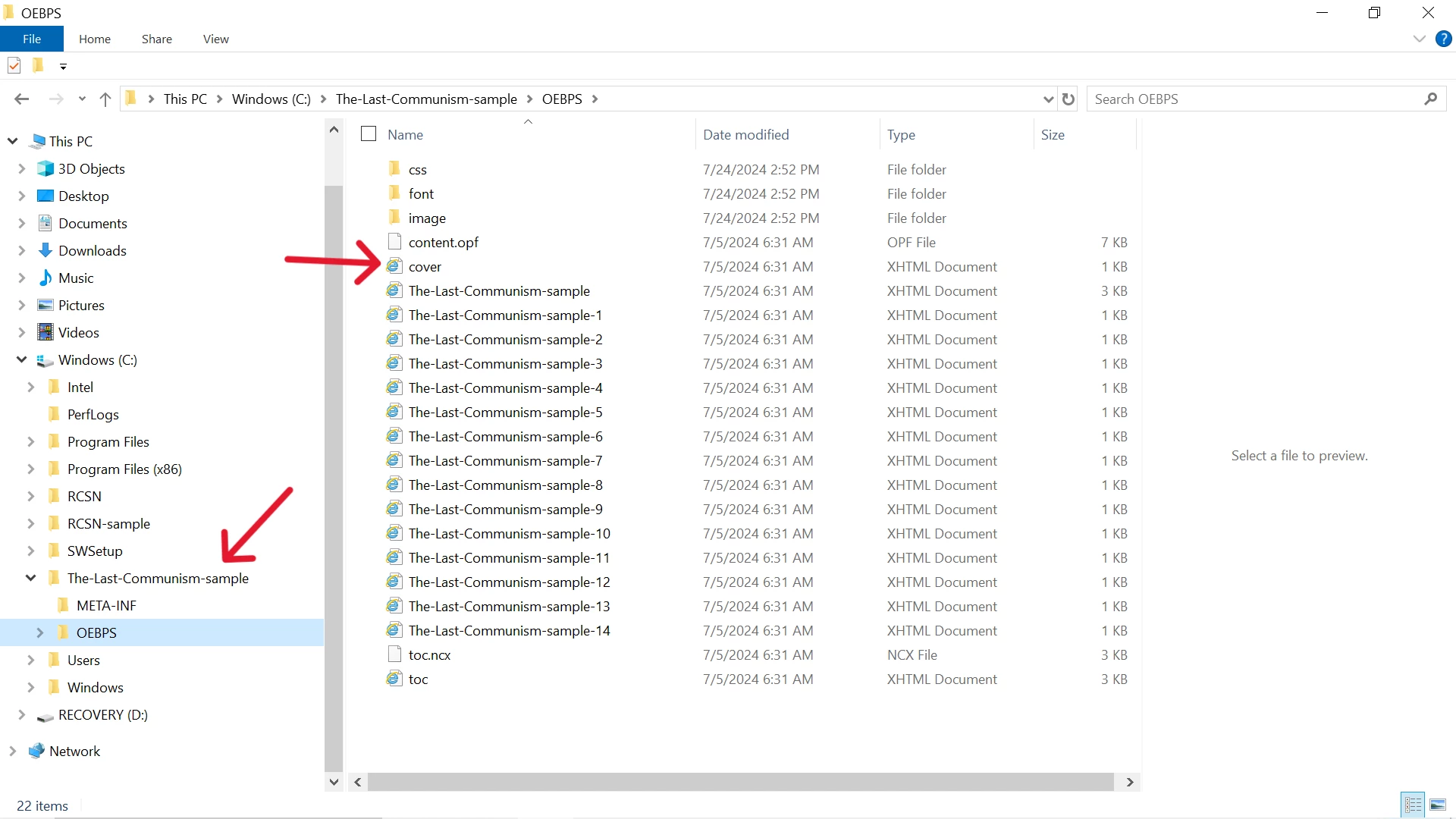
In Fixed-Layout EPUB, there is no XHTML for Cover (Screenshots 3 and 4).

Is it associated with the failure in uploading EPUB on Apple Books?


I could upload the EPUB, after reducing the file size of the in-book Cover.


Hosun 


This topic has been closed for replies.
Correct answer James Gifford—NitroPress

I was talking about the size of image, not EPUB.


In Apple Books, there is also out-of-book Cover. It is not subjected to the 5.6 MN pixel limit and is required to be less than 20MB. 

And I have another question. 


9 years ago, I self-published a book and it is on Amazon. I want to add some to book details (Screenshot 1).


I contacted via Author Central (Screenshots 2, 3, 4).


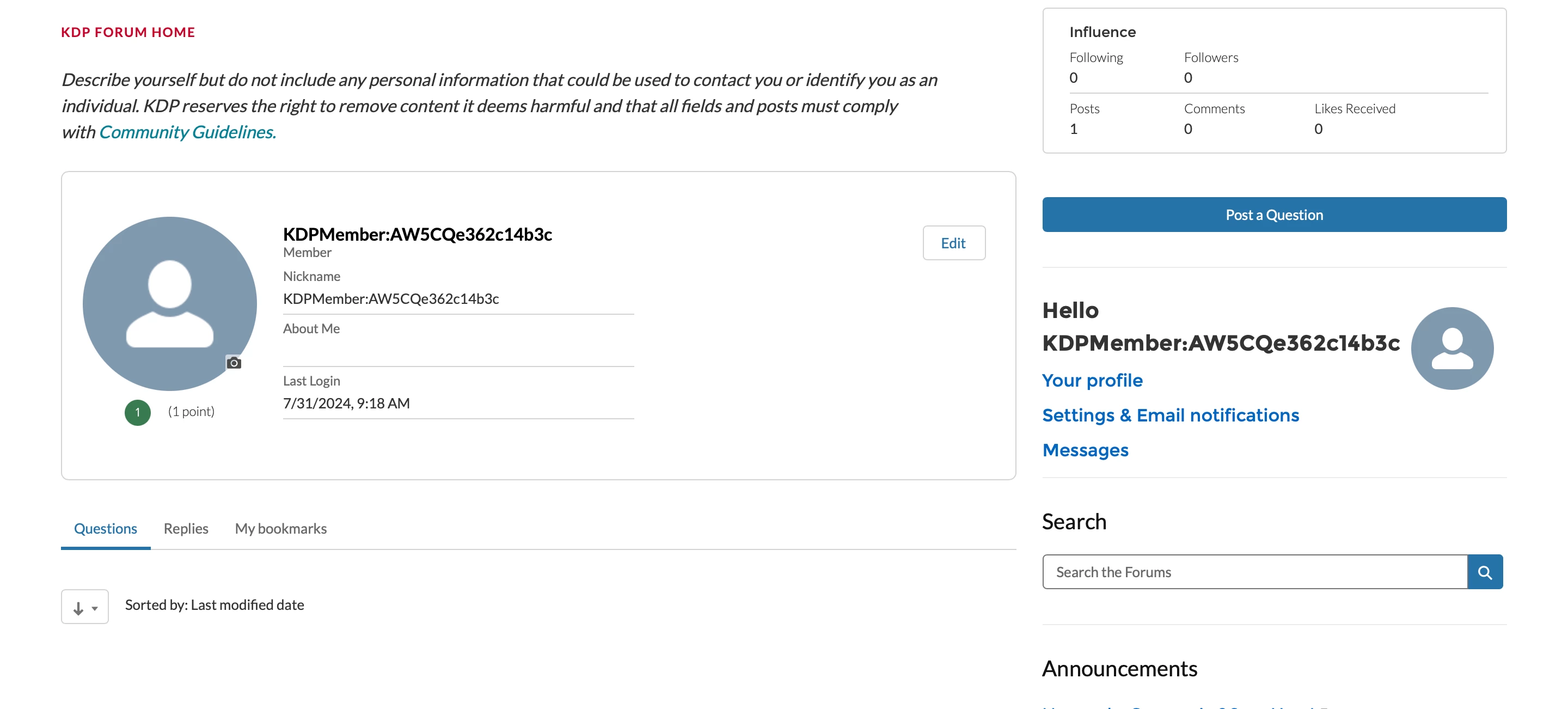
I also posted a question on KDP Community (Screenshot 5). 

No response yet. 

Is all that I can do is to wait?


Hosun


Screenshot 1
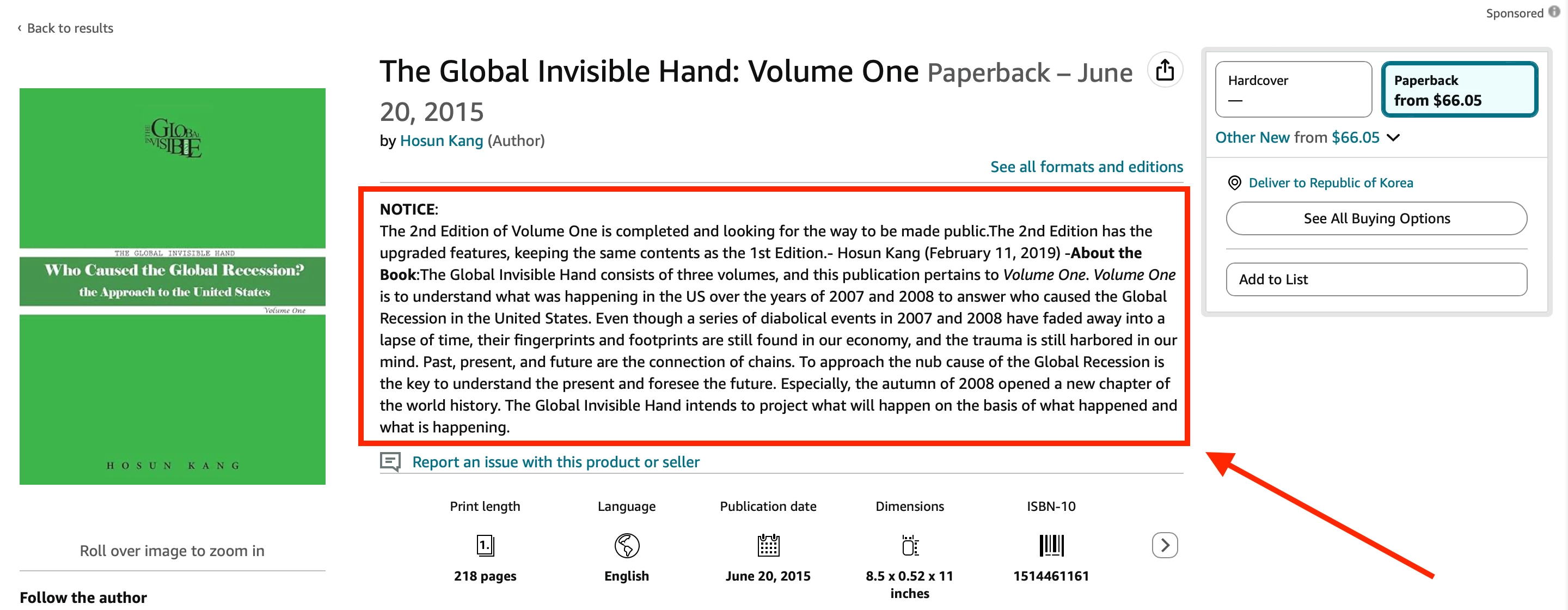

Screenshot 2
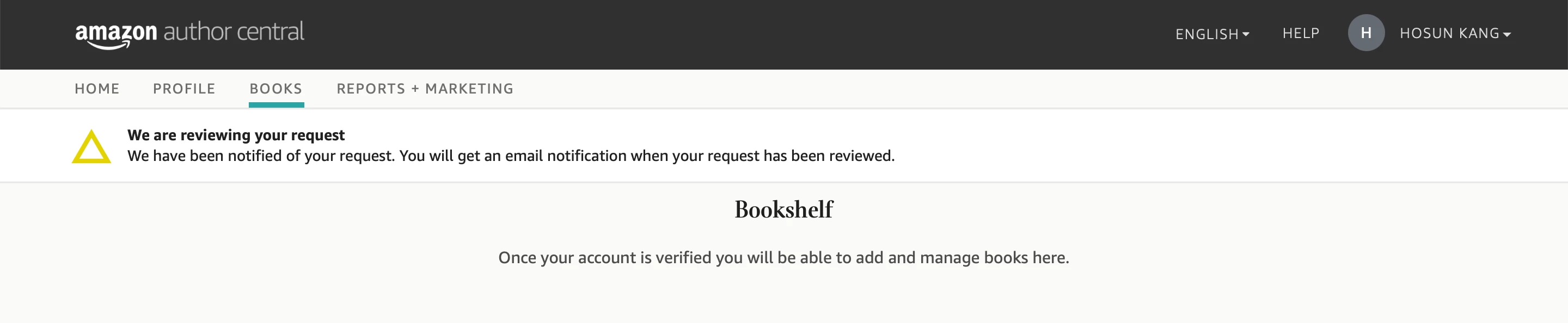

Screenshot 3
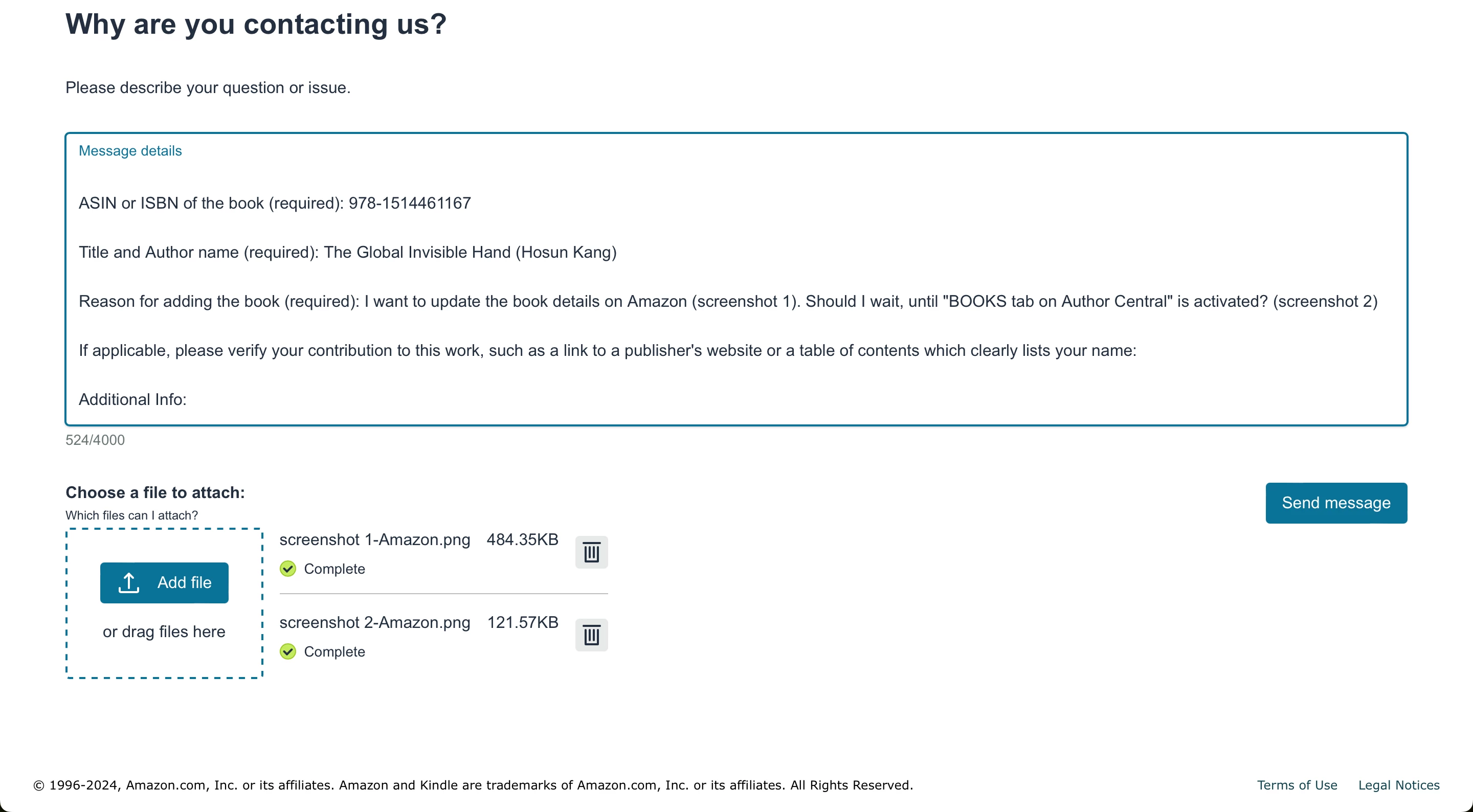

Screenshot 4
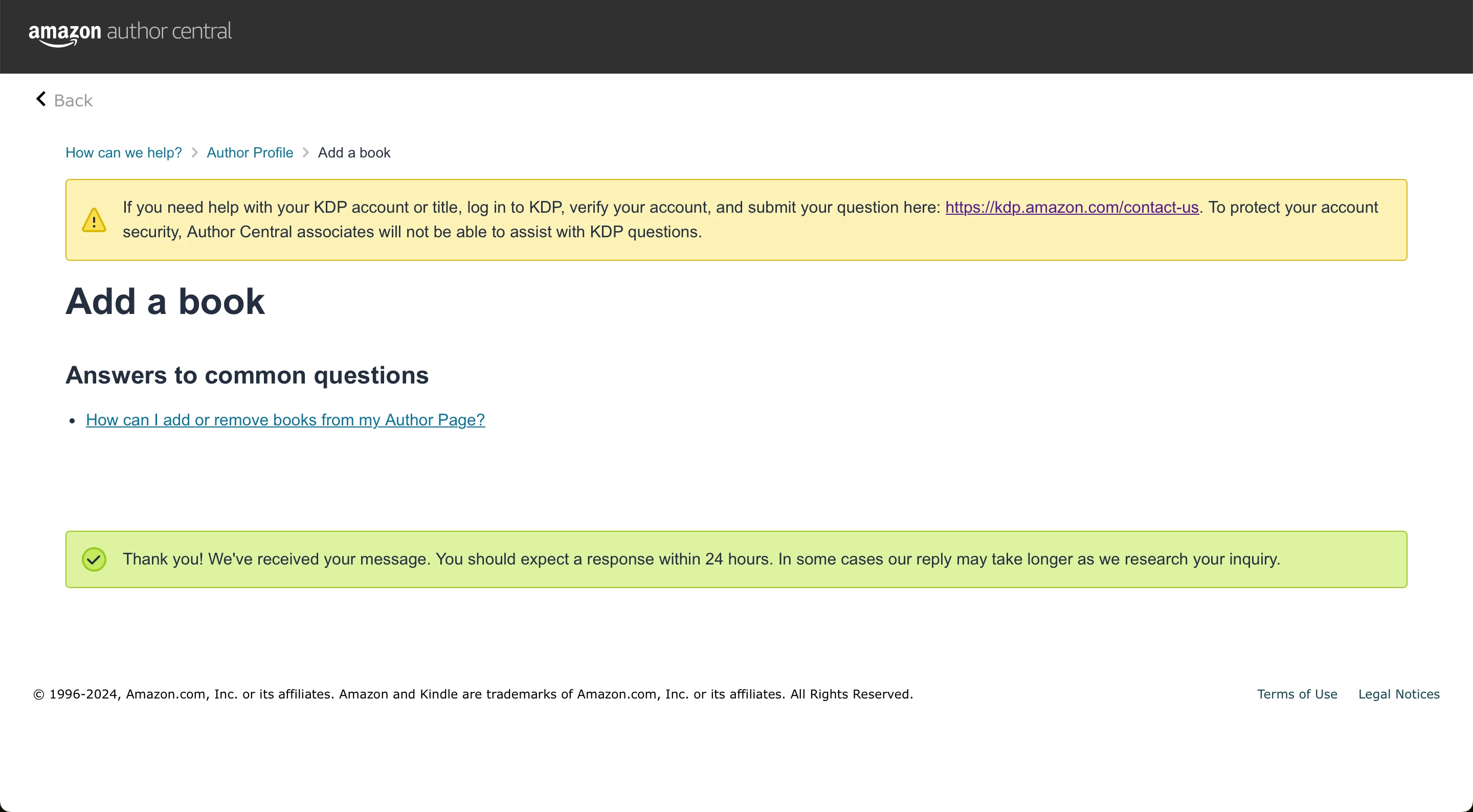

Screenshot 5


I don't understand why the book portals ask for or allow such gigantic cover images. Seems like a waste of their storage space for images that will be displayed only at modest digital size. But not my call or concern, I guess. 🙂


I would simply update the materials for your book on KDP. There are supposedly rules and requirements for updates, and anything past some modest change is supposed to be set up as a new book or edition, but I have books I have updated at regular intervals and never been challenged on the point. I'd recommend not drawing too much attention, such as by asking KDP support specfic questions about a specific title.


KDP support is... nearly useless, even if you can get them to answer in the first place.


KDP's forum is... completely useless unless you ask a first-step, ignorant-novice question that can be answered with boilerplate or a pointer to a (probably outdated) KDP help page. I wouldn't bother trying to get useful responses or help from either entity.


1 reply

James Gifford—NitroPress
Legend
July 30, 2024

Those cover files are MASSIVELY too large. I've never heard of an error resulting from size, but an EPUB/Kindle cover image should be ~200k JPEG and no larger.


The somewhat flexible and ill-defined rule is 300ppi with a nominal 6-inch screen width, or 1800 pixels wide by about 2700 pixels high — and that, to me, is enormous for the relatively low-resolution purpose. My covers of that scale are right around 200k.


Reduce those file sizes. They're not for print.

Hosun
HosunAuthor
Inspiring
July 31, 2024

Usually, the size of in-book Cover and other images is less than 1 MB for Apple Books. In that case, I used some effects in Adobe Illustrator. It inflated the file size. After removing the effect, the file sizes are 275 KB and 283 KB.


Apple Books also requires the pixels to be less than 5.6 M. 


Thank you very much.


Hosun

James Gifford—NitroPress
Legend
July 31, 2024

I was talking about the size of image, not EPUB.


In Apple Books, there is also out-of-book Cover. It is not subjected to the 5.6 MN pixel limit and is required to be less than 20MB. 

And I have another question. 


9 years ago, I self-published a book and it is on Amazon. I want to add some to book details (Screenshot 1).


I contacted via Author Central (Screenshots 2, 3, 4).


I also posted a question on KDP Community (Screenshot 5). 

No response yet. 

Is all that I can do is to wait?


Hosun


Screenshot 1


Screenshot 2


Screenshot 3


Screenshot 4


Screenshot 5


I don't understand why the book portals ask for or allow such gigantic cover images. Seems like a waste of their storage space for images that will be displayed only at modest digital size. But not my call or concern, I guess. 🙂


I would simply update the materials for your book on KDP. There are supposedly rules and requirements for updates, and anything past some modest change is supposed to be set up as a new book or edition, but I have books I have updated at regular intervals and never been challenged on the point. I'd recommend not drawing too much attention, such as by asking KDP support specfic questions about a specific title.


KDP support is... nearly useless, even if you can get them to answer in the first place.


KDP's forum is... completely useless unless you ask a first-step, ignorant-novice question that can be answered with boilerplate or a pointer to a (probably outdated) KDP help page. I wouldn't bother trying to get useful responses or help from either entity.