

Inconsistent Bleed in PDF Exports from InDesign vs. Illustrator
Hi,
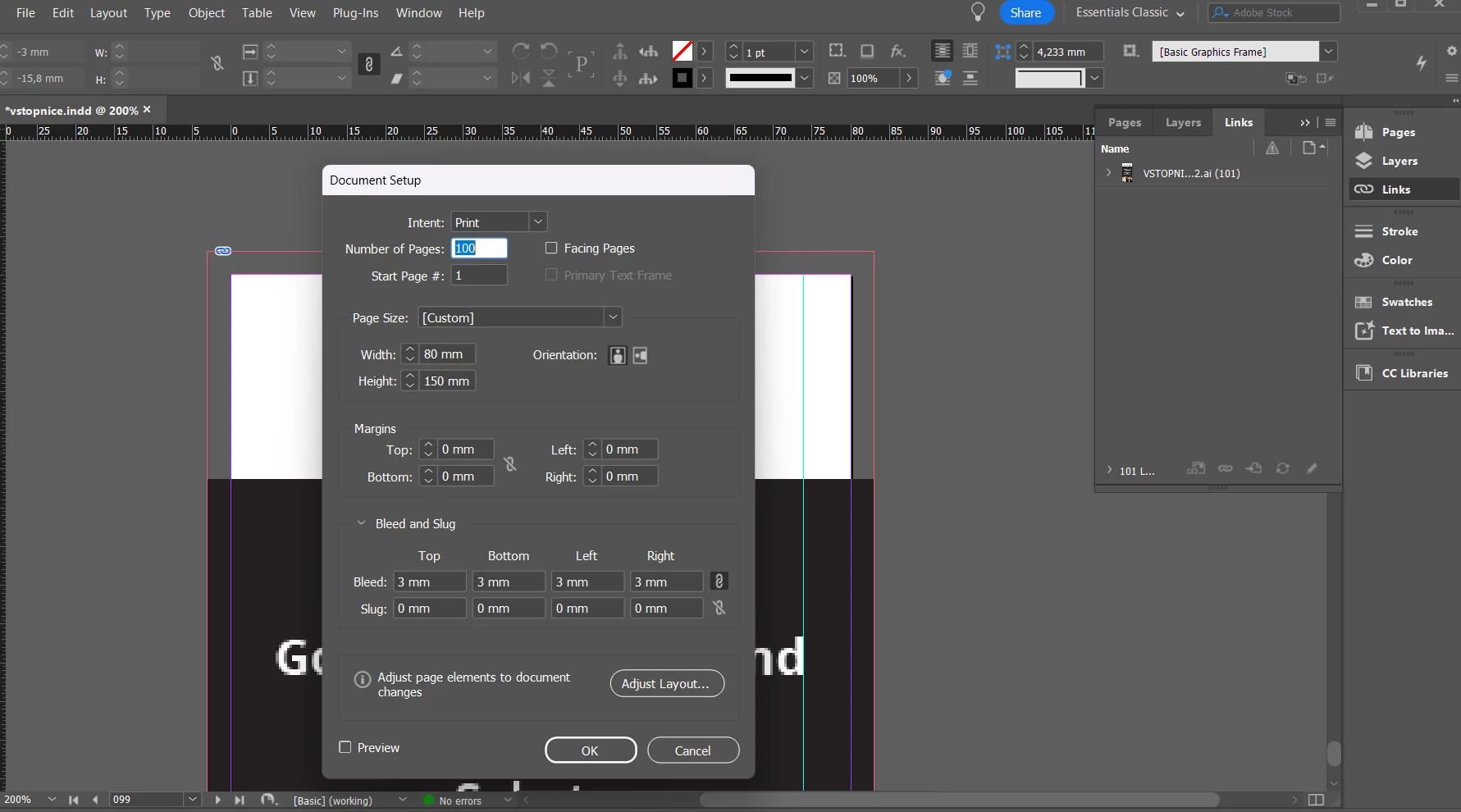
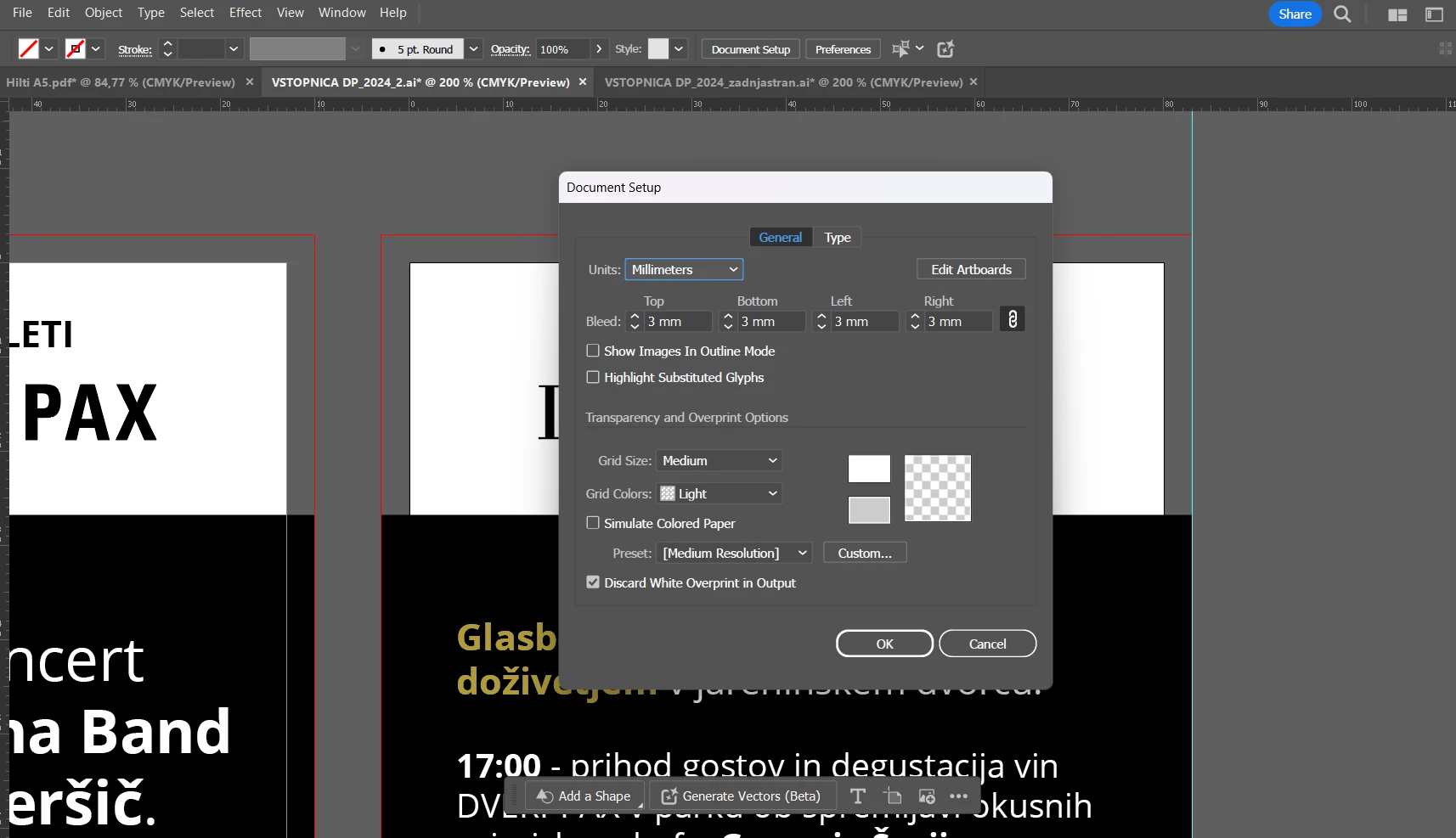
I'm having trouble with export to pdf with bleed. When I export the same file from indesign and illustrator, bleeds are just notr the same. I have indesign file with numeration with dimensions 80x150mm + 3 mm bleed and ai file with the same dimensions. When I export to pdf from both programs artboard dimension stays the same but bleed is different.
IDD file:
AI file:
PDF export (first one - Indesign file has actual 3mm bleed and Illustrator file has actual 5mm bleed when printed):

In indesign I use options High quality print and in Marks and in bleeds settings I check the boxes Crop marks and Use document bleed settings. In Illustrator I use export options High quality print and in Marks and in bleeds settings I check the boxes Trim marks and Use document bleed settings.
If I save the same file from Illustrator in Indesign than the bleeds are aligned.
Any idea why this problem occurs?
<Title renamed by MOD>
 AdChoices