
Inspiring
May 9, 2022
Answered

Incorrect or corrupted images in all indesign files?

  • May 9, 2022
  • 2 replies
  • 4180 views

Good afternoon,

I am having problems with all my indesign files.

I work via a hard disk and macbook Pro 16-inch 2019

Last week I wanted to save an illustrator file on my hard disk, but unfortunately this didn't work. I also could not save indesign files on my hard disk. This can be done in a roundabout way: I can save them on my desktop and transfer them to my hard drive.


Now the following problem occur which is the baddest part of all:

I tried to open an indesign file from my hard drive and saw that all the images were corrupted. Well .. this can only be seen visually. See screenshot.
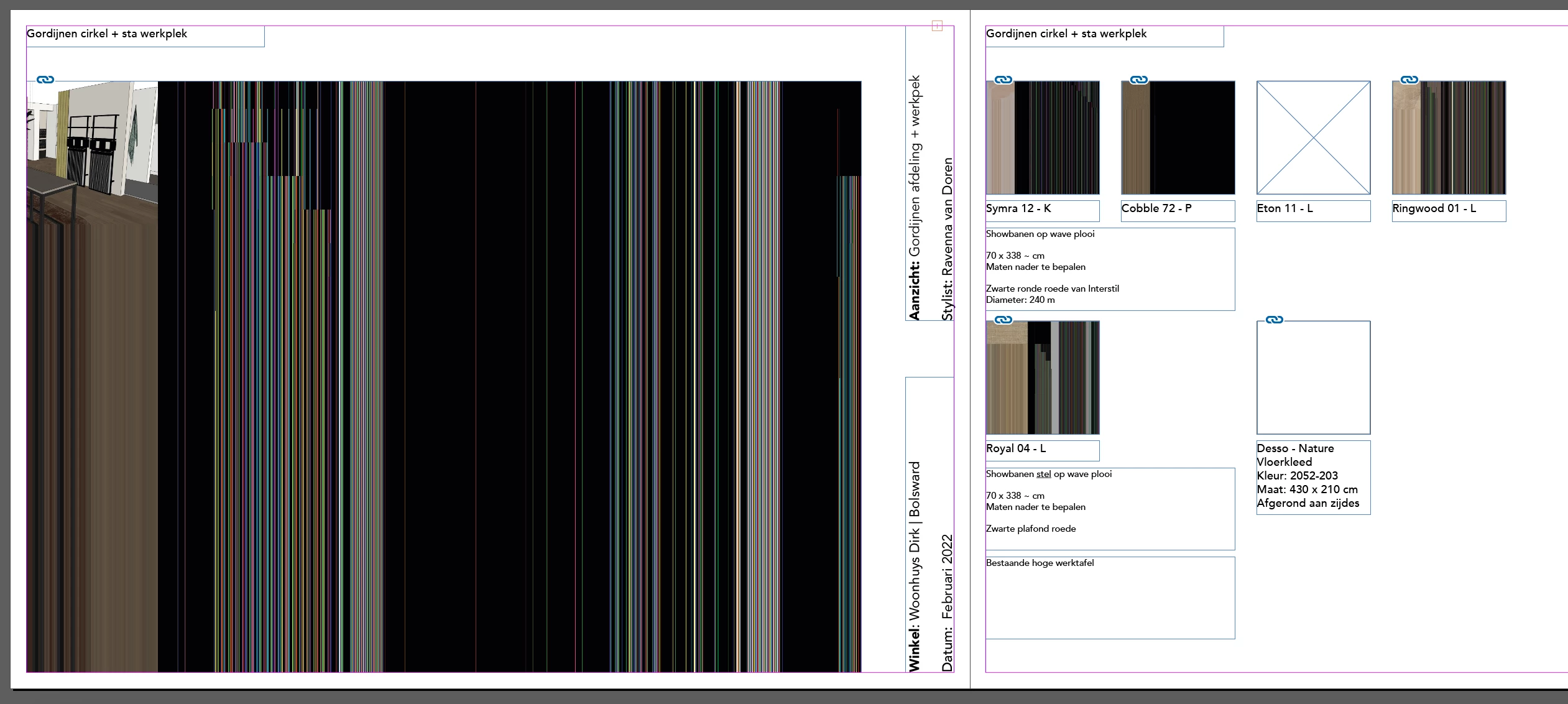

It says the sources are linked and if I drag in the same images again the problem persists.
Now I have come to the conclusion that all indesign files ever created on my hard drive are like this!! Even the files from quite some time before that.
I have no clue how to solve this and have already tried many possibilities.


Thank you very much for thinking along.

Specifications hard disk and macbook in attachment.


Greetings,

This topic has been closed for replies.
Correct answer Ravenna24377174utwy

Well, you see me a bit clueless …


Hm. Ok. Switch between different view modes to enforce a screen redraw.

Additionally, perhaps restart your machine…


One spot you also could look at:

the recently enhanced feature UI Scaling in the Preferences.

Reset it to Small if that's not the case.


Regards,
Uwe Laubender

( ACP )


Hi Uwe, 


I just got the answer in another topic. 

https://community.adobe.com/t5/indesign-discussions/indesign-won-t-recognize-png-files-can-t-quot-place-quot/m-p/12933117/page/2#M476549 

And it worked for me!


If you have the same problems see steps below:


Go into

> system preferences

> security and privacy

> Full disc access

> unlock the padlock (click and password)

> In the right-hand window scroll down to InDesign and click it.

> I also did photoshop and illustrator

> Clcik out of preferences 

> Document should now accept png files.


This worked for me, please feedback if successful as this is problem for other users!

Hopefully it works for more people. 

2 replies

Participant
December 28, 2023

I had the same situation and followed the correct answer, it worked perfectly!!!

Community Expert
May 9, 2022

Hi Ravenna,

try to disable GPU preview from InDesign's preferences.


Regards,
Uwe Laubender

( ACP )

Inspiring
May 9, 2022

Hi Uwe, 


Thanks for your reply.
I tried it but unfortunately it didn't help.


Regards, 

Ravenna

Ravenna24377174utwyAuthorCorrect answer
Inspiring
May 10, 2022

Well, you see me a bit clueless …


Hm. Ok. Switch between different view modes to enforce a screen redraw.

Additionally, perhaps restart your machine…


One spot you also could look at:

the recently enhanced feature UI Scaling in the Preferences.

Reset it to Small if that's not the case.


Regards,
Uwe Laubender

( ACP )


Hi Uwe, 


I just got the answer in another topic. 

https://community.adobe.com/t5/indesign-discussions/indesign-won-t-recognize-png-files-can-t-quot-place-quot/m-p/12933117/page/2#M476549 

And it worked for me!


If you have the same problems see steps below:


Go into

> system preferences

> security and privacy

> Full disc access

> unlock the padlock (click and password)

> In the right-hand window scroll down to InDesign and click it.

> I also did photoshop and illustrator

> Clcik out of preferences 

> Document should now accept png files.


This worked for me, please feedback if successful as this is problem for other users!

Hopefully it works for more people.