



Increase Margins and/or Resize Text & Graphics WITHOUT REFLOWING TEXT
- August 10, 2021
- 6 replies
- 2727 views
I have a client who's asked me to make everything on the pages of this 250+ page document smaller.
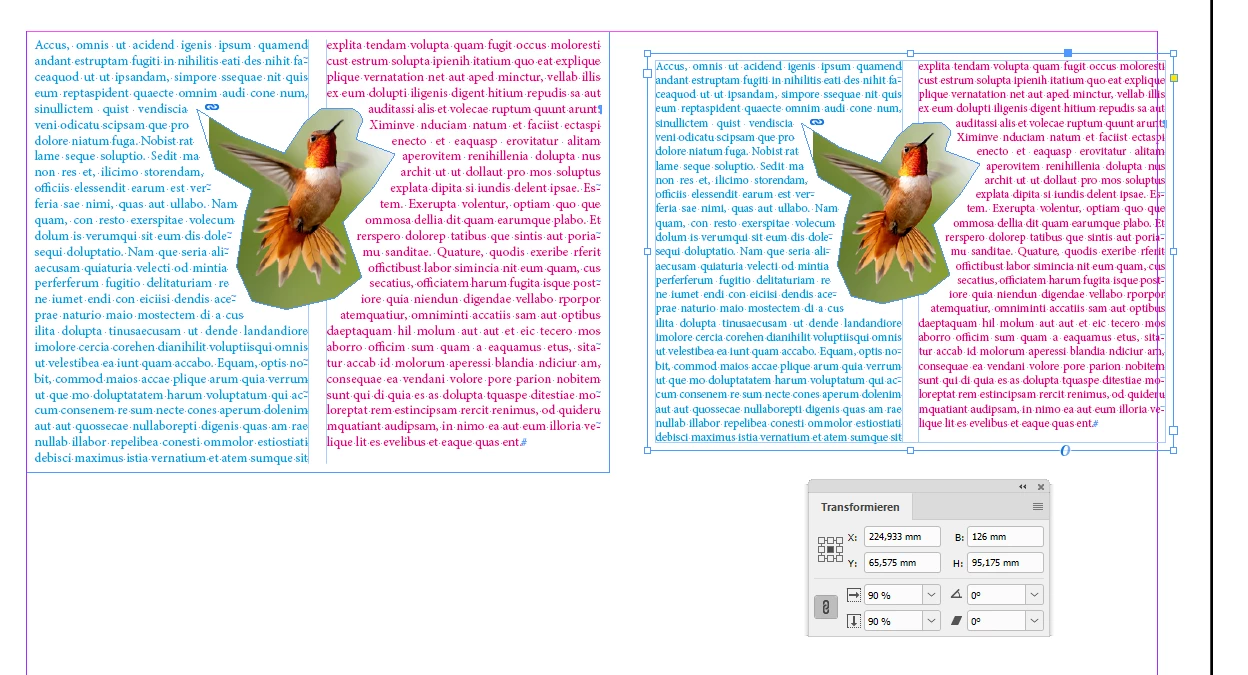
Meaning that the client wants larger margin, and the text to be smaller but not by changing the font size and reflowing the entire document or converting the text to outlines (we need to be able to edit the text for the next edition).
The ideal fix for this would be if I could group everything on the page and then scale it down (say to 85-90% of what it was). But when I try this, the text reflows over lines and wraps differently around the images. I want everything to look exactly as it does now, just smaller.
I've used the Selection tool with and without Ctrl, Shift, and Ctrl+Shift keys, but cannot make it look correct. Attached are screenshots of what I've tried (this one was with Ctrl, but Shift-only and Ctrl+Shift produce similar output).
Any tips?
 AdChoices