
InDesign 2020 soft edge clipping mask
I'm thinking of moving from Affinity Publisher to InDesign but I'm having some difficulties getting images to clip the way I want them to in InDesign. I have a png that has soft transparency and I want to use that as a clipping mask for another image without having to bake that into the image itself in something like Photoshop.
I've tried grouping them and using Knockout Group and I've tried creating a Clipping Path based on the alpha channel of the png and converting that into a Frame then pasting into that frame but neither option respects the soft transparency of the original png, it just clips with hard edges.
I have a lot of images that I need to do this for and place text around them, if I have to go into photoshop everytime I need to change the clipping mask slightly it will take forever. This is really easy to do in Affinity and I was hoping it would be in InDesign as well.
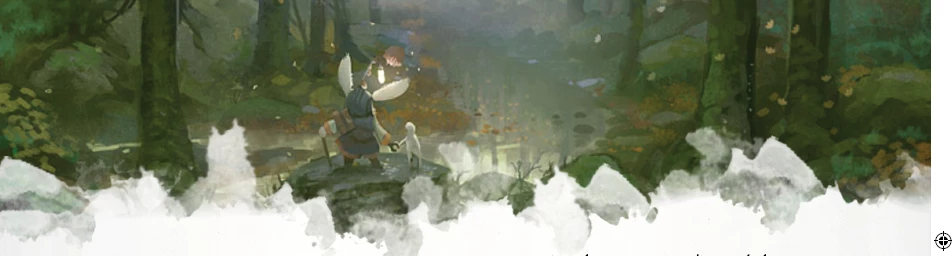
Above is what I can create in Affinity compared to below that I can get in InDesign

Anyone know of something I'm missing? Thanks!
 AdChoices