
Participant
July 4, 2024
Answered

Indesign 2022 &2023 cross reference is not clickable when export to PDF

  • July 4, 2024
  • 1 reply
  • 184 views

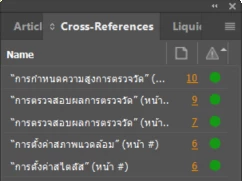
Hello! I'm having a problem with cross reference for Thai language and found out that this is involve world-ready single line composer. As for Thai language, I need to change paragraph to world-ready single line composer and checking on the x-ref in the indesign, it's green and clickable
However, when export to pdf it's not clickable (page number might be disappear but this is fix on 2023 version)

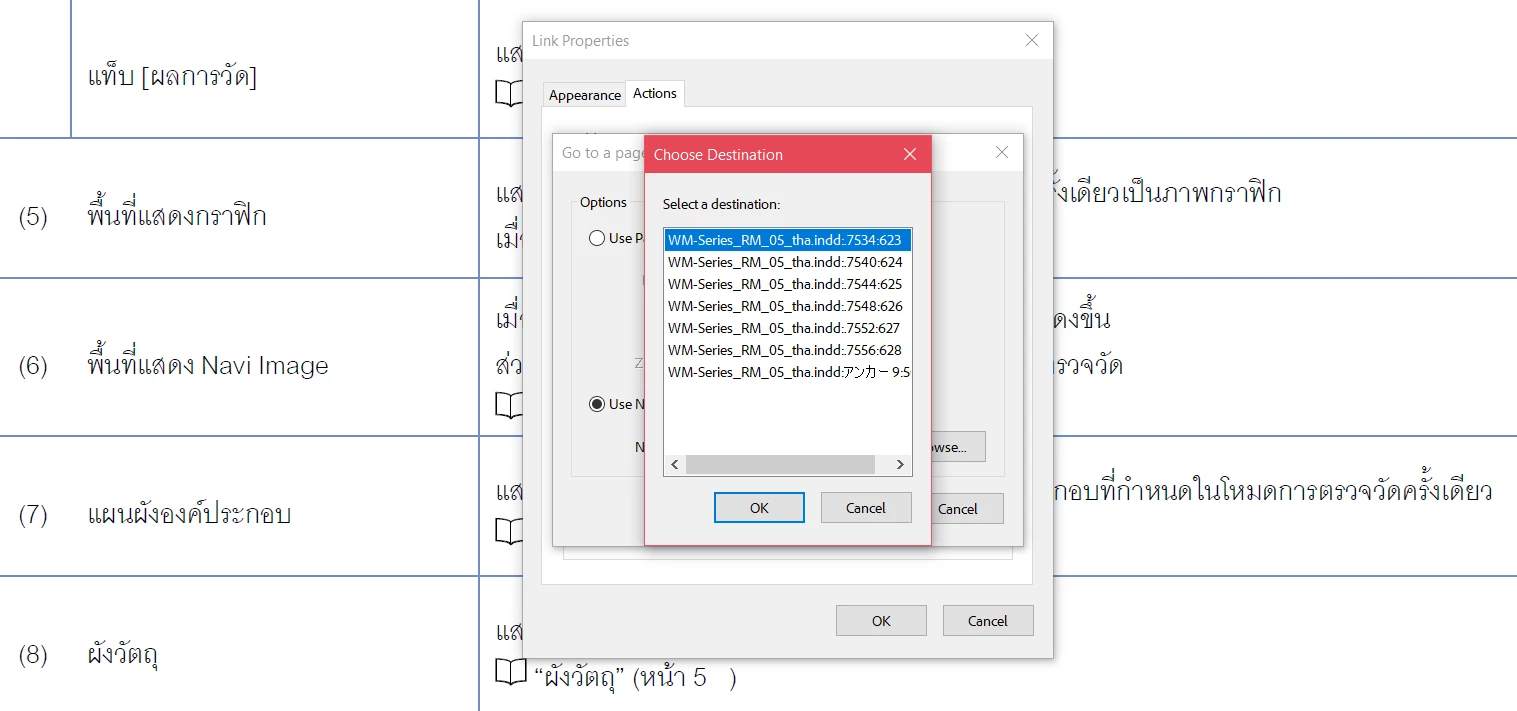
Comparing the pdf of 

world-ready single line composer (vowel in the correct position but not clickable)


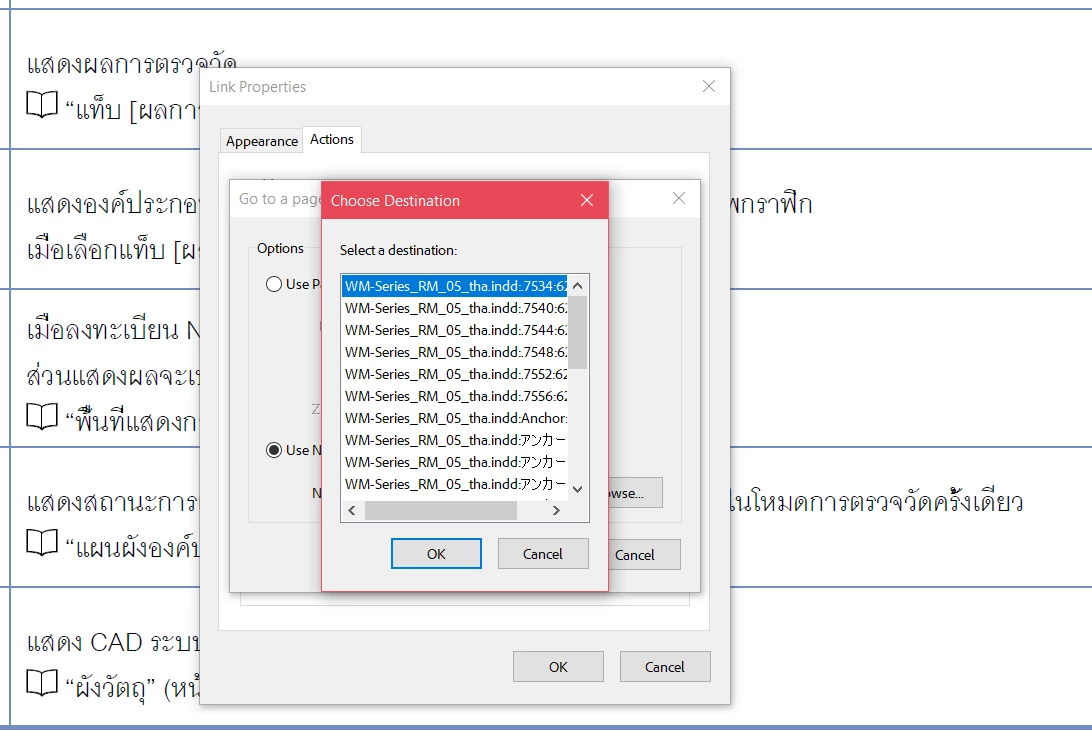
single line composer (all vowel overlapped but clickable)
 

Any ideas? please help thank you in advance.

This topic has been closed for replies.
Correct answer thefifthcat

Hi Willi,

Thanks for reaching out. I use the Acrobat pro for PDF viewer. And HQ export from Indesign.

 Actually, the problem is solved by using word single line composer and change language from character tab to Thai.


Thanks again.

1 reply

Willi Adelberger
Community Expert
Community Expert
July 4, 2024

What PDF viewer do you use?

What PDF export settings did you apply?

thefifthcatAuthorCorrect answer
Participant
July 11, 2024

Hi Willi,

Thanks for reaching out. I use the Acrobat pro for PDF viewer. And HQ export from Indesign.

 Actually, the problem is solved by using word single line composer and change language from character tab to Thai.


Thanks again.