
InDesign adds a white border when trying to export with bleed
- June 11, 2024
- 3 replies
- 3252 views
Hello! I am having the hardest time trying to figure out this problem. I've done every possible thing I can think to do, but I am a total novice to InDesign so I could totally be missing something obvious.
Im working on a catalog for the company I work for. It looks perfect on InDesign but when I try and export as a PDF, it creates a white border around every page of the document.
I've attached pictures of my document set up. I was advised to use .25 in bleed and slug. I have tried it with only .25in bleed and no slug.
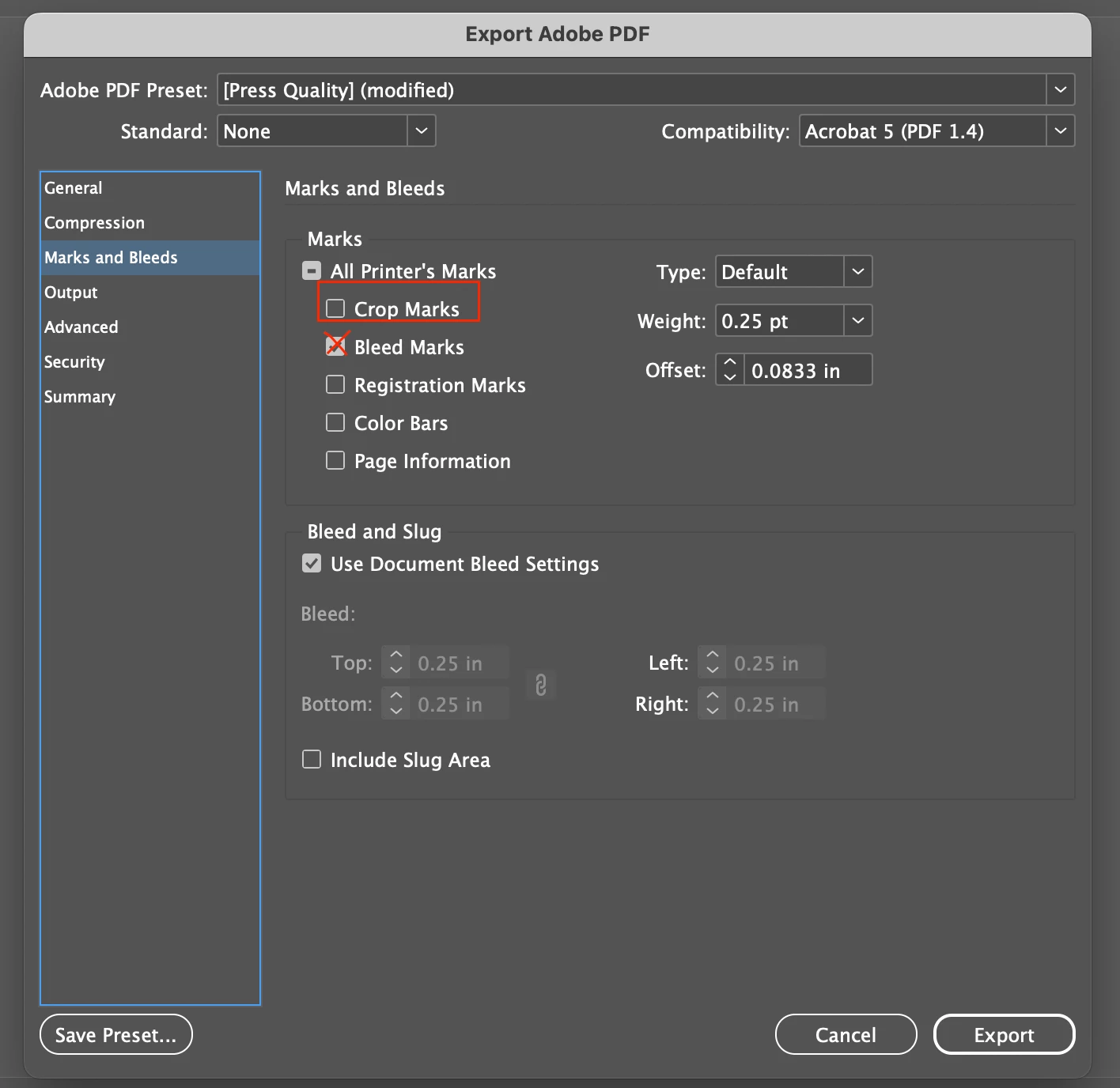
I also attached pictures of the "general" screen when exporting and the "marks and bleed" page when exporting. I have tried selecting and unselecting all options.
Separate but completely related issue: I decided okay well I will just 0 out all bleed/slugs so that i can at least export this catalog as a PDF to upload to the company's site (I exported it perfectly fine before I ever even touched the bleed, just as a test before it was finished and there was no white border) - and now after ive messed with bleed, even with 0 bleed on the document set up or the export page, there is STILL a white border. What am I doing wrong???
 AdChoices