
matthewb54841547
Participant
September 28, 2022
Question

InDesign anchored and inline figures - Please help

  • September 28, 2022
  • 5 replies
  • 305 views

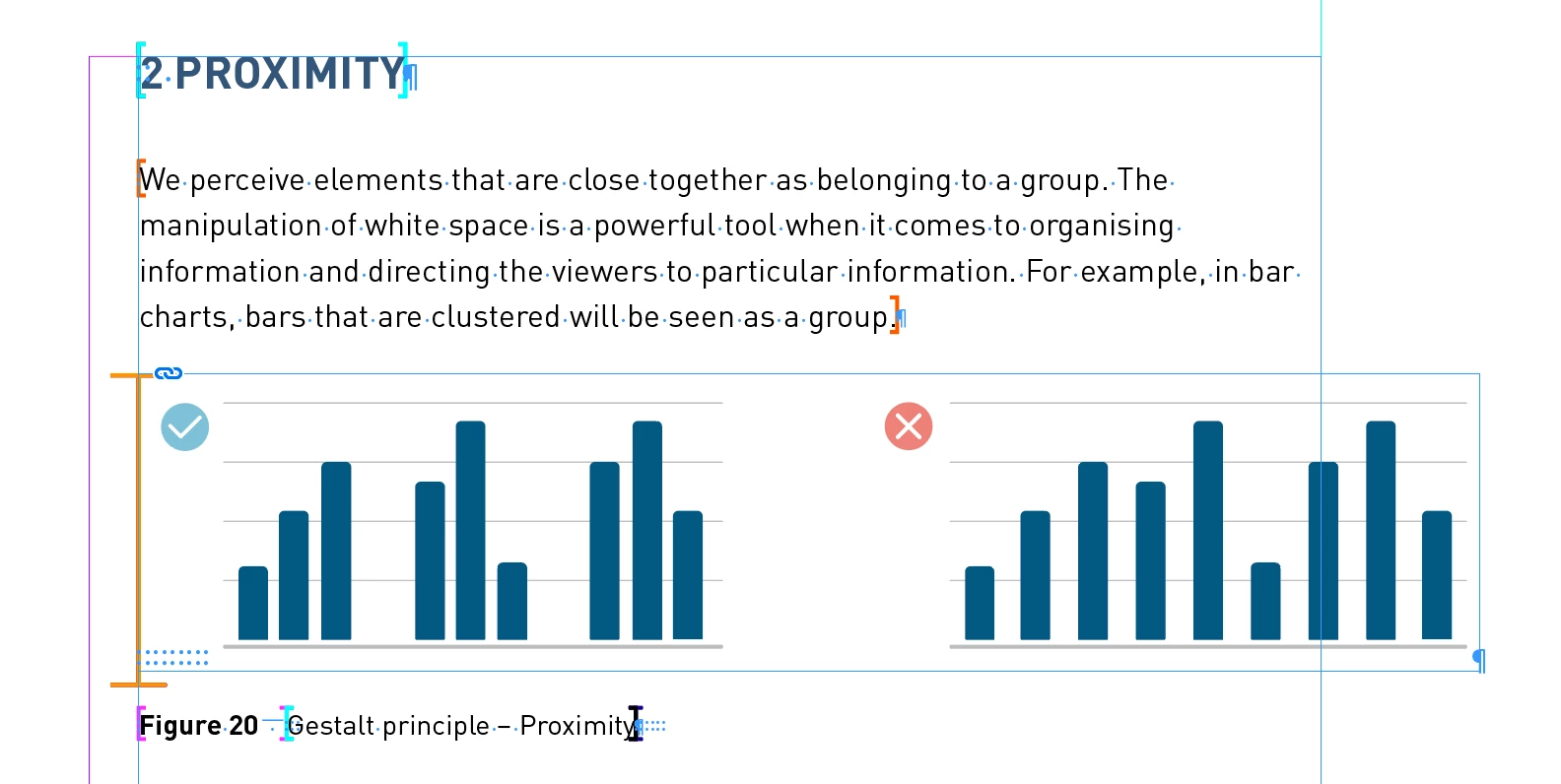
I'm working with a book document sent by a publisher. They have placed the images in the document into the text boxes using some kind of frame (that you can see to the left of the image in orange). Anyone have any idea what this frame is? As I cannot release the image from anchoring. They appear to be using a custom paragraph style for the images but I don't know if this is part of it.


Bonus question: Does anyone know what the colon characters in the bottom left of the image are too?


Any help would be greatly appreciated, thank you 🙂
This topic has been closed for replies.

5 replies

Barb Binder
Community Expert
Community Expert
September 29, 2022

Hi @matthewb54841547:


A few more thoughts to add to the replies:

  • A non-printing colon indicates a hyperlink destination. It could be a named destination or a cross-reference destination.
  • The brackets can also be used to identify XML tags. (View > Structure > Hide Tag markers to hide)
  • Select the frames. Is there an anchor symbol on the top right? That indicates an anchored or inline frame. As per @SJRiegel, you will need to cut it and paste it back in to release the anchor. 


~Barb


~Barb at Rocky Mountain Training
matthewb54841547
Participant
September 29, 2022

Hi all thanks for the replies! I'll reply to everyone here.


Everything in the document is in a single layer and the illustation isn't locked. The graphics can be selected and moved up and down but are attached to the text box, but anchored in a way that can't be released somehow. SJReigel, I think you might be right that the document was constructed using a plug-in, which is why the images are placed in such a strange way that I can't seem to edit.


I think the best solution might be to remove everything and replace the graphics myself.

Legend
September 29, 2022

If the graphics are anchored inline, you may be able to cut them, and then paste outside of the text box.

Legend
September 28, 2022

All of the color bracket and colons look like parts of a merged-data setup. The text and images seem to have be placed using some kind of cataloging plug-in. (The sample here is from EasyCatalog, but it could be any one of many similar plug-ins.)

James Gifford—NitroPress
Legend
September 28, 2022

But once merged and moved off the home/merge system, don't such elements just become content? Flagged content, maybe... unless, as in the above replies, it's on a separate locked layer or some such.


Scott Falkner
Community Expert
Community Expert
September 28, 2022

Can you even select the graphics? If not, they are probably on a locked layer or locked themselved. You cannot lock an anchored object so that it cannot be selected, meaning they are not anchored.


If you can select them look for an anchor icon. Below I have two identical graphs selected in two images (because I cannot select both an anchored object an an unanchored object they must be two screen grabs). Note the anchor icon for the graph on the left.


James Gifford—NitroPress
Legend
September 28, 2022

Is the orange bar a printing element, or only visible in working display?


Are layers in use here? Is the illustration possibly on a locked layer?