Known Participant
February 14, 2018
Question

Indesign and Data Merge

  • February 14, 2018
  • 1 reply
  • 1320 views

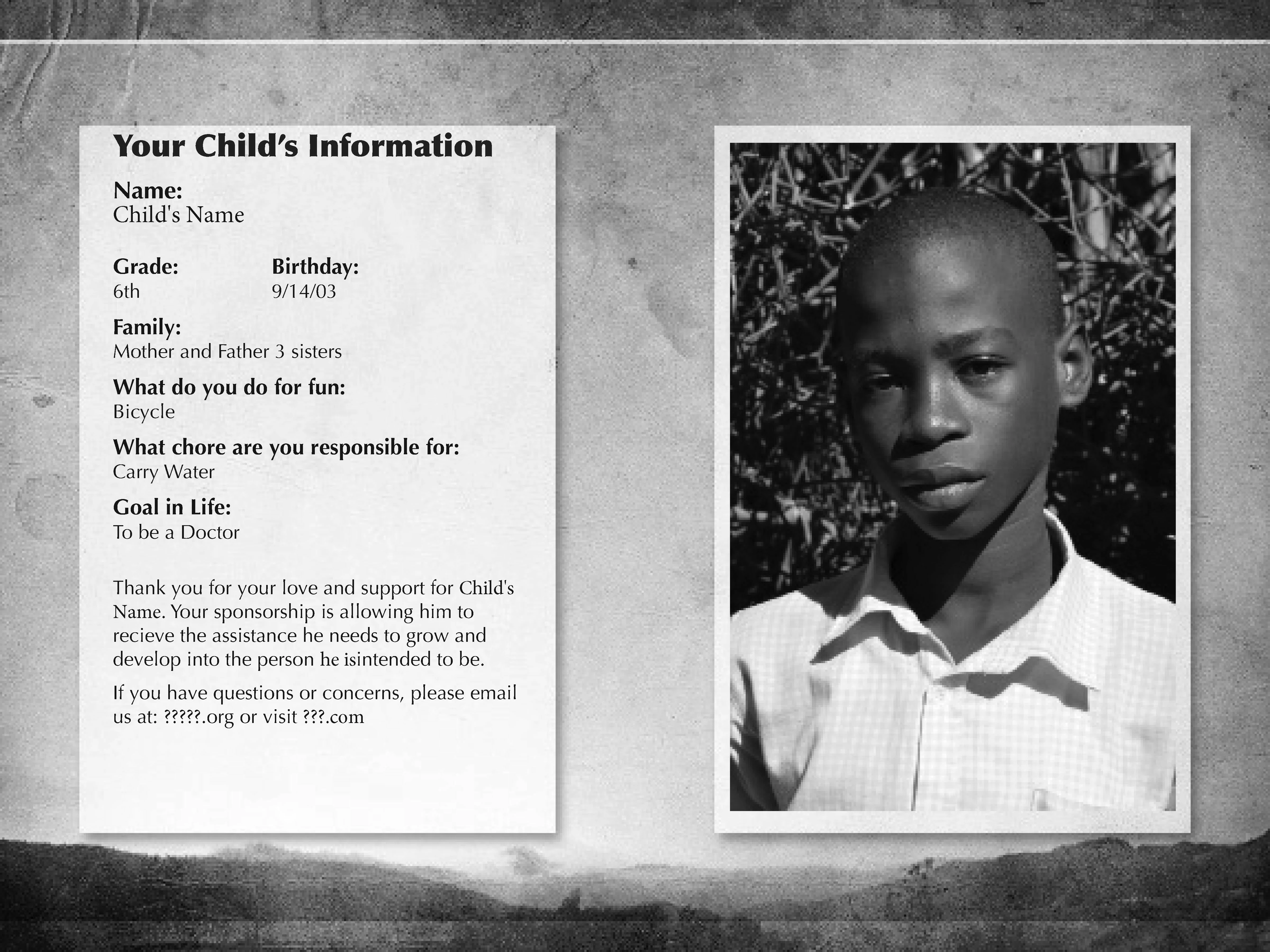
I have a card design double sided, it is for a child sponsorship in Haiti, I need to merge with a spreadsheet that has over 300 kids, I go through the steps and it either puts the same photo and info on every page or just one.

So my question is when I set up the InDesign Document how do I set it up, do I set over 300 Pages? Do I set up the copy on each page or will it place it on every page, do I leave all but the first page blank?

Can someone list the steps in simple language? Every thing I look up starts after the indesign document is created and I am I will add a copy of the layout.

It is a two sided document printed front and back 300 times plus.
    This topic has been closed for replies.

    1 reply

    Community Expert
    February 14, 2018

    Is the name of each photo entered into the source data? For your example, the image used is named: child1.jpg. Is there a column in spreadsheet designated for the corresponding photo, along with the other data to be used?

    NameGradeBirthday@photo

    Emmanuel

    69/14/03child1.jpg
    Maria57/25/05maria.jpg
    Known Participant
    February 14, 2018

    Yes there is a column in for each image with corresponding information.

    It changes on the InDesign part on page one but does not flow to the other pages changing it for each child.

    Community Expert
    February 14, 2018

    Is the back page the same for all of the cards?

    For the data merge to work, it can only have one page in the merge template.


    That's not true, you can have multiple page data merges.