
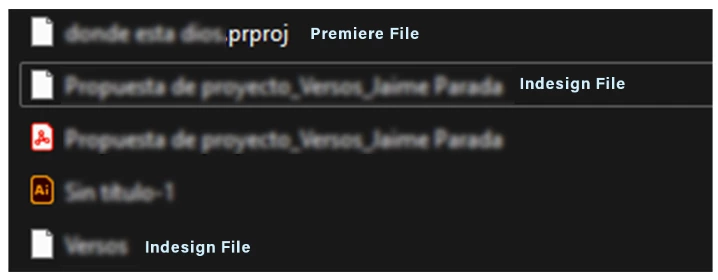
Indesign and Premier file icons appear white
Hello everyone!
A couple of days ago the Indesign and Premiere file icons appeared this way as if I did not have the software installed. When I open InDesign files they automatically open in version 18.5 and it asks me to update to version 19.1, I already have version 19.5, I try to save the files again in the most recent version and still, when I open them, version 18.5 appears asking me I update and the icons continue to look the same. I'm afraid this may damage my file. I'm working on Windows 11 V.22H2
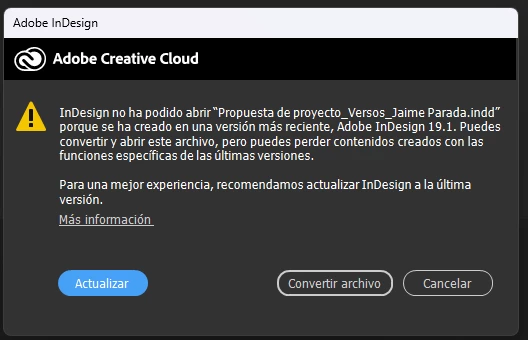
This is the message that appears when I try to open the files, it reads the following:
InDesign was unable to open "File.indd" because it was created in a newer version, Adobe InDesign 19.1. You can convert and open this file, but you may lose content created with the latest version-specific functions.
For a better experience, we recommend updating InDesign to the latest version.
[More Information]
But Indesign does not have any updates available

If anyone has experienced something like this or a way to fix it, I'd appreciate any help.
Thanks!


 AdChoices