meisje met de parel
Participating Frequently
August 25, 2021
Question

InDesign Book Page Consistently Numbering

  • August 25, 2021
  • 1 reply
  • 233 views

I work with Indesign CS 6, version 8.1.

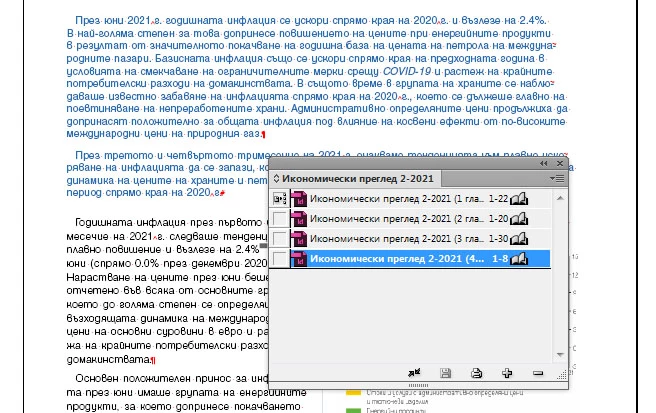
Making a book of 4 files, it turned out that each part contains pages numbered from 1-20 (varying according to the number of pages on each of them.) My question is why the book does not make them consistent?

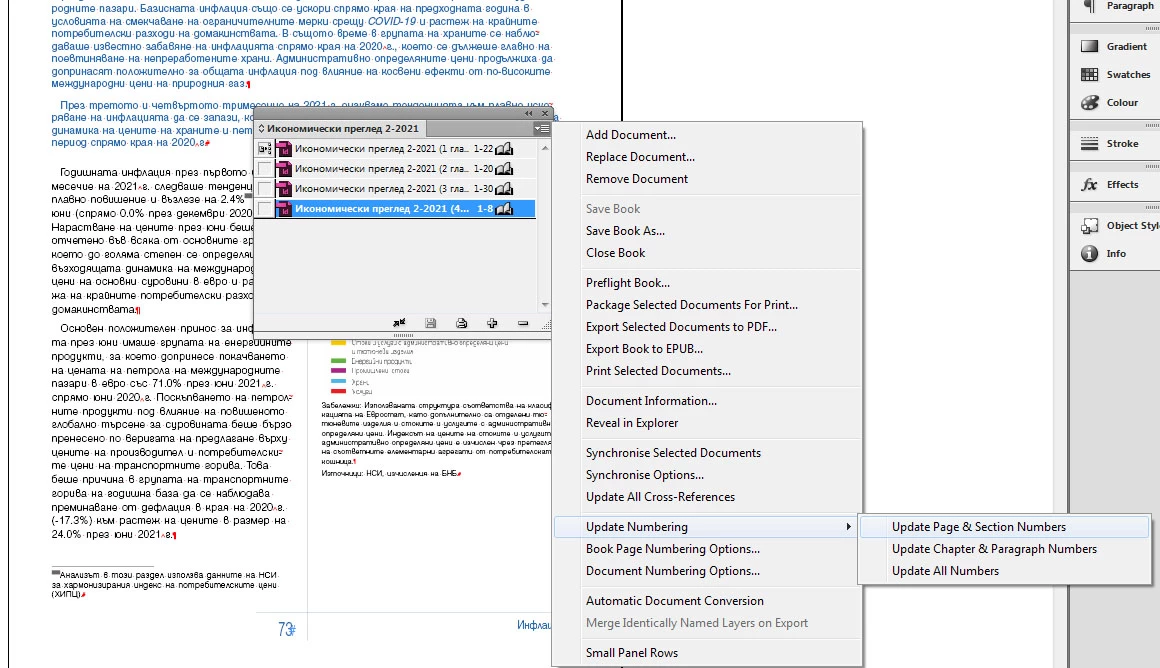
I did ‘Update Numbering’ and ‘Update Page & Section Numbers’  from the menu.

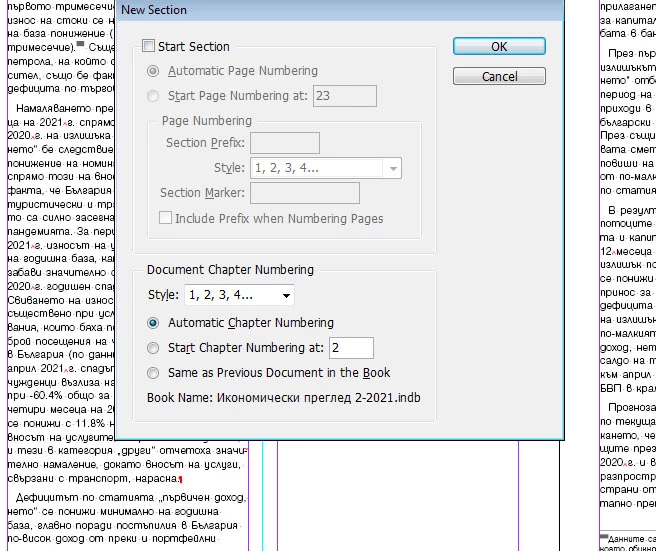
I also removed it from the LAYOUT menu – ‘Numbering & Section Options’ – ‘Start Section’,

So as to remain ‘Automatic Chapter Numbering’.

 In some parts the pages are arranged sequentially, in others not.

And the preview of the InDesign Book still shows the pages for each partfrom 1 to ….
This topic has been closed for replies.

1 reply

Community Expert
August 25, 2021

Hi Elen,

will it help to make a new book file with the four documents?


Regards,
Uwe Laubender

( ACP )

meisje met de parel
Participating Frequently
August 25, 2021

Hi Uwe,

unfortunately it doesn't help. I've tried before.


Thanks,

Elen

meisje met de parel
Participating Frequently
August 25, 2021

The four documents, before the book was created, were worked on in parallel on two computers, respectively by two people - me and my colleague.

On his computer InDesign is CS 6.0, version 8.0 (my version is 8.1).

There is no problem with the file on my colleague's computer.


Regardless of it, first I personally created the book file for me, on my computer, and it is in the form I showed above, with inconsistent pages.

When my colleague later opened the book on his personal computer, things got better there after he chose from the menu ‘Update Numbering’ and ‘Update Page & Section Numbers’.