Participant
January 10, 2022
Answered

InDesign cannot get rid of certain "lorem ipsom" in Indie Zine template!

  • January 10, 2022
  • 1 reply
  • 314 views

Hello InDesign users-

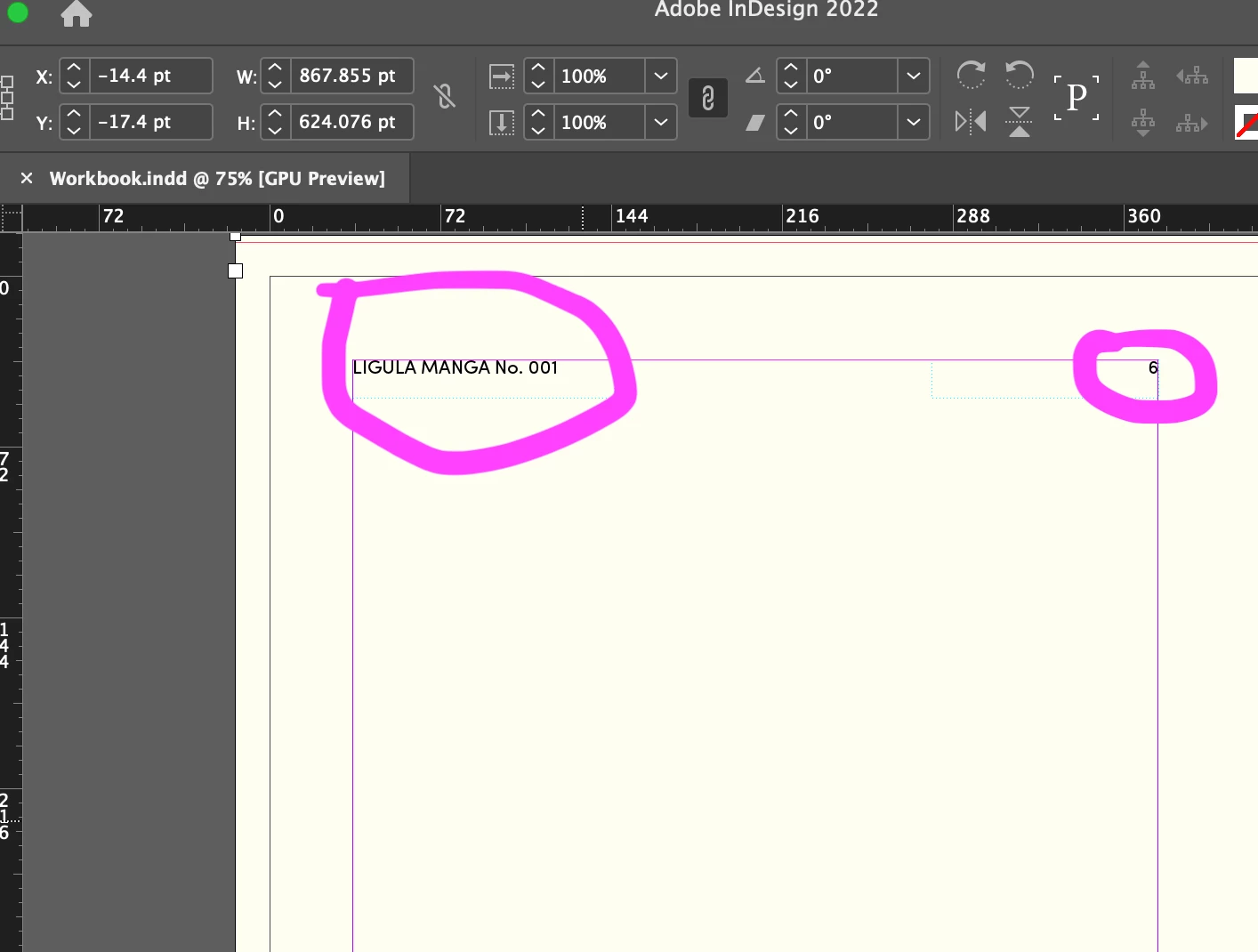
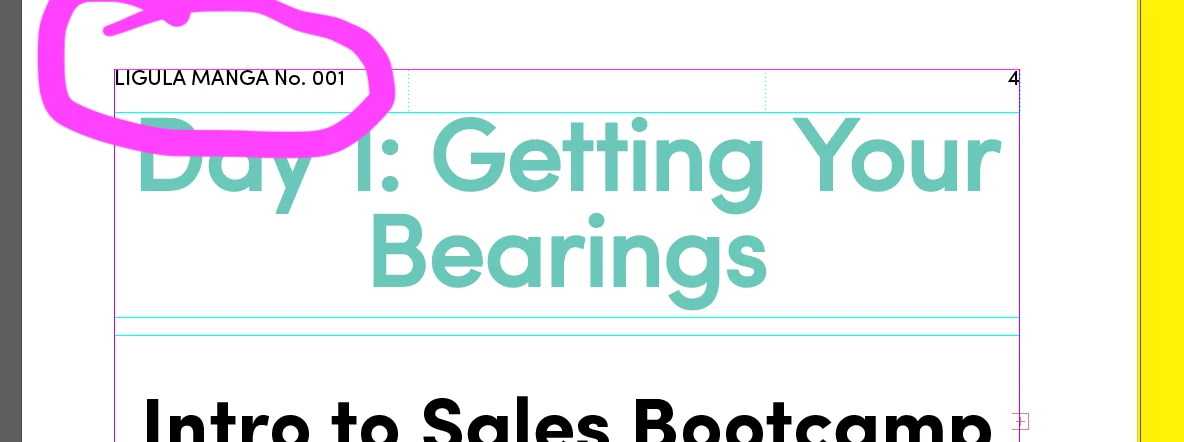
I've been hitting my head against a wall for hours trying to figure out how to get rid of the "header-looking" lorem ipsom and page numbers in InDesign's Indie Zine template. It says "Ligula Manga 001" on several pages, and I cannot get rid of the text-- it is not within a frame, nor can I find it by layer.  I also tried going into "Type > Text Variables>  and deleting unecessary ones, but to no avail!)  Attaching a few screenshots. Any help would be AMAZING!! Thank you! 
    This topic has been closed for replies.
    Correct answer Barb Binder

    Hi @Jennifer22354121jwqd:


    Repeating information is stored on the master pages.


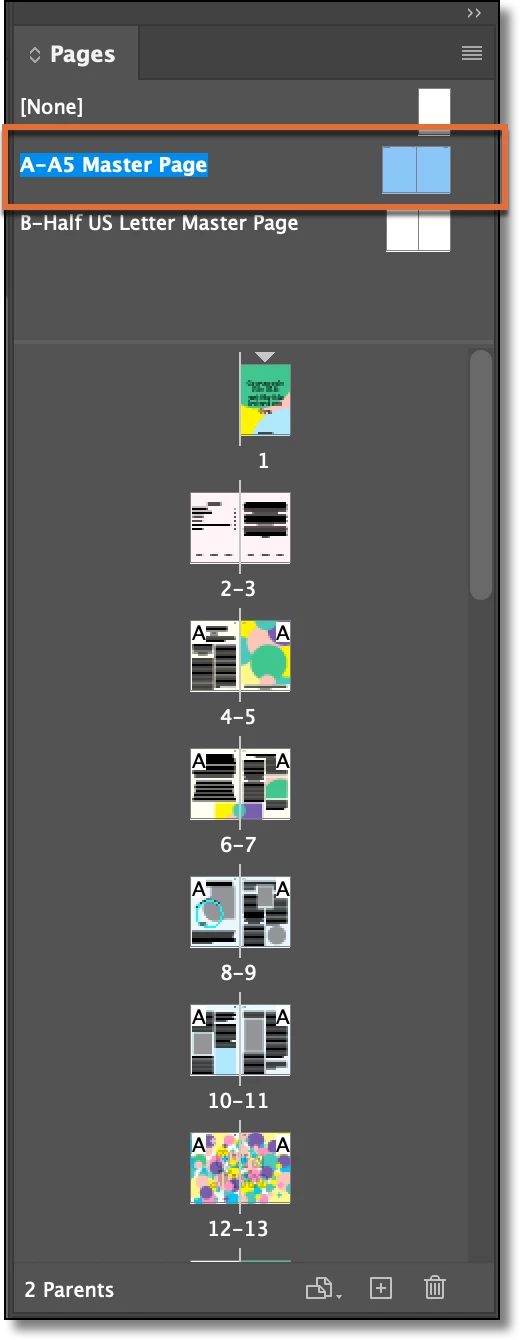
    Assuming you are using A5, double click the name A-A5 Master Page and you will be able to edit/delete the content. Otherwise, double click B-Half US Letter Master Page. These two pages are not linked so the content is stored on each independently.


    ~Barb


    1 reply

    Barb Binder
    Community Expert
    Barb BinderCommunity ExpertCorrect answer
    Community Expert
    January 11, 2022

    Hi @Jennifer22354121jwqd:


    Repeating information is stored on the master pages.


    Assuming you are using A5, double click the name A-A5 Master Page and you will be able to edit/delete the content. Otherwise, double click B-Half US Letter Master Page. These two pages are not linked so the content is stored on each independently.


    ~Barb


    ~Barb at Rocky Mountain Training
    Participant
    May 23, 2024

    @Barb Binder Your reply got me out of the same situation today. It was very simple. Thank you!

    Barb Binder
    Community Expert
    Community Expert
    May 23, 2024

    Love it hear it, @intelligent_Songbird0D4C!


    ~Barb

    ~Barb at Rocky Mountain Training