
Participant
February 12, 2019
Answered

InDesign CC 2019 won't launch
  • February 12, 2019
  • 4 replies
  • 9941 views

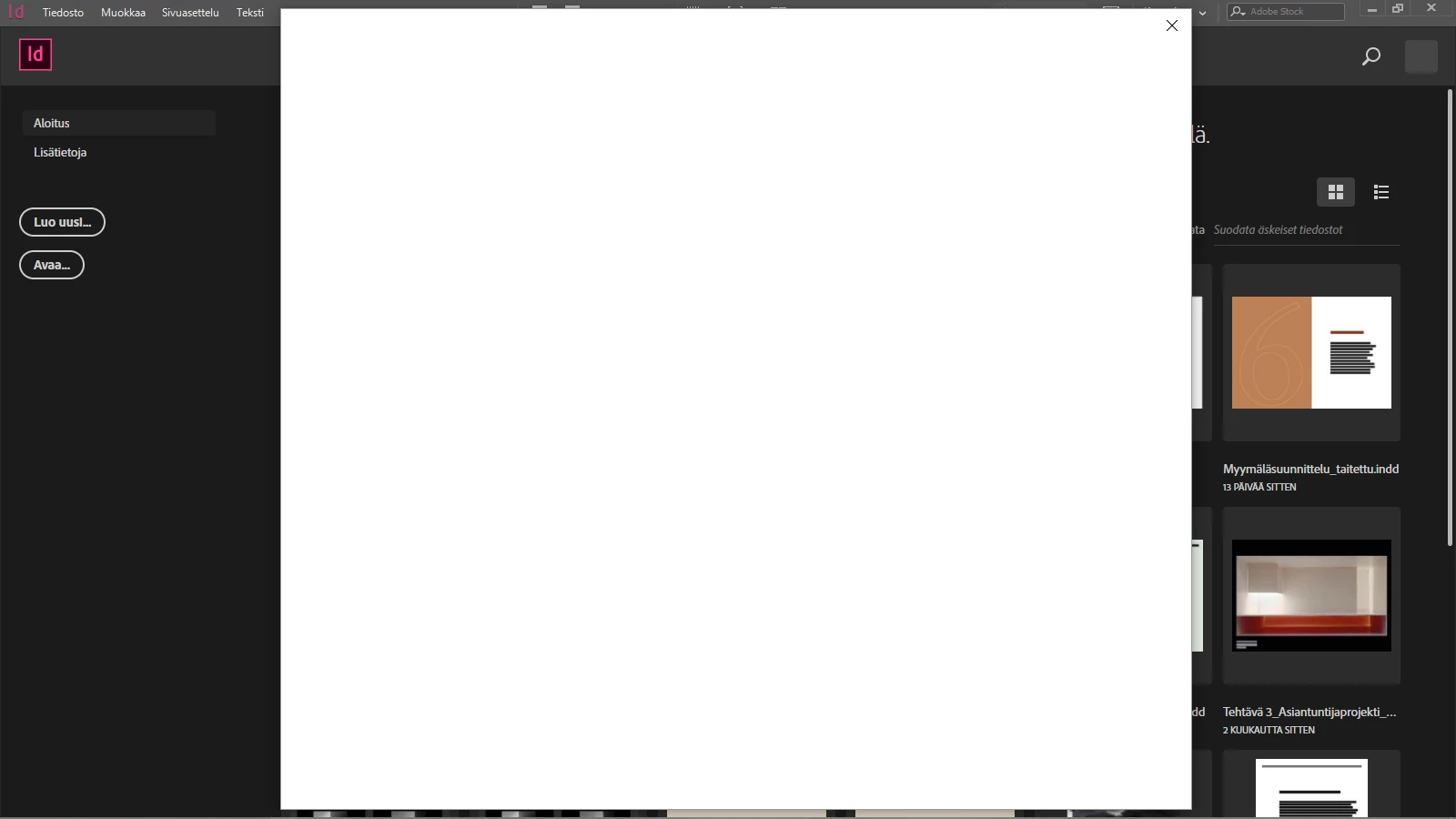
My InDesign won't launch. When I try to use inDesign an empty white box appears (see picture). When I close the white window the whole program crashes. I can click nothing else than the X on the window's left top corner.

I've tried reinstalling the latest version of inDesign CC 2019 (14.0) multiple times. I checked for the new updates on Creative Cloud. I've also reset my preferences when uninstalling. I even updated my Windows 10 but it didn't help either. I rebooted my computer over and over again. I'd really appreciate your help!

This topic has been closed for replies.
Correct answer maril64915804

I recently contacted the support team and they fixed the issue on remote session. Now everything works smoothly!

4 replies

chrisf81258653
Participant
January 22, 2020

I have this same issue! could you assist me?

Participant
February 21, 2019

Unfortunately, even this didn't make my InDesign work.

Srishti Bali
Community Manager
Community Manager
February 23, 2019

Did you try contacting our support team?

Regards,

Srishti

maril64915804AuthorCorrect answer
Participant
February 26, 2019

I recently contacted the support team and they fixed the issue on remote session. Now everything works smoothly!

Srishti Bali
Community Manager
Community Manager
February 14, 2019

Hi Mari,

We are extremely sorry about this frustrating experience. Please try uninstalling by following the steps mentioned below:

  1. C:\Users\User\AppData\Roaming\Adobe
  2. C:\Users\User\AppData\Local\Adobe
  3. C:\Program Files\Adobe
  • Make sure all the Windows updates are installed.
  • Reinstall InDesign from the Creative Cloud Desktop app.

If that doesn't help, please contact our support team at Contact Customer Care.

Regards,

Srishti

Participant
January 12, 2020

Srishtib8795206 the above suggestion is fine and well but something is blocking my CC Cleaner from loading. I spent several hours yesterday getting Acrobat DC to open and work and now InDesign will not open.


Help!

Participant
February 12, 2019

I discovered that when I sign out on Creative Cloud and then open my InDesign something else happens. It tells me to enable Java Script on my browser. However, JavaScript is enabled on all my browsers (Chrome, Opera & Edge).

When I click "Try again" it somehow let's me to operate normally! BUT when I close InDesign and try to open it again (while being signed in on Creative Cloud) the empty white window appears again. Techincally I can use InDesign if I signt out of Creative Cloud every time and sign in everytime I launch InDesign. Anyhow I feel unsafe continuing my work since something is still clearly off.

How can I fix this Java Script issue?

BantamWoods89
Participant
February 26, 2019

Hi maril64915804,

I too had trouble connecting to Adobe Indesign when I was logged into Creative Cloud. Logging out of Creative Cloud and opening InDesign revealed a login box in InDesign CC 2019 where I could login, which I did. I can see that I am now logged into Creative Cloud too, which must have happened through InDesign CC 2019.

I know for a fact that you can enable Javascript in Internet Explorer, which I needed myself to show videos online. You can see how to here: http://activatejavascript.org/en/instructions/ie. Though, whether it works or not, I am not sure. I do not know if Adobe Creative Cloud inherits the settings for JavaScript from IE, but it is definitely worth a try. Please tell if it works for you.

Best regards

Participant
February 26, 2019

Thank you for your response Dunham. Fortunately, the support team solved the issue.