Answered
Indesign CC Library items show box in Illustrator
Hi
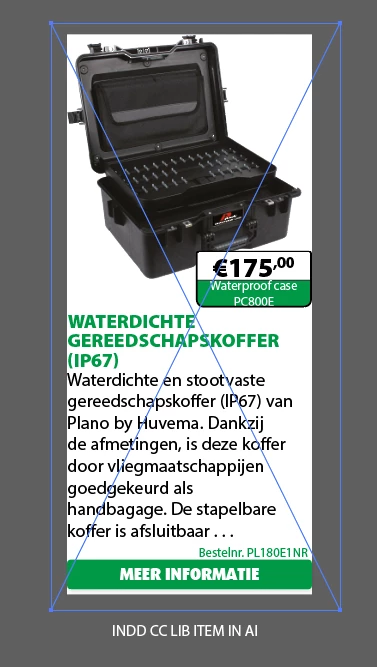
When creating a graphic CC library item with Indesign and then opening the CC item in Illustrator a new bouncing box appears.
Please see attached examples...
Is this normal?


Hi
When creating a graphic CC library item with Indesign and then opening the CC item in Illustrator a new bouncing box appears.
Please see attached examples...
Is this normal?
I think that your ambition is too great for what CC Libraries can do.
The item is way more complex than a "simple" InDesign object. You have a text frame including a table. And the table cells include anchored graphics. (Did you try using graphic cells, by the way?). You choose to make it a "graphic" to be stored in a CC Library.
An InDesign graphic is stored in two forms: (1) For InDesign, it's stored as an IDML (like a snippet) which can be reconstituted into the real thing. (2) For other apps, it's converted to PDF to be treated as a picture.
So what happens, because Illustrator doesn't "read" InDesign files, is that the object is turned into a PDF object that can be "ingested" by Illustrator (or Photoshop). There are no controls over how the PDF process works because as far as Illustrator is concerned it's just a (vector) picture.
Why are you bringing it into Illustrator anyway?
Already have an account? Login
Enter your E-mail address. We'll send you an e-mail with instructions to reset your password.
 AdChoices