
Participant
November 24, 2017
Question

Indesign CC2017 won't open "newer" files

  • November 24, 2017
  • 4 replies
  • 2048 views

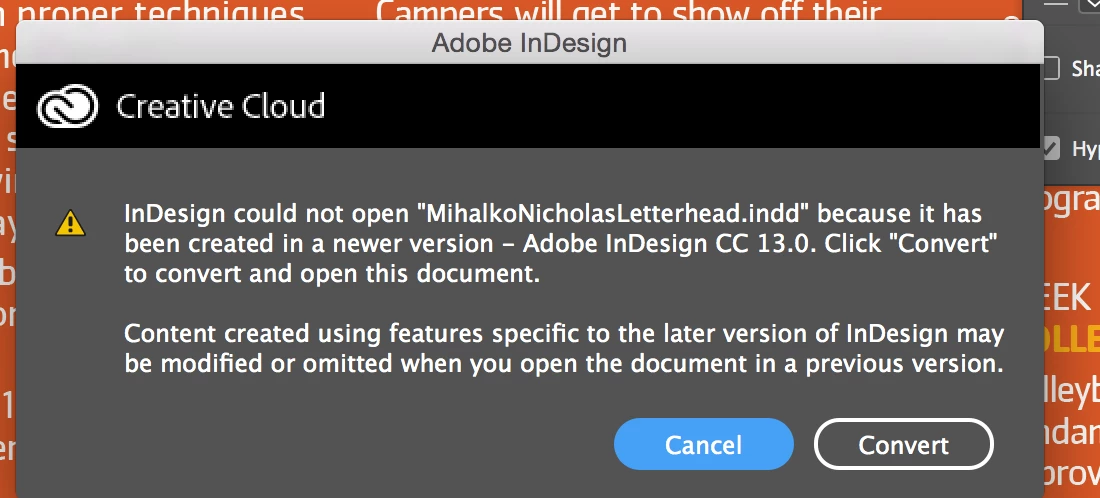
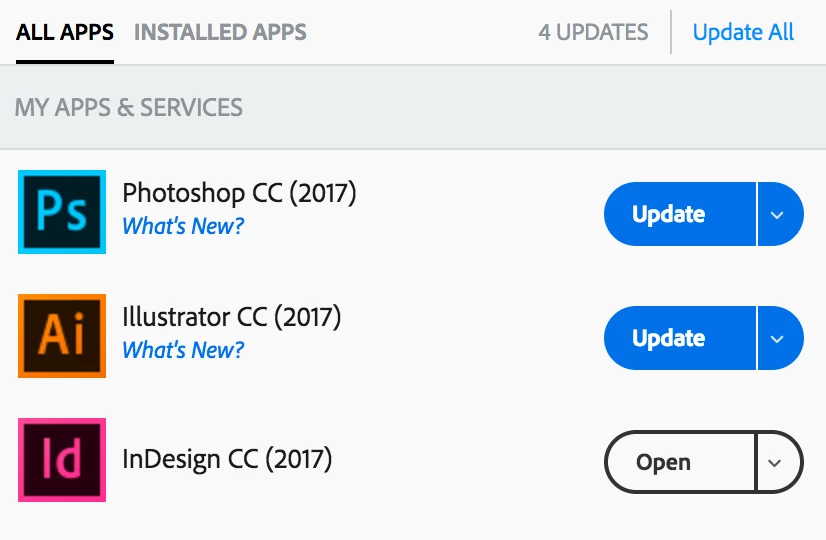
I have the latest version of Indesign (CC 2017) with no new updates available. Yet, when trying to open files that are sent to me by students, I continually get a message saying that I cannot open files because they were created in "a newer version" of Indesign. It asks me if I want to convert. Sometimes it works and sometimes I receive an error message to try again later.

I have tried close and reopen the program but this does not work. Has anyone else had this issue?
    This topic has been closed for replies.

    4 replies

    Barb Binder
    Community Expert
    Community Expert
    November 24, 2017

    What is your operating system?

    Until you get this straightened out, you can have the students package the files they send you, which will include an .idml file that you will be able to open.

    ~Barb

    ~Barb at Rocky Mountain Training
    SanyamTalwar
    Participating Frequently
    November 24, 2017

    Please check if you meet the system requirements for latest InDesign - https://helpx.adobe.com/in/indesign/system-requirements.html

    If you do, then sign out and then sign back in the Creative Cloud application.

    BobLevine
    Community Expert
    Community Expert
    November 24, 2017

    You will need Mac OSX 10.11 (El Capitan) or later to install CC2018 (which will be available in the CC Desktop App as InDesign CC)

    Mike Witherell
    Community Expert
    Community Expert
    November 24, 2017

    The newest version is InDesign CC 2018.

    Mike Witherell