

Question
InDesign: Change Page Width for One Side of the A5 while keeping other elements the same
Hi there,
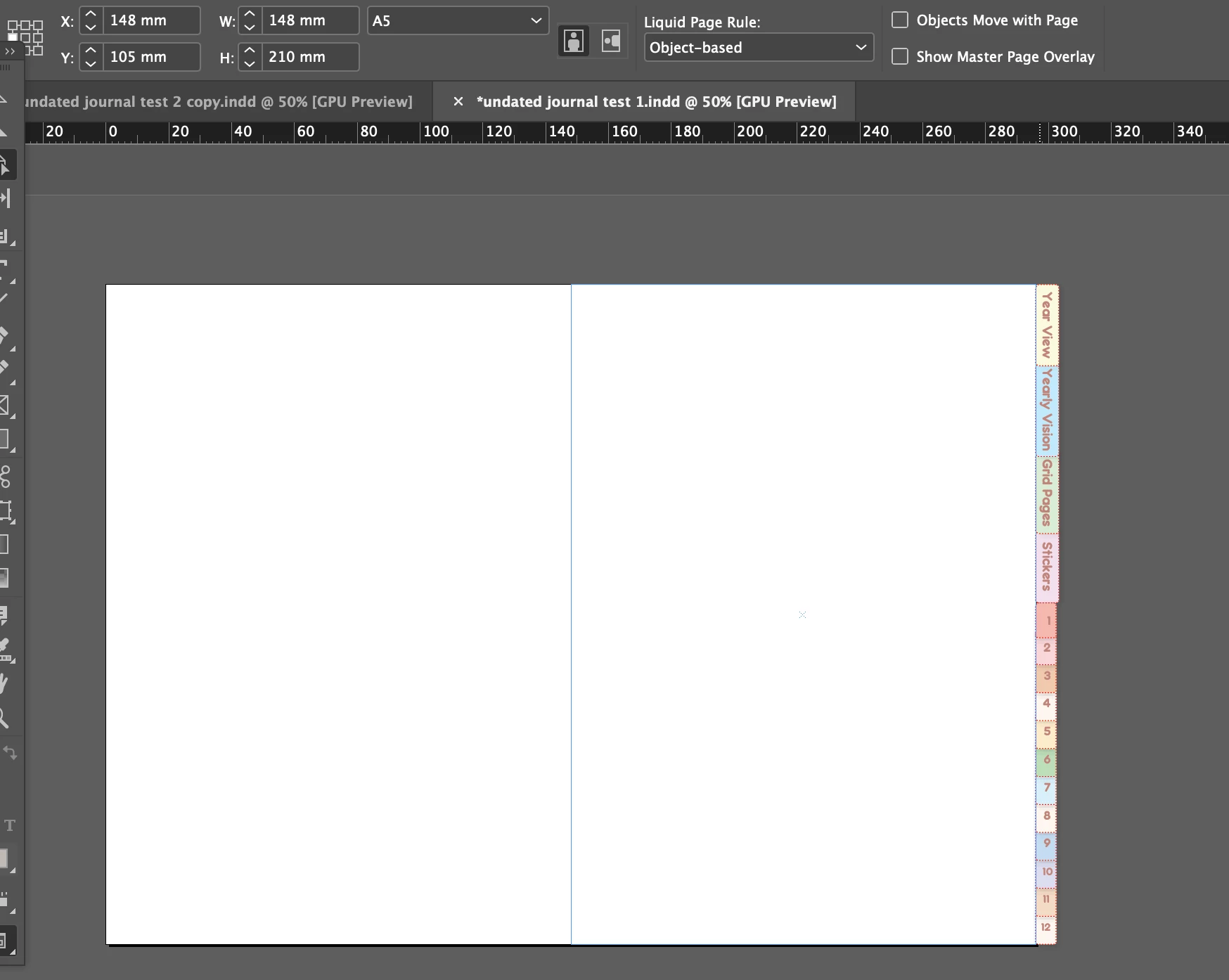
I spent so long trying to figure this out. I am trying to make a digital planner and I have created "Hyperlinked tabs" for it. However, I did this after I finished with the A5 document. I would like to change the right side of the A5 document to make the width longer but keep the remaining elements the same. I do not want the middle of the document to shift. I am trying to change the Master Page in the Page panel but it does not seem to work.
I appreciate any help I can get! Thank you.
 AdChoices