
InDesign Crashes when Placing .docx
Adobe InDesign 14.0.3 and 15.0 (tried with both)
macOS Mojave 10.14.6
Microsoft Word for Mac 16.16.15
Hi all, I'm trying to place a MS Word for Mac document into InDesign, but it keeps crashing.
I suspect this is caused by the character/paragraph styles issues in MS Word side.
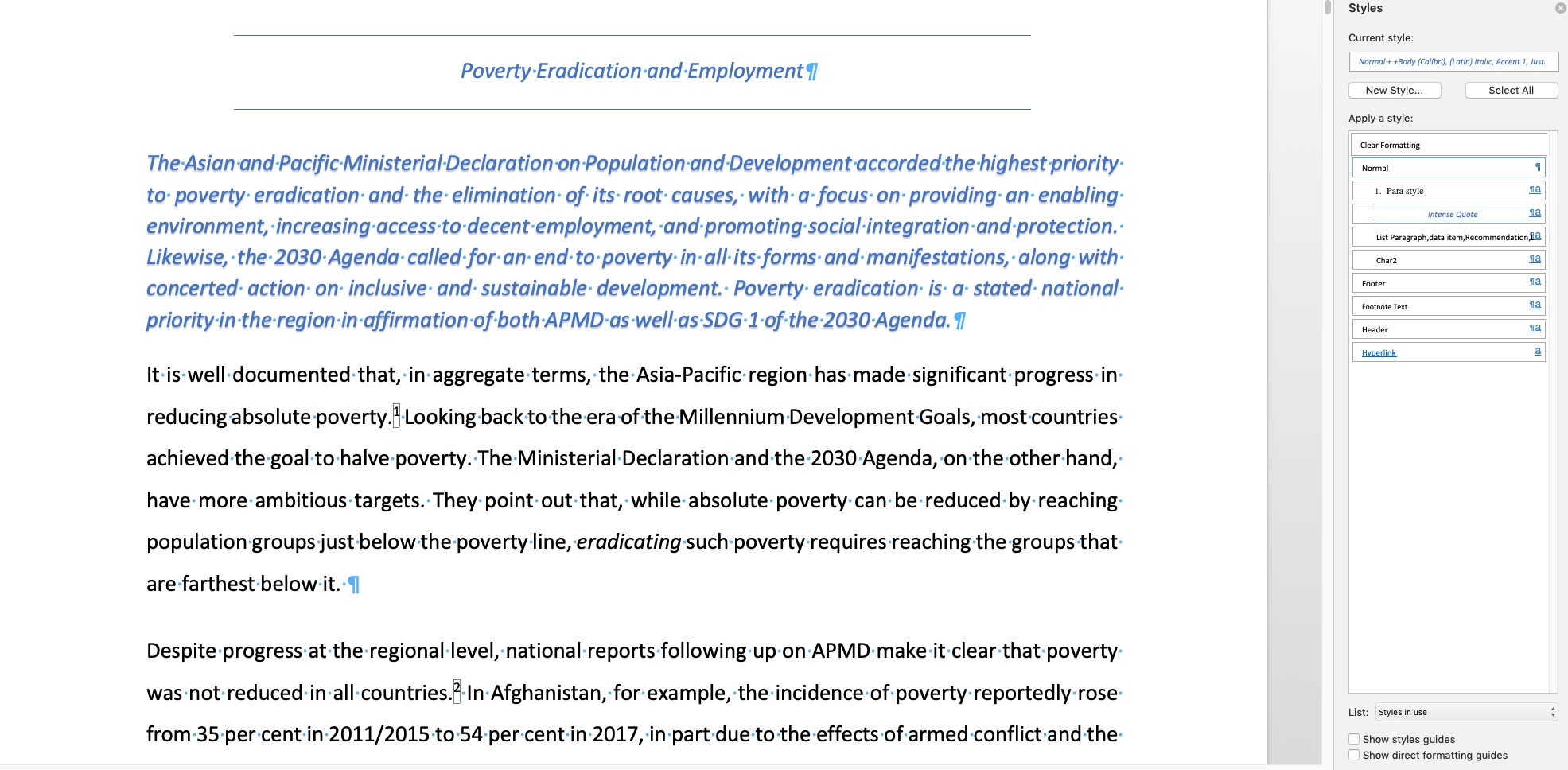
The original .docx file that client gave me was plagued with muddled styles, so I saved it to another copy, then cleaned up the styles in the word document.
Below: how the original file looked like (MS Word for Mac)
Below: how the document looked like after cleaned up
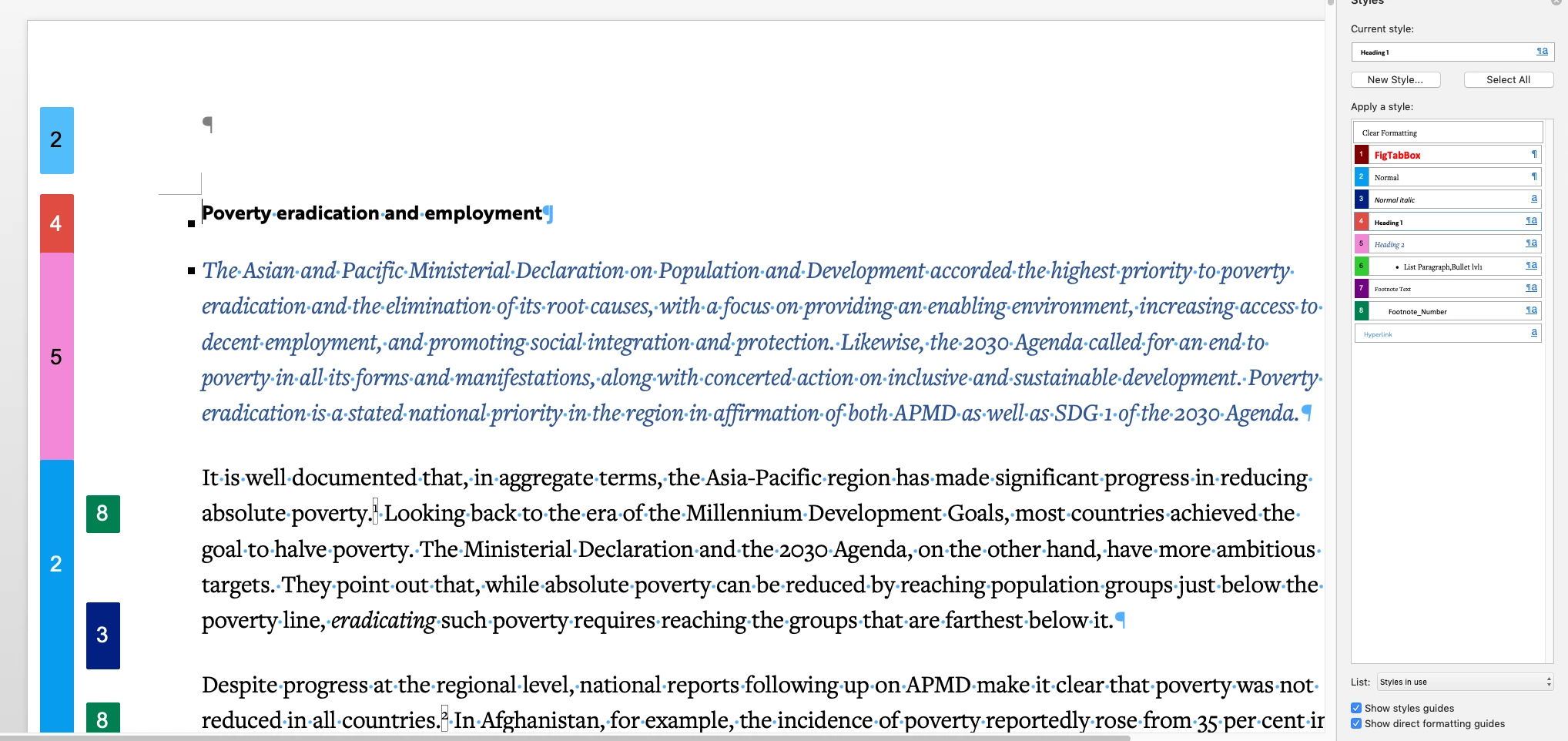
I cleaned up so it's easier to place into InDesign (less overrides, more consistent, etc.), but I guess that created something that caused the issue.
But now that I've cleaned it, InDesign keeps crashing when I tried to place the document. The original file, while muddled with many styles, doesn't create a crash if placed.
My question are:
- What are the common issues that cause InDesign to crash upon placing a .docx?
- Is there a work around to this? (i.e. using different import options)
I'm attaching the .docx files HERE if anyone can kindly help check/emulate the issue.
1. Original.docx (original file from client that I can import into InDesign, but plagued with inconsistent styles)
2. CleanedUp.docx (modified file that I tried to clean up the styles in the original document; cannot be imported into InDesign without crashing)
*edit
So far I've tried:
1) Saving the .docx document into .doc (doesn't work)
2) Saving the .doc back into .docx (also doesn't work)
3) Tried using InDesign CC 2020 and 2019 (both doesn't work)
Thank you so much.
 AdChoices