
Question
InDesign Creating Tabs for Product Packaging
Dear Community,
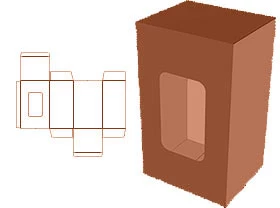
I am creating a packaging design to fit my phone in as a school project and have created all the measurments correctly and have insterted all my tabs. But when I need to have a tab that has a little cut off so that the other flaps can fold over the other ones but cannot find any way to take the section of the rectangle off.
Need to find a way to do it i have tried 'Breveling' the corners but cant find any other way.
Any Suggestions please Reply
 AdChoices