Participant
July 21, 2021
Answered

Indesign Data Merge not pulling all of my pics

  • July 21, 2021
  • 2 replies
  • 1849 views

Hello,


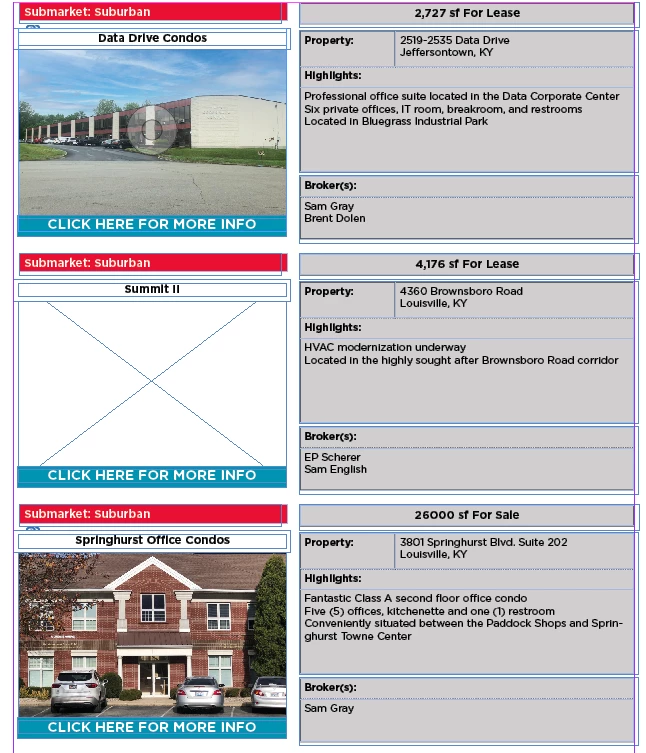
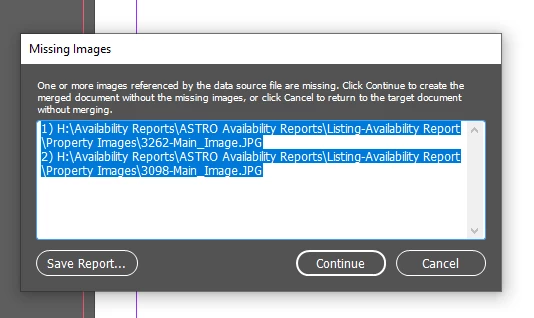
I am doing a data merge to InDesign and most of my pictures show up fine. Some however are not being transferred like the rest. I'm not sure what the problem is. I've double checked and tripple checked the filepath, photo location and everything. When I go to complete my data merge I get this error. You can see in the image below that that it's pulling the pics before and after just fine.  


This topic has been closed for replies.
Correct answer Kristine5EE6

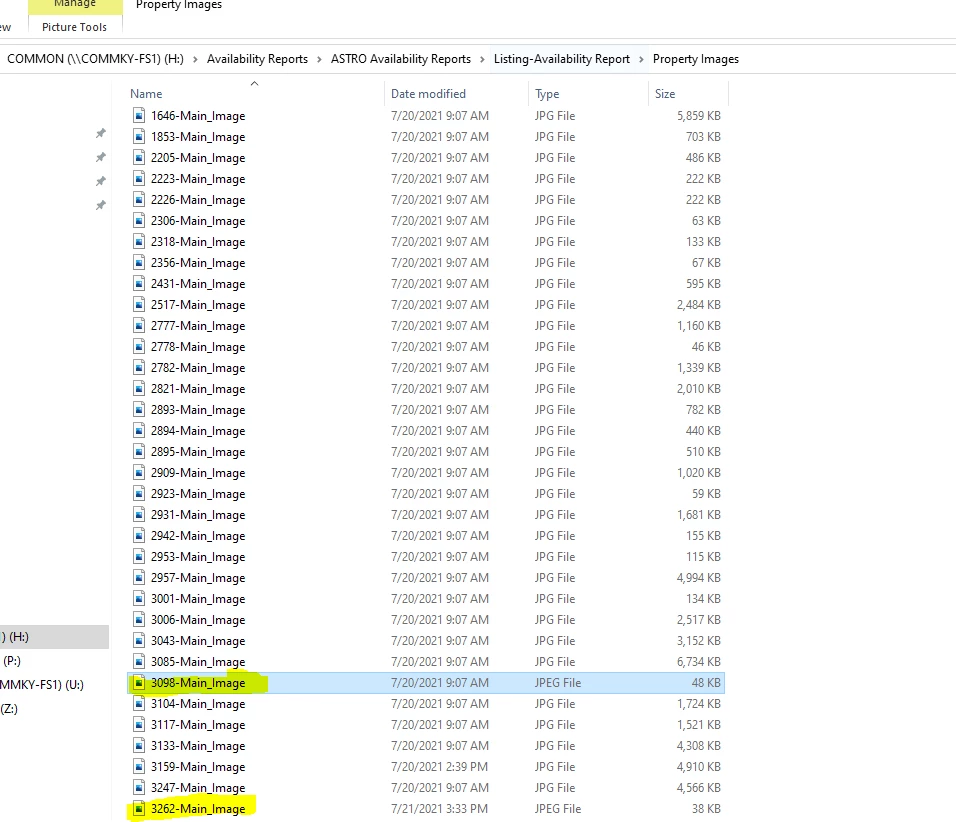
looks like the problem is the jpeg vs jpg???


2 replies

Community Expert
July 22, 2021

Hi Kristine,

turn on the option to see all file suffixes for all file types. That's the first I do when installing a new PC or Mac.

It's just a checkbox under tab "View" when you have a window open with a list of files and folders.

And if you at that also enable the view on invisible elements.


Regards,
Uwe Laubender

( ACP )

brian_p_dts
Community Expert
Community Expert
July 21, 2021

Can you provide the full data line from the CSV/TXT for the missing image, as well as the header field and image the of the image in its file location with file info displayed? I suspect the actual image has a lowercase jpg or jpeg extension. 

Participant
July 21, 2021

The 2 highlighted in yellow are the only ones not showing up:


Kristine5EE6AuthorCorrect answer
Participant
July 21, 2021

looks like the problem is the jpeg vs jpg???