
kellipassa
Participant
July 25, 2024
Question

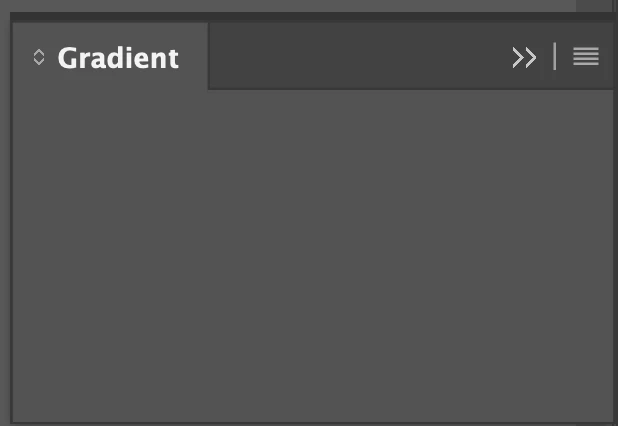
InDesign empty Gradient and Text Wrap panels STILL not fixed!

  • July 25, 2024
  • 3 replies
  • 191 views

I've posted about this bug before. This has been an ongoing problem for at least a year or more. I thought when I upgraded my Mac it would go away. And, I'm always on top of my Adobe software updates. The only workaround is to reset the preferences. It's such a hassle! I have to do a prefs reset at least once a week. Is anyone at Adobe ever going to address this problem?

This topic has been closed for replies.

3 replies

James Gifford—NitroPress
Legend
July 25, 2024

As noted, this is anything but an endemic problem with ID. It does fall into the large spectrum of weird little behaviors that stem from corrupted preferences. Something on your system or in your methods is causing repeated corruption; the trick would be to find out what. (I always suspect letting systems sleep or hibernate with apps open, myself.)


You could redefine your workspace, making sure both panels are present and displaying correctly. (I think it's unlikely that the workspace setting is involved, but it's worth trying to see if that stops the problem.)


You can also save your prefs and reload them, which I think is new with one of the v19 releases. See File | User Settings. Might be faster, at least, to save clean prefs and just do a quick reload rather than reset them.

leo.r
Community Expert
Community Expert
July 25, 2024

It's unusual that you have to deal with it every week... I know it's been an ongoing problem for you, but just in case: currently, what's your version of macOS?

Robert at ID-Tasker
Legend
July 25, 2024

It looks like you have a problem with your system / machine - otherwise, this forum would be flooded with people having the same problem.


What is your OS and InDesign Version?


What are your access right to InDesign's folders?