

Question
InDesign Exporting Booklet Issue - Page size is too small
Hello,
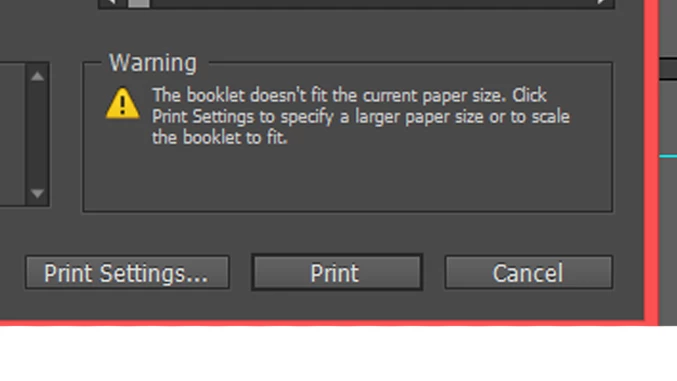
This is my first time posting to the forums so let me know if I am missing anything. I have created a booklet in InDesign. The page size is 11" x 17" folded in half. I am using the export booklet function in InDesign. I have a 0.5" bleed around the page. When I try and export it, I get a warning that says the booklet doesn't fit the current page size. The page cuts off the bleed that I have added. Is there a way to included the bleed within the booklet size? I thought it would automatically adjust to fit within the page size, but it looks like I might be missing a step.
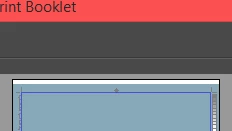
I have tried the scale to fit option, but I get a white border on both width sides.
Thank you in advance for any help!
 AdChoices