
Exit
  • Global community
    • Language:
      • Deutsch
      • English
      • Español
      • Français
      • Português
  • 日本語コミュニティ
  • 한국 커뮤니티
0

InDesign files jump to a larger window size after being open for a few seconds

New Here ,
Jun 24, 2022 Jun 24, 2022

Hi all, I'm using InDesign 17.3 on a 2019 iMac running MacOS Catalina 10.15.7. What's happening: I open an InDesign file and it remembers the last window size used. Then, an instant later, the InDesign window size increases to a size larger than my Mac monitor, so part of the window is hidden bottom and right. Before (1) and After (2) screen shots are below. Thanks in advance for any help!
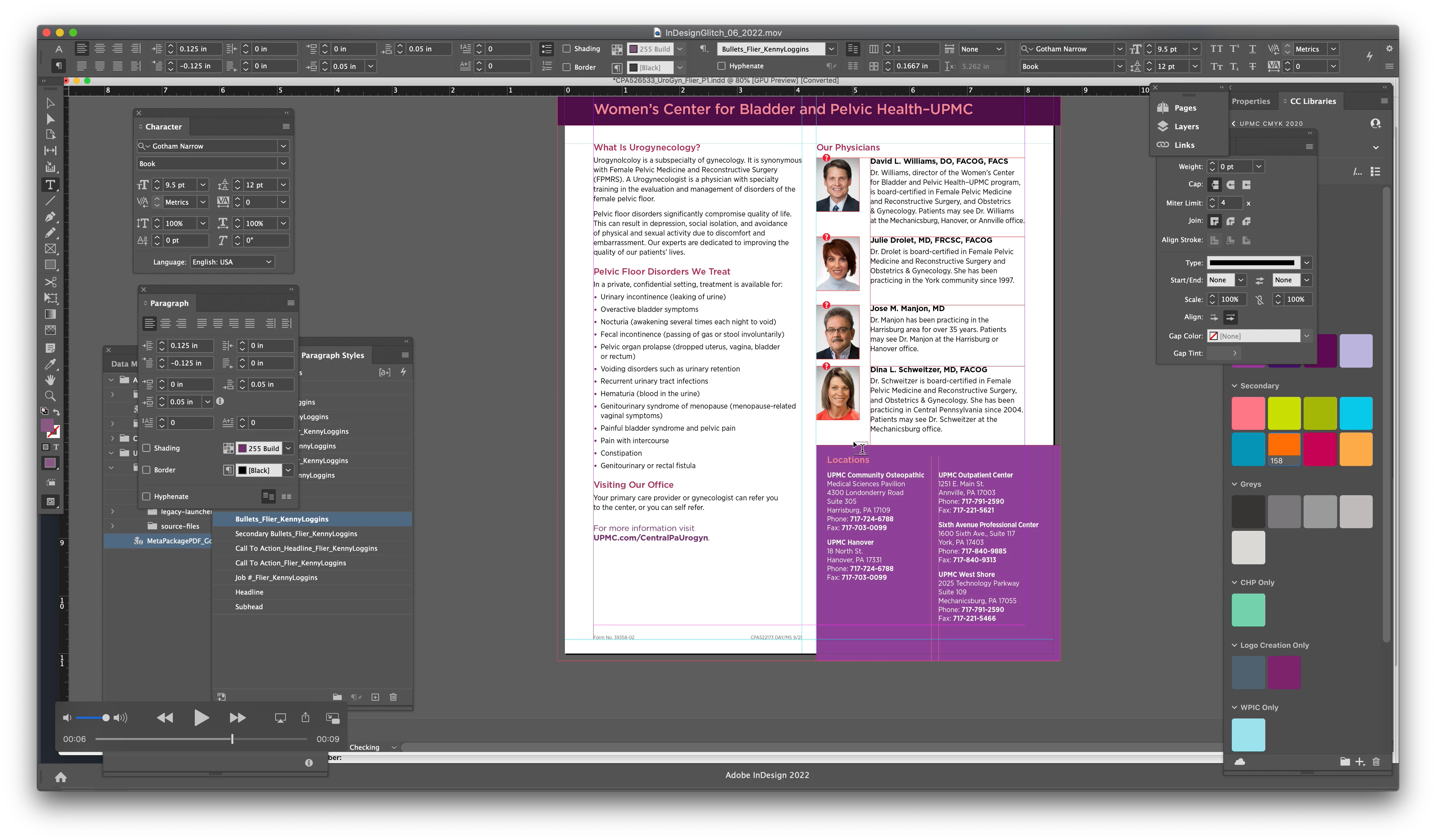
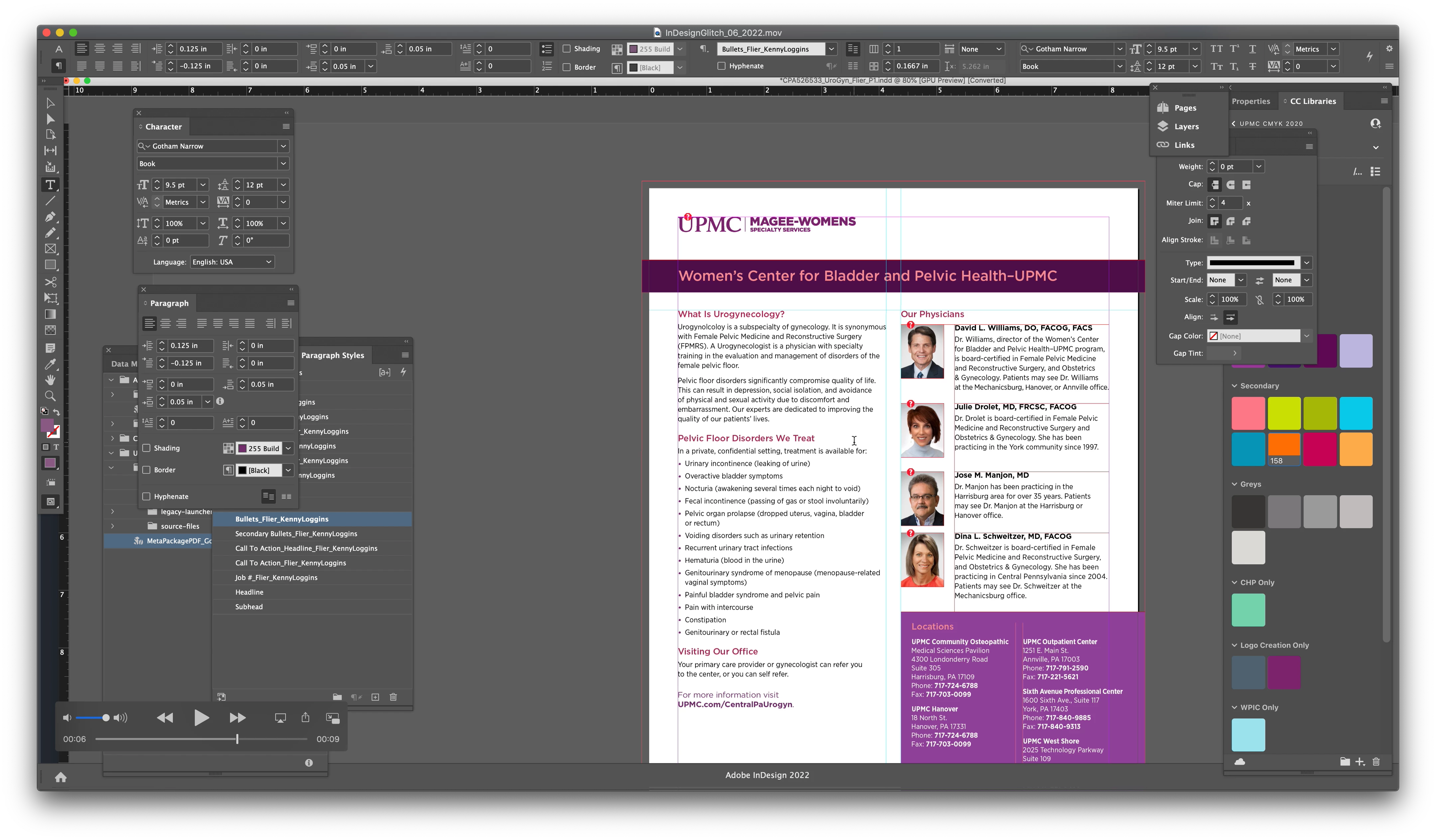
InDesignGlitch_06_2022_1.png


InDesignGlitch_06_2022_2.png


TOPICS
Bug
212
Translate
Report
Community guidelines
Be kind and respectful, give credit to the original source of content, and search for duplicates before posting. Learn more
community guidelines
Community Expert ,
Jun 24, 2022 Jun 24, 2022

You screenshots both show the same size and full window, only your document has scrolled somewhat...??

Translate
Report
Community guidelines
Be kind and respectful, give credit to the original source of content, and search for duplicates before posting. Learn more
community guidelines
New Here ,
Jun 24, 2022 Jun 24, 2022
LATEST

Yep, it centered itself in what it thinks is a larger monitor I guess. UPDATE: I turned the application frame on then off again, and that seems to have resolved the problem!

Translate
Report
Community guidelines
Be kind and respectful, give credit to the original source of content, and search for duplicates before posting. Learn more
community guidelines