
InDesign flattener artifacts (stitching) in the wrong place
Good afternoon.
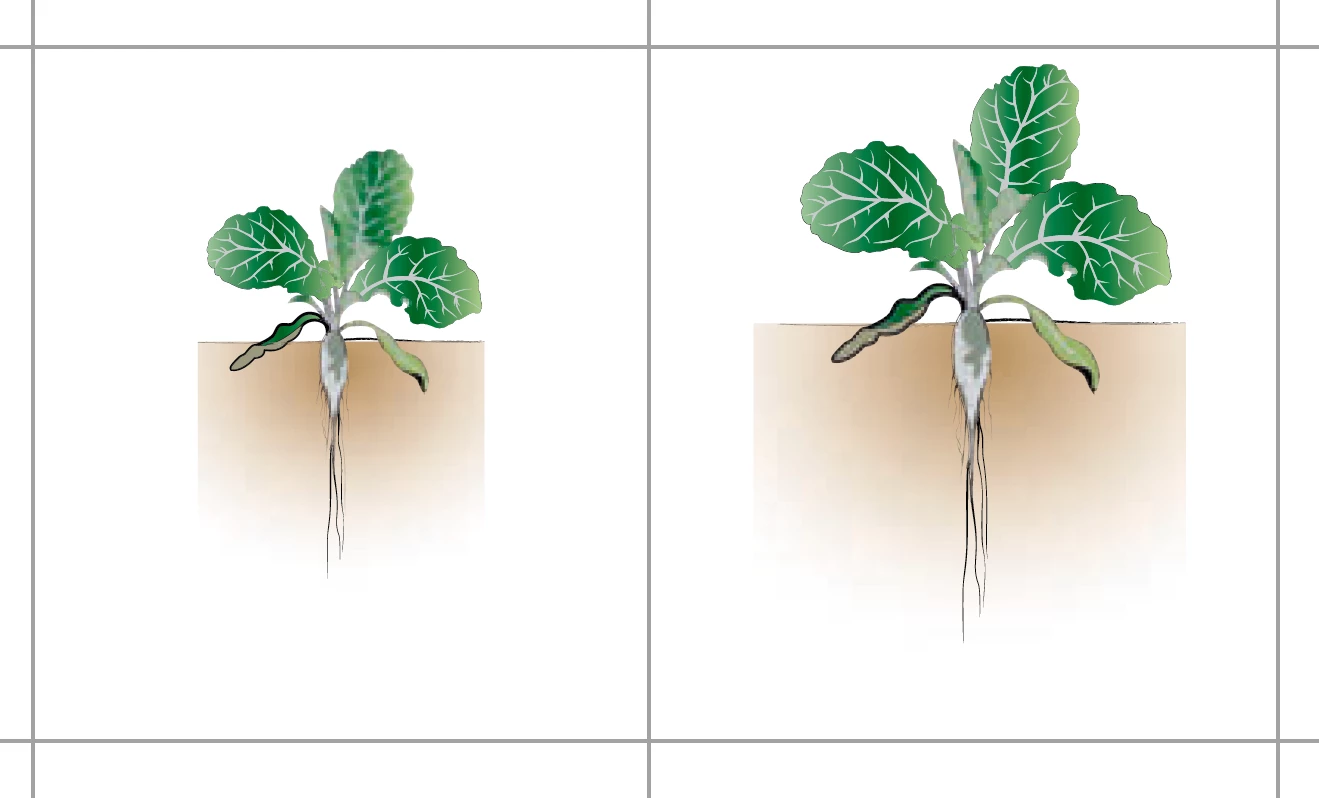
I have problems with reducing transparency flattening. InDesign rasterizes the image not exactly on the frame of the object, but even beyond it, and this distorts the lines in the layout. This can be seen even in print.
Is there any way to correct this behavior?
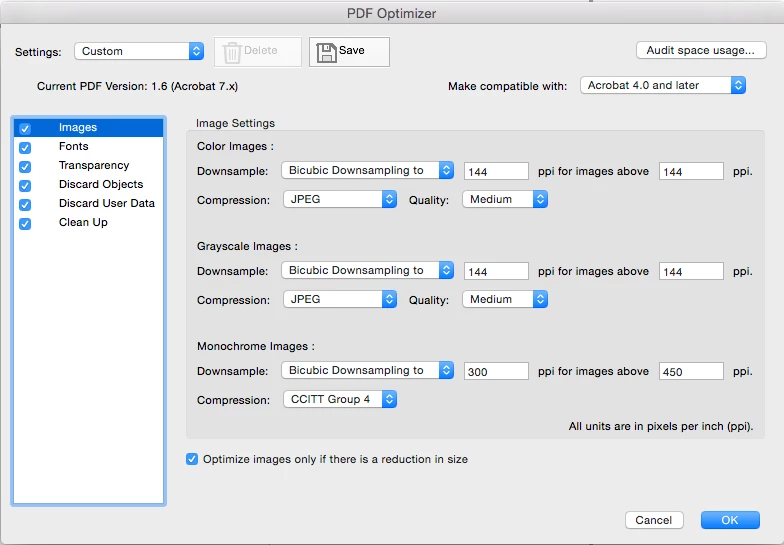
Btw I can not refuse rasterization. Completely vector layout is used in offset printing, and complex vectors in it take up a lot of space (100 pages - 120 megabytes). Rasterized individual pages are used in the internal workflow and should weigh a little. One rasterized page of this quality, as in the screenshot 2, weighs about 90-200 kb, and the vector page is 7-10 times larger. One miniature can have dimensions up to 20 * 40 mm.
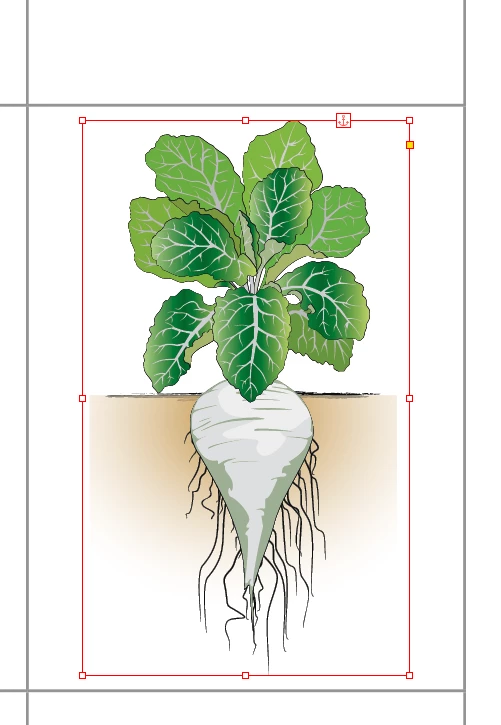
How does it look in InDesign layout:
How does it look in 144 dpi raster (check the top line):

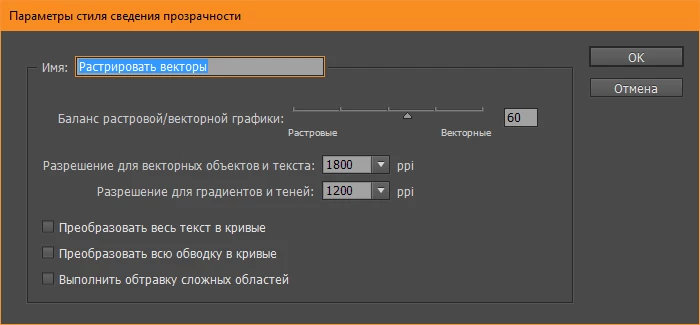
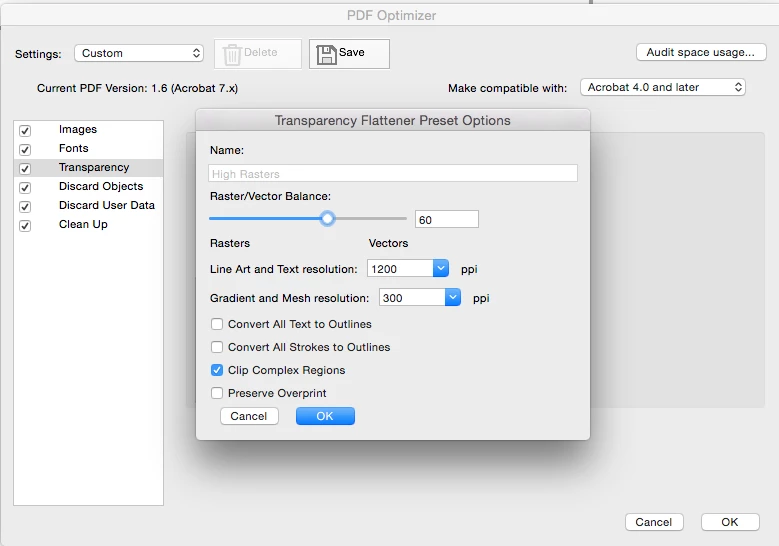
My flattener settings:
 AdChoices