Exit
  • Global community
    • Language:
      • Deutsch
      • English
      • Español
      • Français
      • Português
  • 日本語コミュニティ
  • 한국 커뮤니티
0

Indesign font problem

New Here ,
Oct 10, 2021 Oct 10, 2021

Hi!


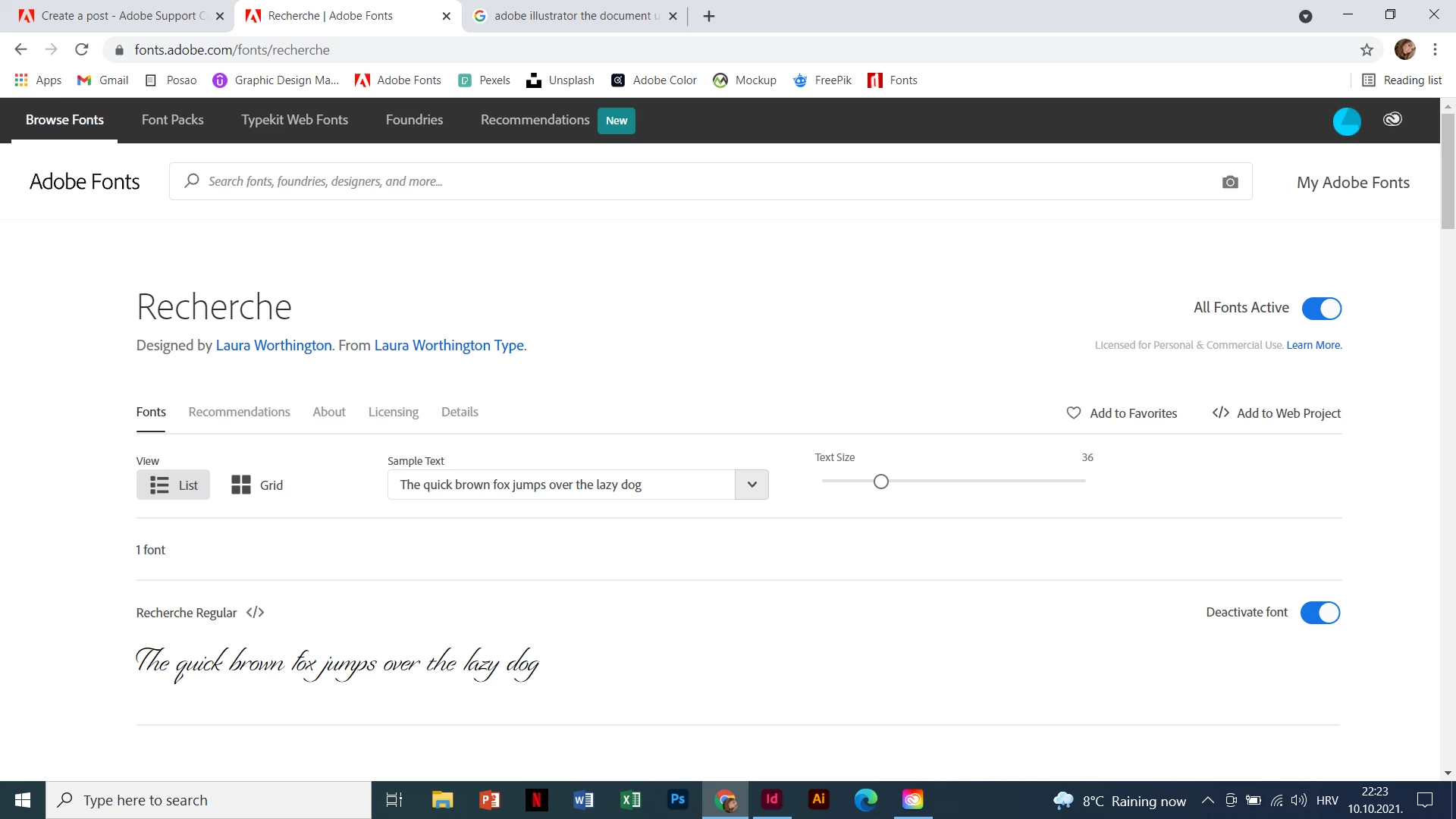
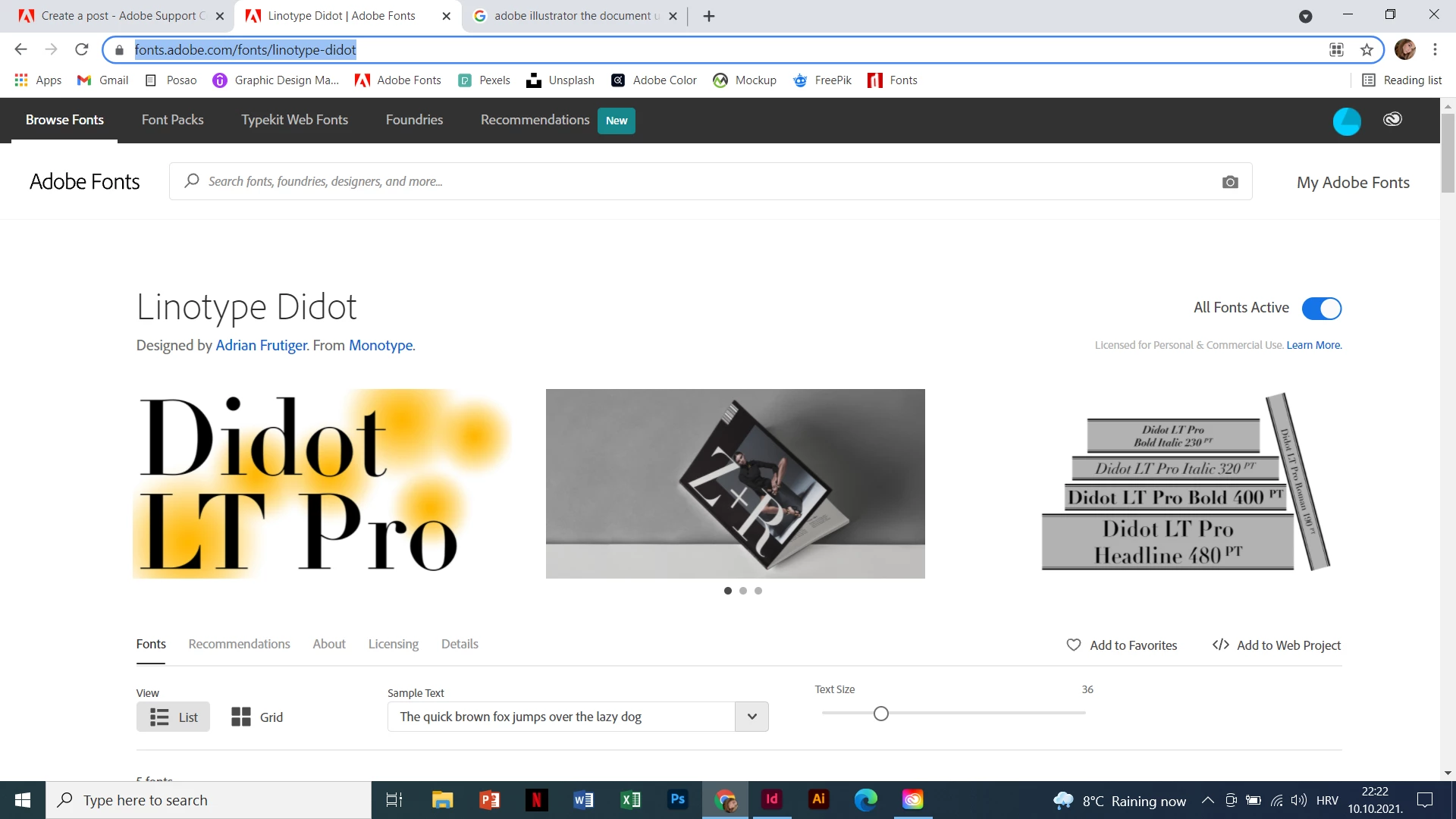
I have a problem with my Adobe Indesign. I used two fonts in my project and now it says that " the document uses fonts that are currently not available on your computer" but I have them installed on my computer.
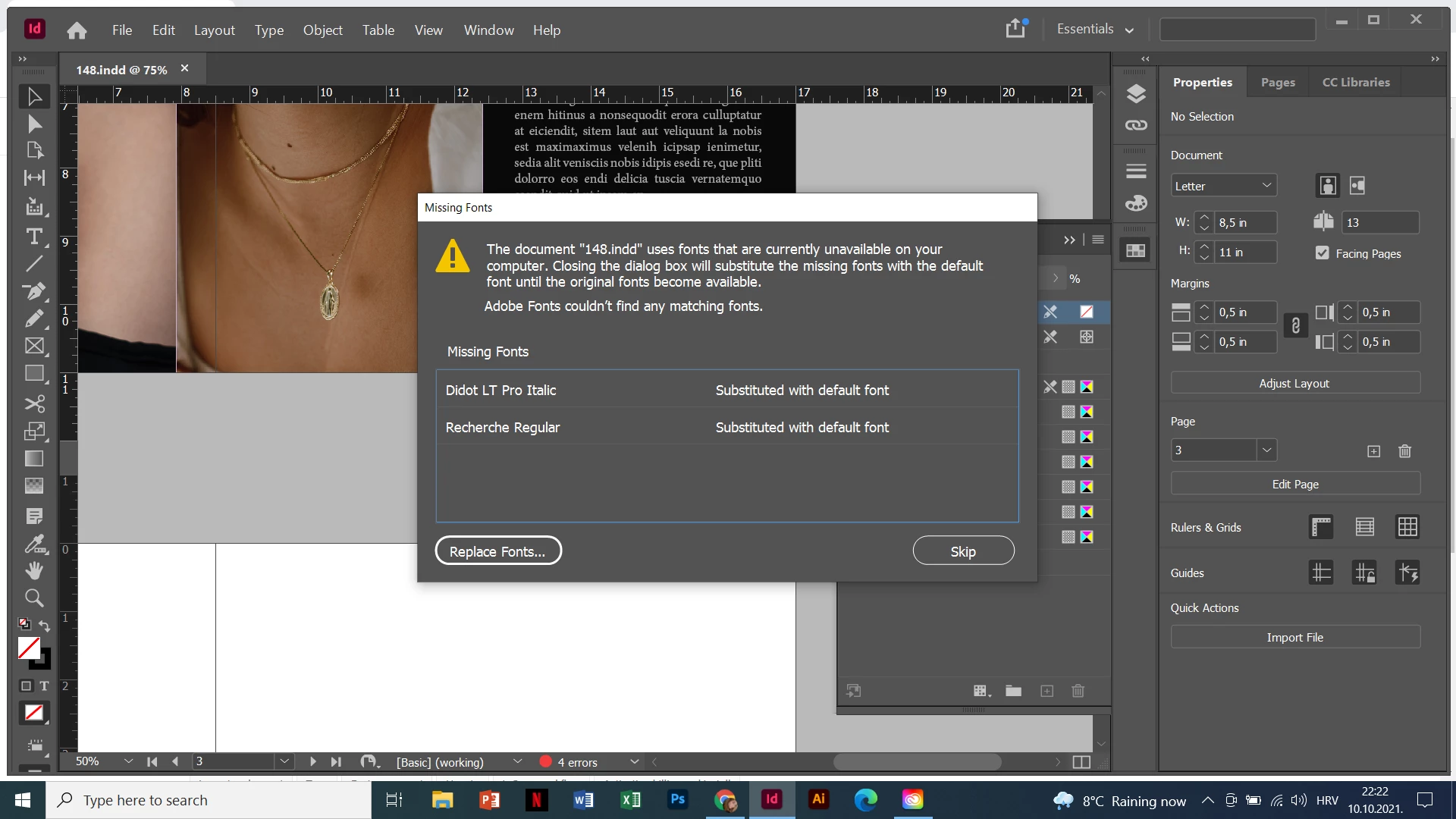
 

Mateja5E49_0-1633897365928.pngMateja5E49_2-1633897375624.png

Mateja5E49_3-1633897415076.png


TOPICS
Type
1.2K
Translate
Report
Community guidelines
Be kind and respectful, give credit to the original source of content, and search for duplicates before posting. Learn more
community guidelines

correct answers 1 Correct answer

New Here , Oct 13, 2021 Oct 13, 2021

Thanks, this helped. I realised that I need to opet Adobe Cloud first and then Indesign 😁

Translate
Community Expert ,
Oct 10, 2021 Oct 10, 2021

Sometime it helps to find and replace the font with the same font and redefine styles.

Translate
Report
Community guidelines
Be kind and respectful, give credit to the original source of content, and search for duplicates before posting. Learn more
community guidelines
Community Expert ,
Oct 12, 2021 Oct 12, 2021

Are the fonts available to other applications?

Like Adobe Illustrator, Adobe PhotoShop or Microsoft Word…


Sometimes it helps to unload the fonts from the Adobe Fonts service, log out of the Creative Cloud App, restarting the machine, logging in to Creative Cloud App and loading the fonts again. And only then starting up InDesign.


Regards,
Uwe Laubender

( ACP )


Translate
Report
Community guidelines
Be kind and respectful, give credit to the original source of content, and search for duplicates before posting. Learn more
community guidelines
New Here ,
Oct 13, 2021 Oct 13, 2021
LATEST

Thanks, this helped. I realised that I need to opet Adobe Cloud first and then Indesign 😁

Translate
Report
Community guidelines
Be kind and respectful, give credit to the original source of content, and search for duplicates before posting. Learn more
community guidelines