Inspiring
February 24, 2017
Answered

InDesign-how to apply gradient to text on circular path?

  • February 24, 2017
  • 3 replies
  • 5892 views

I have a circle, with text running around the outer edge of the circle (text on a path). I want the bottom half of my letters to be yellow, and the top half of my letters to be orange. But the gradients (even the circular one) won't colorize the text on the path the way I want them to. Does anyone know how to make this work? Here is the example of what I want the gradient to look like (done in Photoshop; I am converting to vector shape, and have been successful except for the lettering in the border):

    This topic has been closed for replies.
    Correct answer SJRiegel

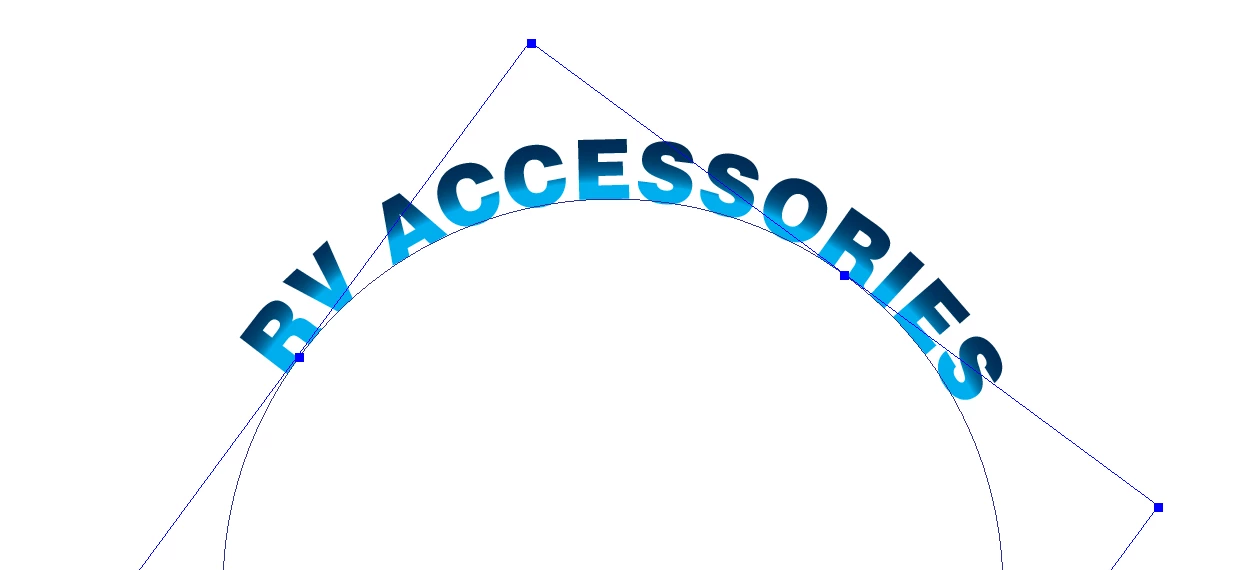
    You can select the lettering with the text tool, and then add a gradient that starts from the center of the path, with a sharp dropoff near the end. Like this:

    3 replies

    Barb Binder
    Community Expert
    Community Expert
    February 27, 2017

    Backing up Erica Gamet and Eternal Warrior​'s concerns—this is a very interesting article published here a few months ago:

    EPS – the Zombie among file formats

    ~Barb at Rocky Mountain Training
    Erica Gamet
    Inspiring
    February 24, 2017

    One option might be to convert your text to outlines in InDesign, then fill with a radial gradient. (Select the bounding box and apply the gradient to the fill). Make the gradient "tight" on one end, meaning start the color way along the ramp and have the gradient live in a small space that fits your text.

    SJRiegelCorrect answer
    Legend
    February 24, 2017

    You can select the lettering with the text tool, and then add a gradient that starts from the center of the path, with a sharp dropoff near the end. Like this:

    Inspiring
    February 24, 2017

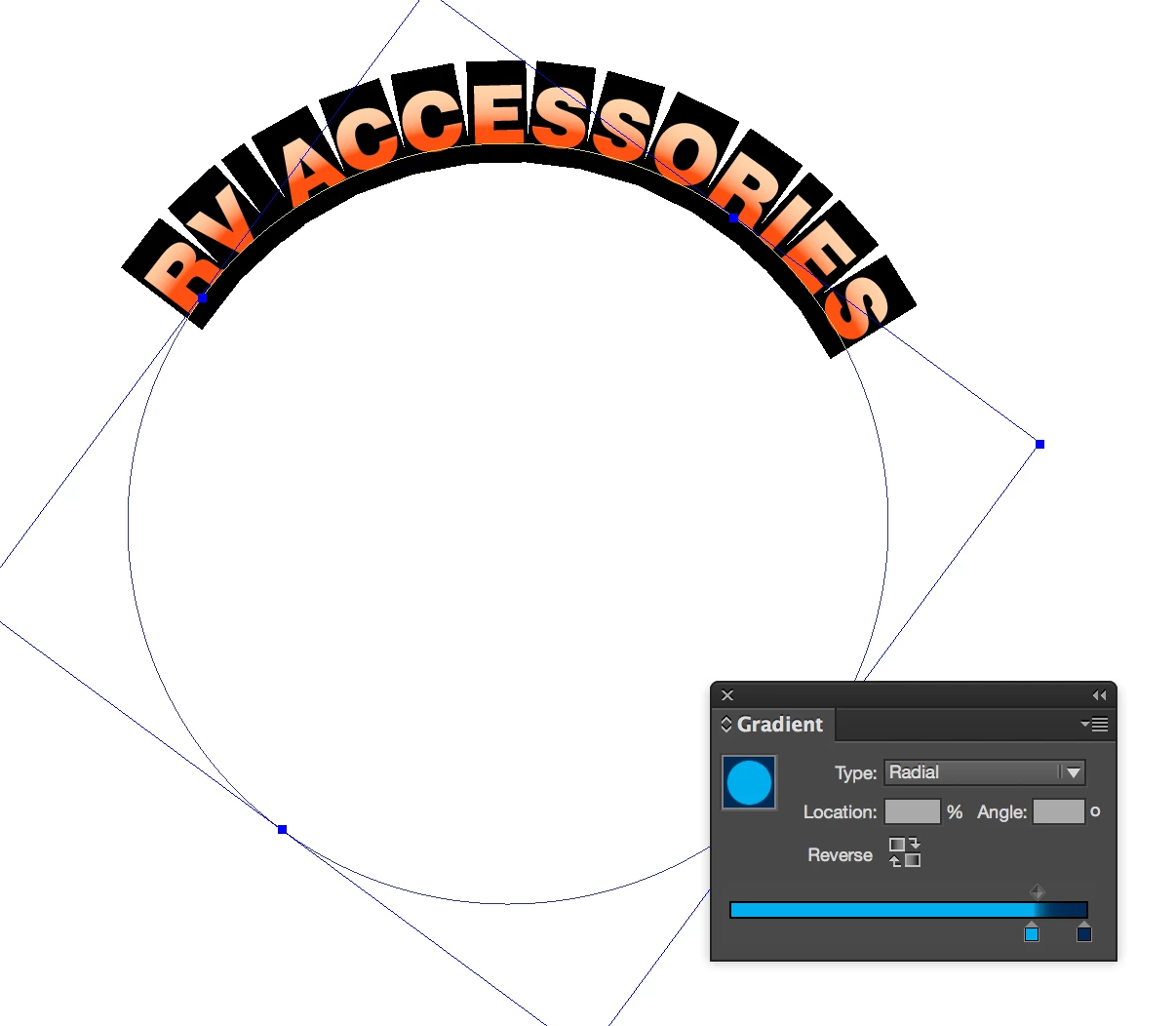
    Thank you for helping! I am baffled because I have done exactly what you showed me -- and I don't get the same result.  Below is what happens when I try the gradient as you described. Can you tell what I am doing wrong? Because your result is exactly what I am trying to achieve!  =-)

    Community Expert
    February 27, 2017

    Yay -- it takes a village! The step-by-step directions showed me where I was erring. I was trying to use the feather gradient tool, not the gradient tool to apply the gradient. It works!!

    One more thing -- the final output of this gradient technique will be an EPS file for enlarging up to 3x the created size. Will the gradient "hold"? I'm concerned about the caution to not scale the circle.

    Thanks so much!

    Pauline


    Hi Pauline,

    the gradient will hold if you export to PDF, EPS or other formats.


    But it may not hold if you scale the circle on an InDesign page.

    It depend of your preferences with scaling:

    Talking about EPS:
    If you absolutely have to export to EPS—a graphic format of the late 20th century—use the options for PostScript 3 ( introduced 1997 ). Better would be an export to PDF. PDF/X-4 perhaps.


    But ask the one who is demanding EPS.

    Regards,
    Uwe