Bill and Vinny have given the right information. To expand on that with screen captures . . .
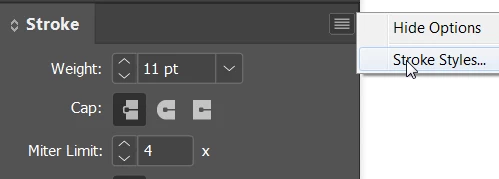
From the Stroke panel menu choose Stroke Styles.
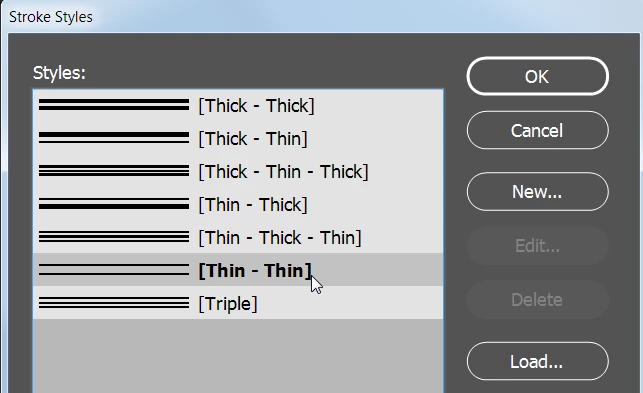
Choose Thin Thin. Then click the New button.
Click on the top stripe and draw the lower handle up until both the upper and lower handle at at zero %.
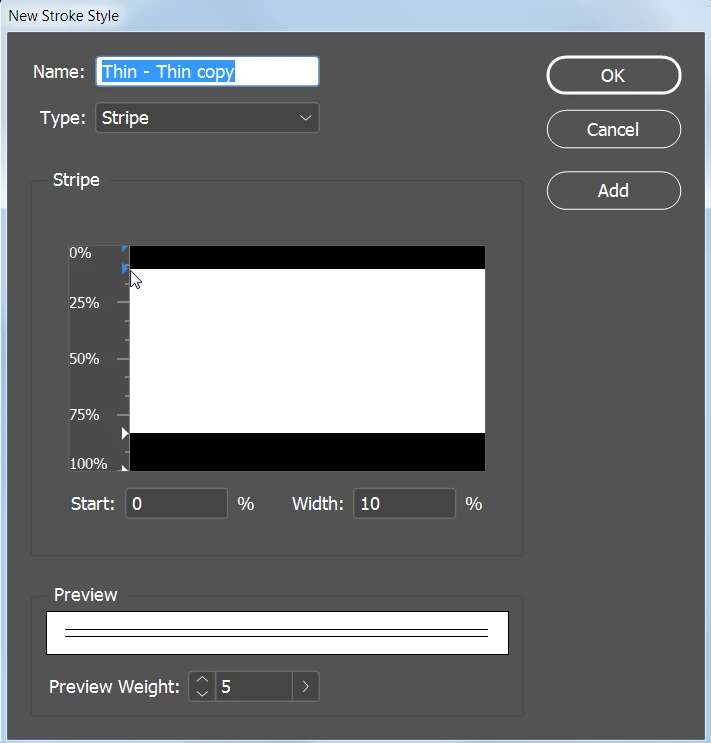
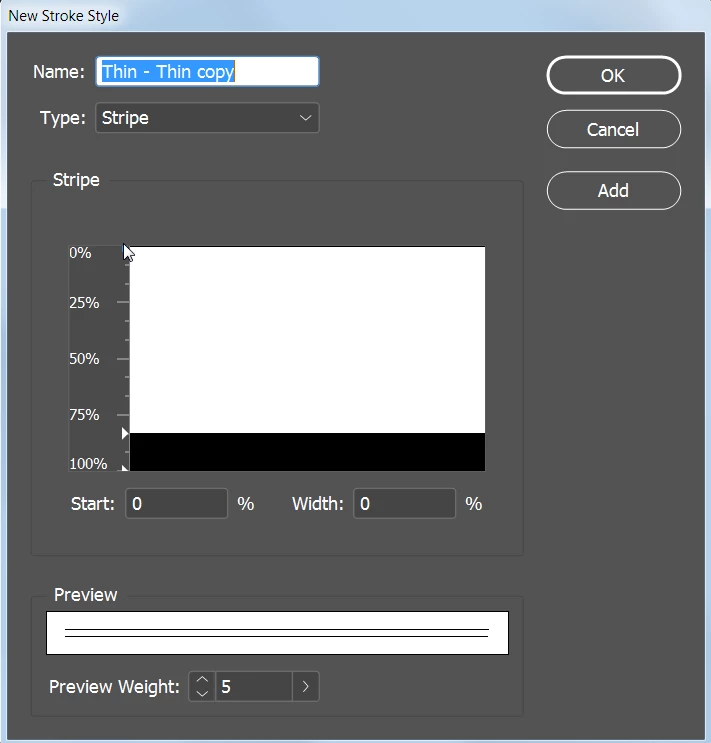
You will need to adjust the weight of the bottom line, depending on how far inside the picture you want the line. The thicker the bottom line is, the more distance away from the frame. This may take some experimenting, but you can always edit your new stroke style until its just right. You could start with a fairly thin line. Below I make the bottom line thinner than the default.
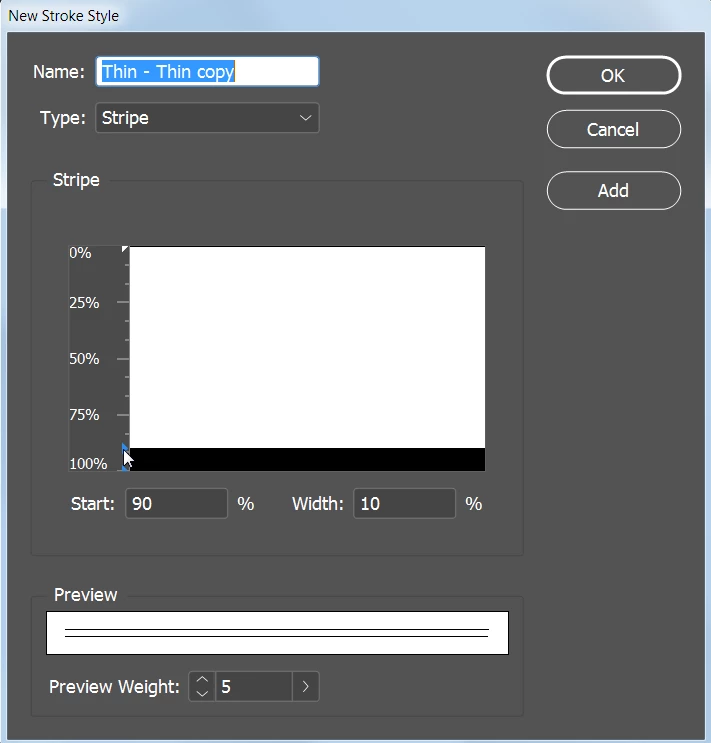
Give the new stroke a name and click OK. Click OK again.
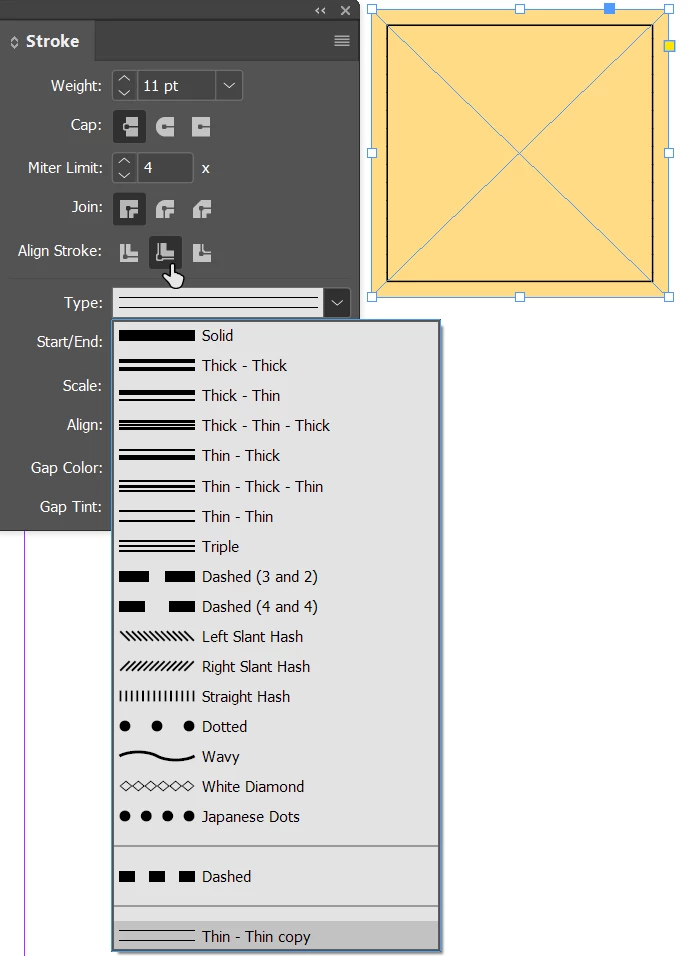
Your new stroke will appear at the bottom of the Type list. Align Stroke should be set to Inside. The thicker the weight is for the stroke the more space between the stroke and the edge of the frame.


 AdChoices