Community Manager
October 14, 2024
Sticky

InDesign MAX 2025: Generative Expand, Export ID Docs to Adobe Express, MathML Support, and More!

  • October 14, 2024
  • 10 replies
  • 5098 views

Hi Everyone, Happy MAX!


We’re thrilled to share that InDesign 2025 (version 20.0) is now live on Creative Cloud Desktop! Dive into exciting new features like Generative Expand, the Contextual Task Bar, MathML support, and the ability to export directly to Adobe Express and HTML5. Enjoy improved cloud workflows, accessibility, and UX enhancements. Happy designing!

 

Update the App

Try out the latest Features and Enhancements in InDesign


Extend Images Beyond Borders with Automated Edits

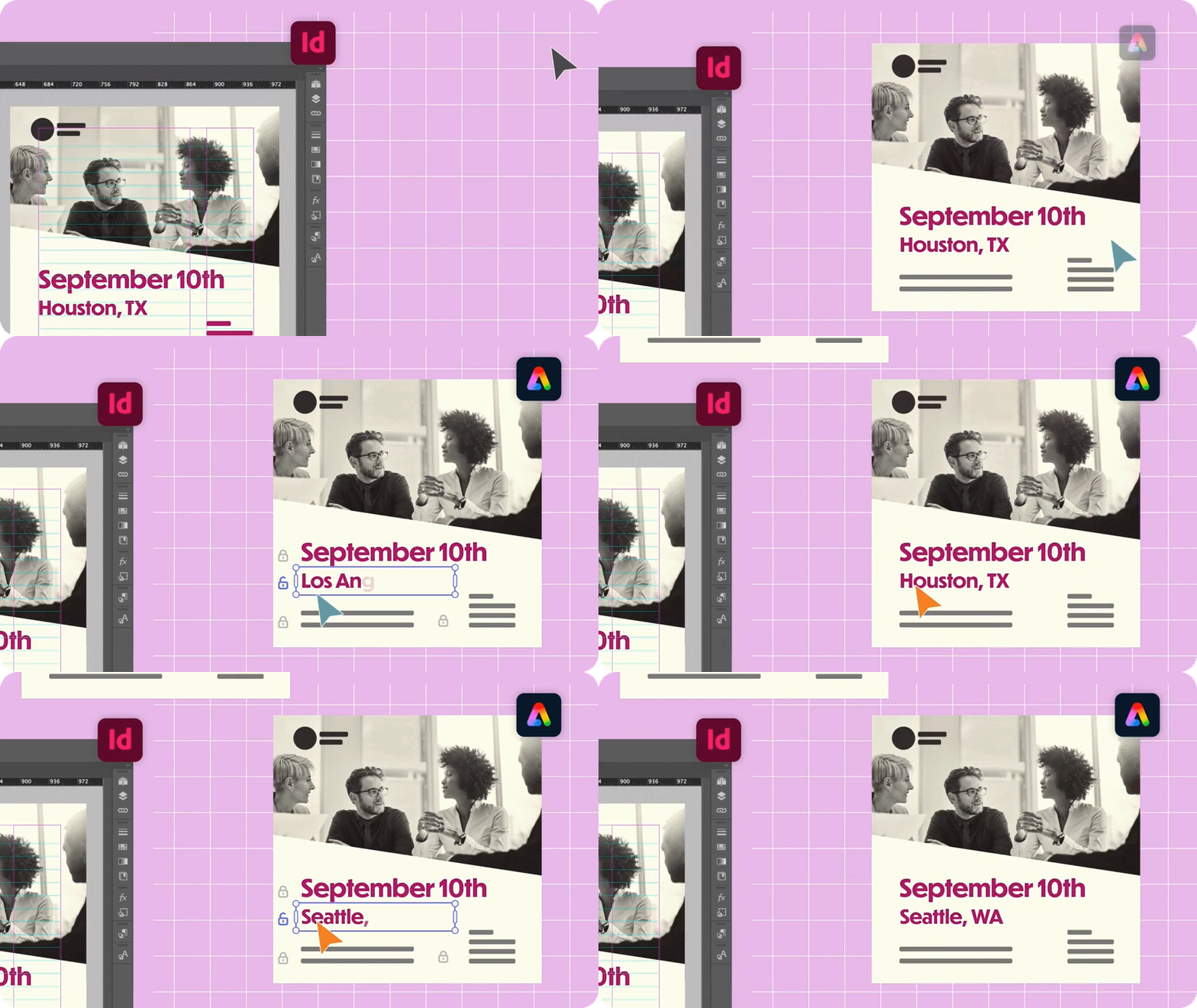
Generative Expand makes resizing images easier than ever! It smartly analyzes the surrounding pixels to seamlessly extend backgrounds or objects, so you can effortlessly enhance your designs. No more time-consuming edits—just smooth, cohesive expansions that blend perfectly. It's a game-changer for anyone looking to elevate their creative projects!


Export InDesign documents to Adobe Express

Export your InDesign documents to Adobe Express for quick and easy online editing! This makes it super simple for communicators and non-designers to customize and tweak InDesign templates right in Adobe Express.
It's a great way to share your designs and let others make edits effortlessly!


Ingest MathML to create math expressions

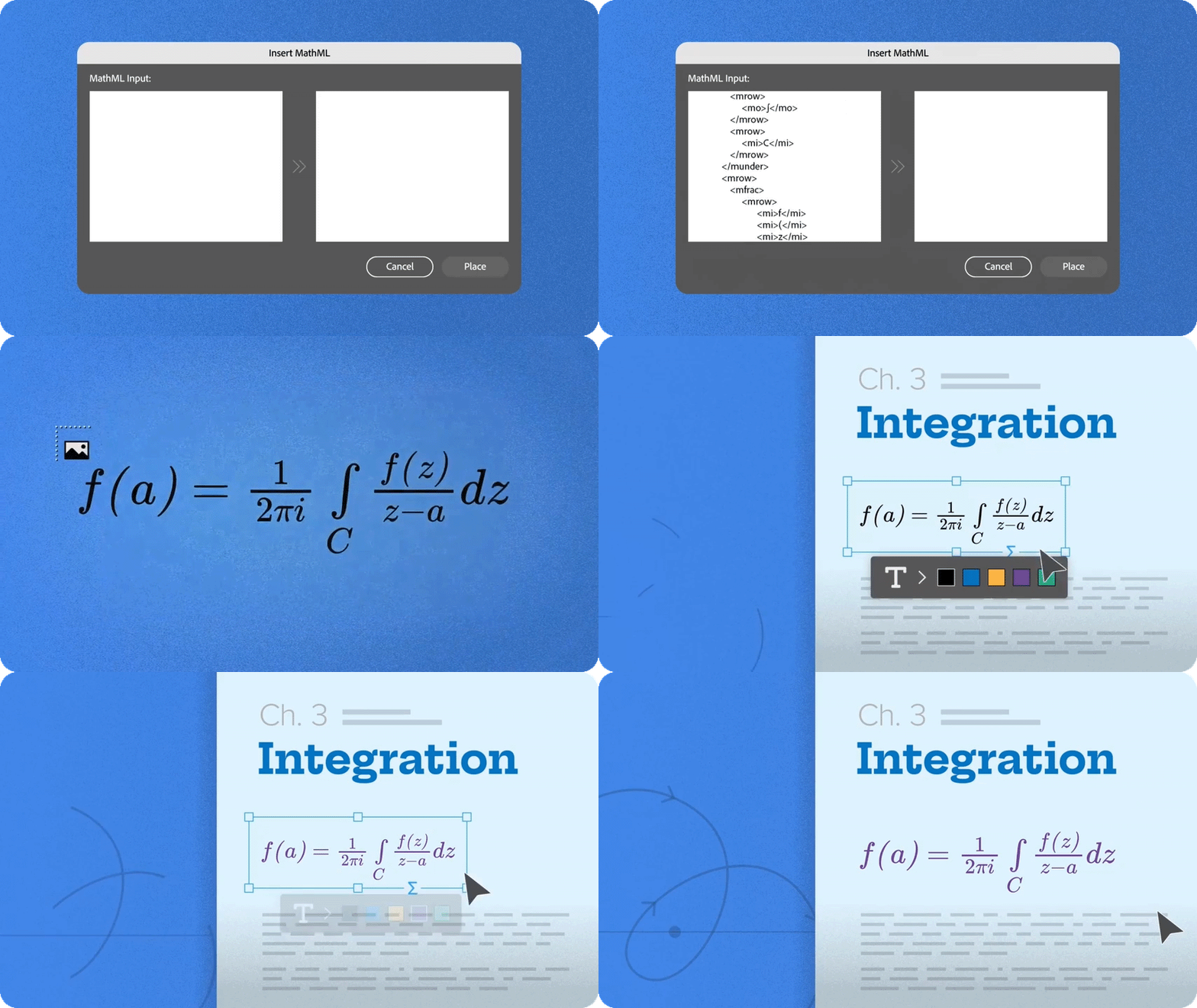
You asked for it, and here it is! Now, with the new MathML panel in InDesign, you can easily create, edit, and style math expressions. Simply input your expression using MathML, preview it, and place it directly in your document. Additionally, you can customize the font size and color of your math expressions to fit your design needs!


Text to Image Advanced Option

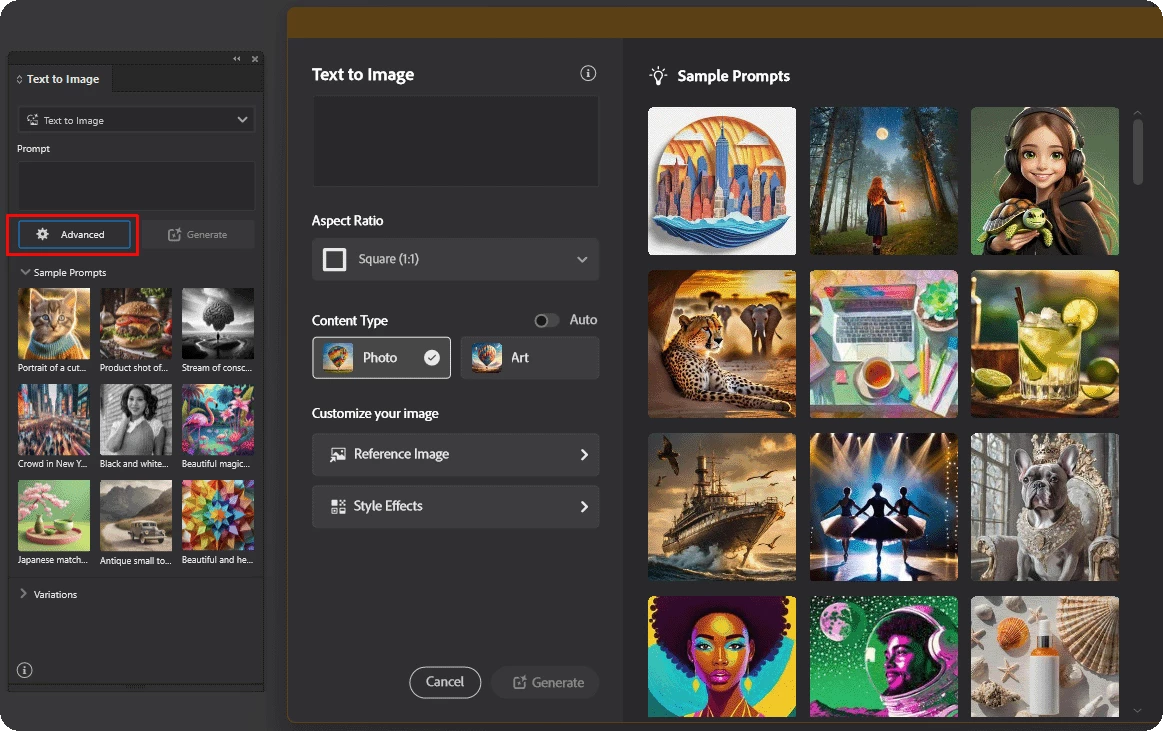
The Text to Image panel now has an Advanced option where you can see more sample prompts, add a Reference Image, and select a Style Effect. All variations will be downloaded to your computer in C:\Users\<userid>\Documents\InDesign GenAI Assets, and you can view them in the Links panel with the OK  icon.


Export to HTML5 package

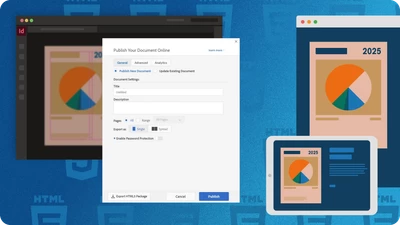
Exporting InDesign documents as an HTML5 package for easy hosting on your website or server, which helps enhance SEO and accessibility. You can choose to export your text as HTML text or SVG tags.


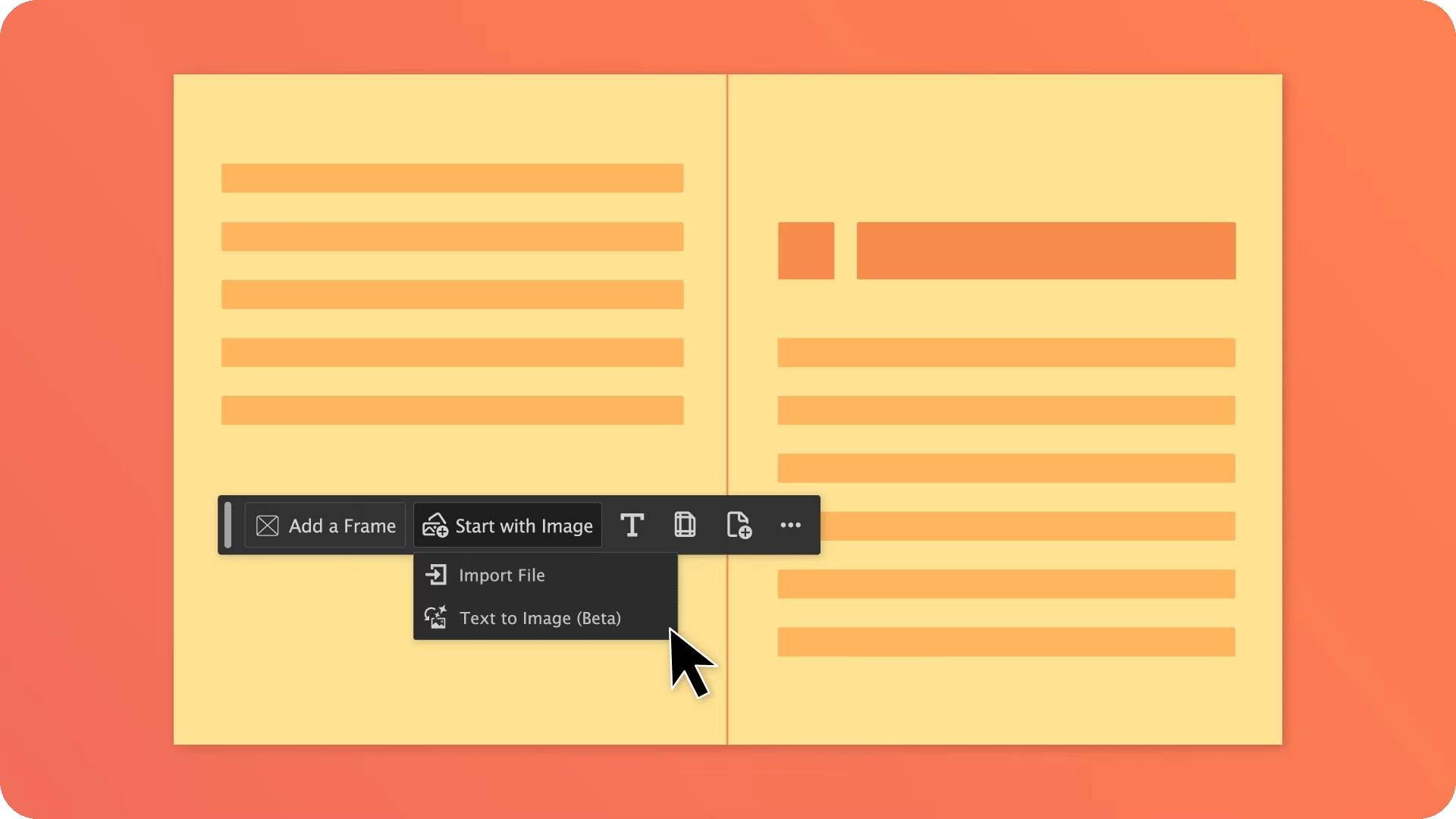
Focused creativity with contextual task bar

The Contextual Task Bar helps you stay focused by displaying your next key actions. It updates automatically based on your work, ensuring you maintain your flow. It's pinned to your workspace but you can move or hide it as needed.


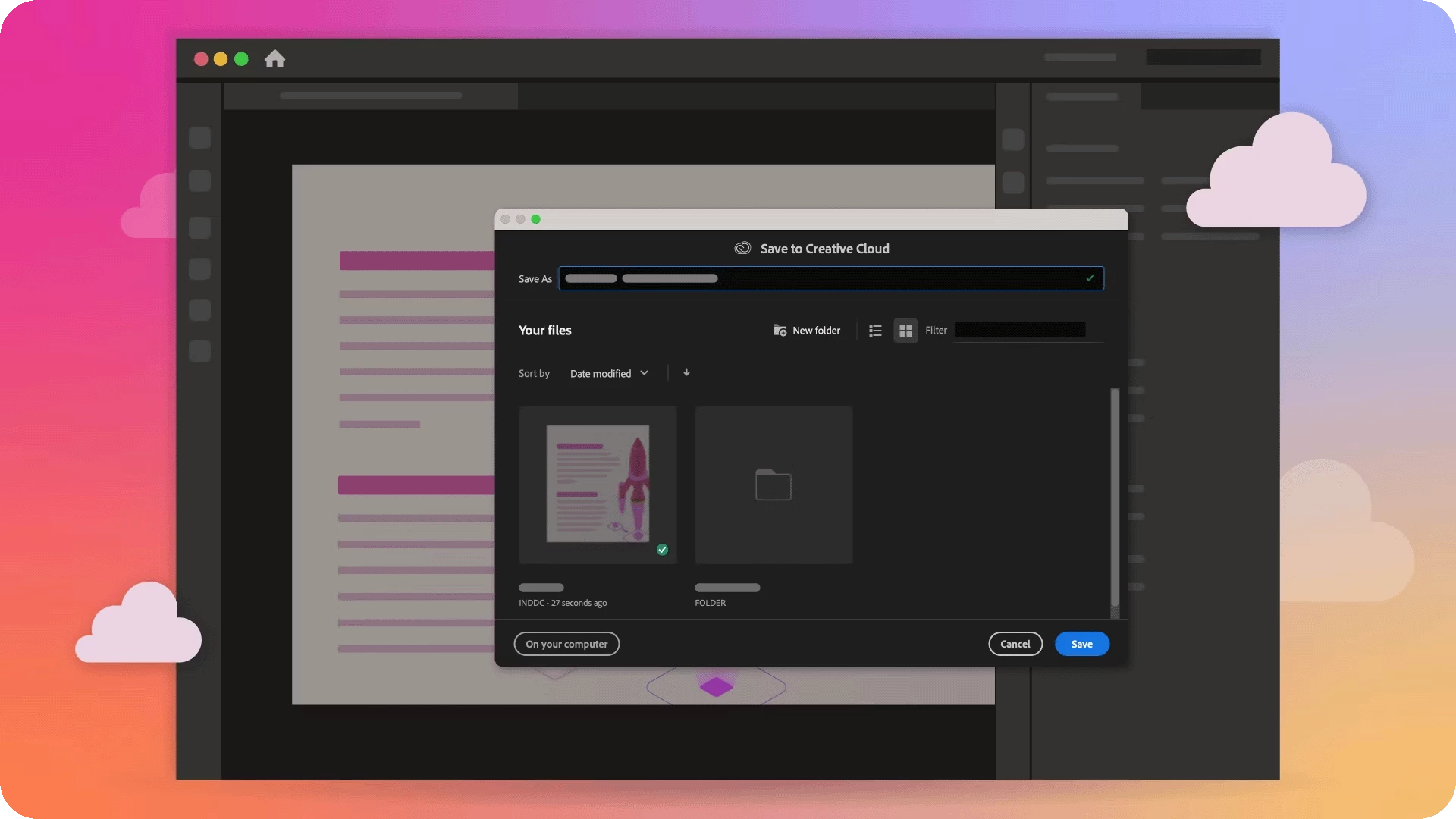
Enhancements to cloud document workflows

You can invite collaborators to edit your cloud documents from the InDesign desktop application. You can also create public links to view your cloud document anywhere, anytime.


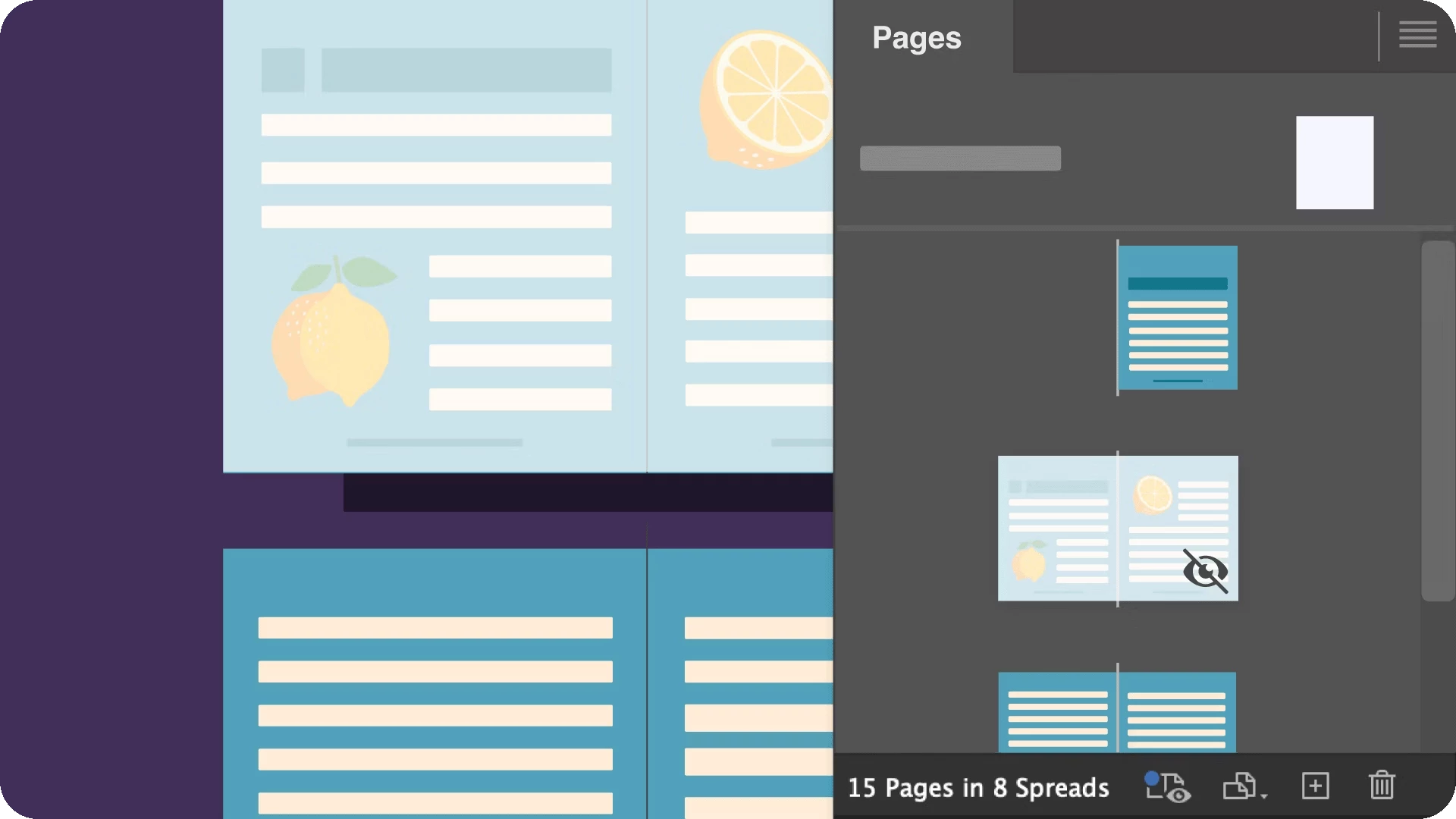
Hide spread enhancements

With the new toggle option, control hidden spread visibility on your canvas. It helps keep your workspace organized. Auto-page numbering skips hidden spreads, regardless of visibility status.


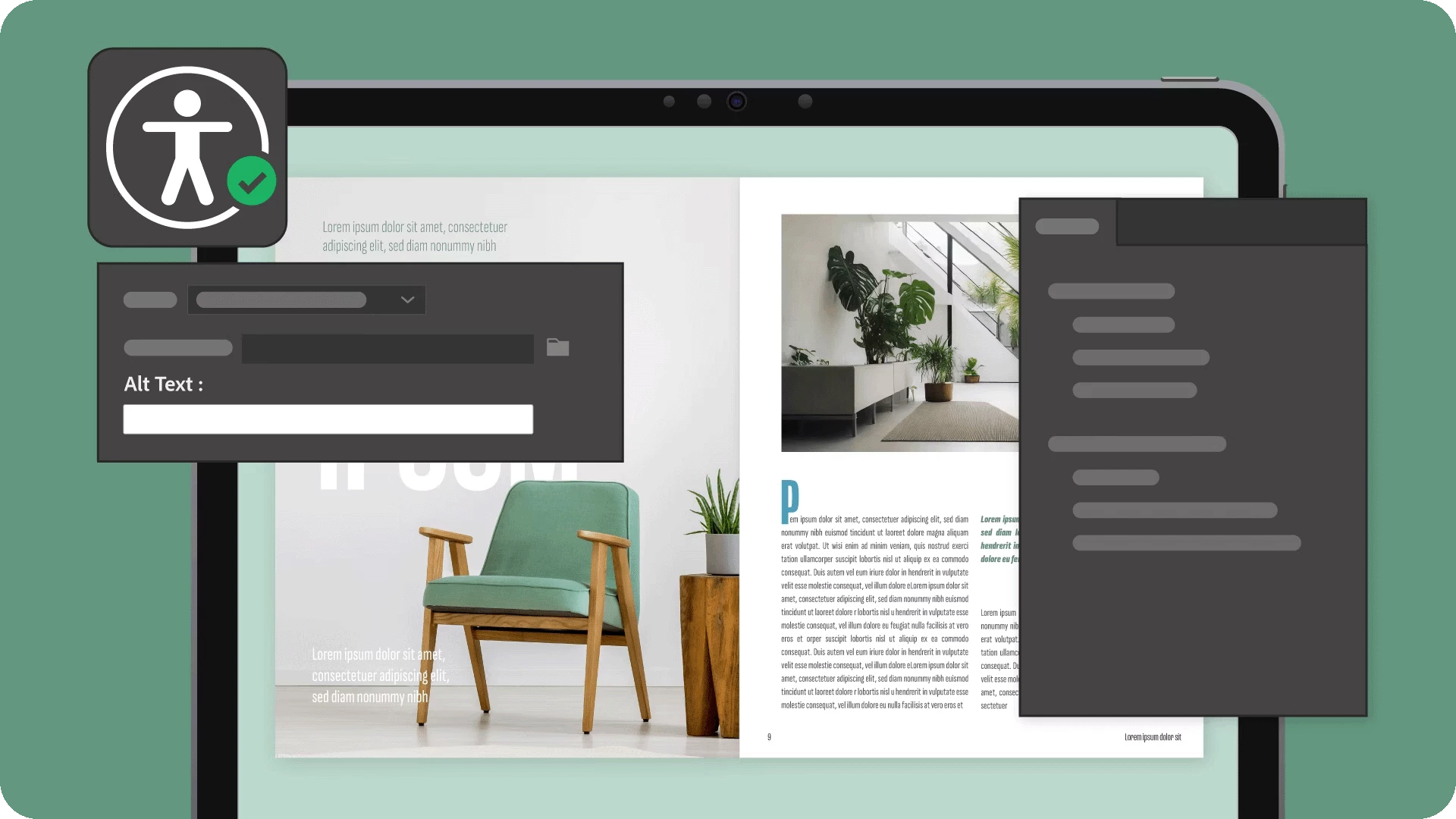
Accessibility updates

Improved accessibility in InDesign enhances page breaks, tables, and figures for smoother navigation and supports figure and figcaption tags. Assistive technologies now announce figcaption instantly, helping users immediately understand the context when they enter a figure.


UXP enhancements

Explore the flyout menu options to save panel space, and persistent storage will save your plugin data in the corresponding InDesign version. Plugin storage migration can help copy the plugindata folder from a previous version to the current version automatically.


For more information, please click on the links mentioned below:
What's New
Fixed Issues

We’d love to hear from you!

Try out the new InDesign 2025 version 20.0, and let us know your thoughts. Feel free to reach out if you have any questions or need more tips!

If this was helpful, please click the Upvote icon in the top left corner of this post. Your feedback helps us improve the experience. Thank you!


Have questions? Click 'Reply' below to ask.

Click 'Follow' below to bookmark this post for easy reference.

    10 replies

    New Participant
    November 29, 2024

    Will be Indesign 20.0 avaiable with the Apple M4 SoC soon ?

    Abhishek Rao
    Community Manager
    Community Manager
    November 29, 2024

    Hi @charlotte_8225,


    Thank you for sharing the file. I’ll review it with the product team and get back to you with an update soon.  


    Best,  
    Abhishek Rao  

    Participating Frequently
    November 13, 2024

    Are there any plans to make InDesign available on the web (like Express) or as a mobile app?

    Abhishek Rao
    Community Manager
    Community Manager
    November 14, 2024

    Hi @HolliFriedland,


    Thanks for your query! Could you share the use case you'd like to solve through InDesign on the web or mobile? This will help us understand your needs better and help plan accordingly. 

    By the way, InCopy is already available on the web in beta! 


    Looking forward to hearing from you!


    Thanks, 

    Abhishek Rao

    @mj
    Community Expert
    October 18, 2024

    Oh one more thing.

    What is your plan with imporving on interactive document features?

    Tx

    mj

    iMSD

    Vivek12Community ManagerAuthor
    Community Manager
    October 22, 2024

    @@mj  Sorry for the delay in response. I have raised this question with our product team for further suggestions. I will keep you posted.

    ^VS

    @mj
    Community Expert
    October 18, 2024

    Hi,

    Do you intend supporting PDF/X-6 anytime soon?

    Best

    mj

    iMSD

    Vivek12Community ManagerAuthor
    Community Manager
    October 22, 2024

    @@mj  Sorry for the delay in response. I have raised this question with our product team for further suggestions. I will keep you posted.

    ^VS

    Vivek12Community ManagerAuthor
    Community Manager
    October 22, 2024

    @@mj  Our product team is keen to learn more about the use case for which you require the PDF/X-6 standard. Could you please share additional details about your specific use case?

    ^VS

    Community Expert
    October 16, 2024

    Ingest MathML to create math expressions is very appreciated!

    Community Expert
    October 16, 2024

    Does Export to HTML Packages allow for a multi page website with navigation bar and everything else. If so would you create the Navigation Bar on a Parent Page?

    Vivek12Community ManagerAuthor
    Community Manager
    October 18, 2024

    @Daniel Kramer Thank you for your feedback. We appreciate your input, and it will help us enhance our product. We'll pass this along to our product team for consideration and further action based on feasibility.

    ^VS

    New Participant
    October 16, 2024

    Gen expand is cool and potentially very useful in my production studio. It seems to create the expanded version of the image only as RGB, even if the original linked image is CMYK. Is there a way to make it maintain the original color profile?


    Also, it seems to only work with linked JPGs. Will there be support for linked PSDs and TIFFs as well?


    Thanks, great demo!

    Vivek12Community ManagerAuthor
    Community Manager
    October 18, 2024

    @Dave293910135kly  Thank you for the feedback. We have raised this question  to our product team for further suggestions.

    ^VS

    Vivek12Community ManagerAuthor
    Community Manager
    October 18, 2024

    @Dave293910135kly  Please find the response from our product team mentioned below:
    "Thank you for the feedback. At this point, Gen Expand only produces RGB images. In the future, we'd like to keep the original color profile. Similarly, PSD and TIFF are not available but may come in the future as technology advances."

    ^VS

    Community Expert
    October 15, 2024

    Cool new Adds, not sure I will need them.

    Robert at ID-Tasker
    Brainiac
    October 14, 2024

    @Vivek12


    Could you please fix your post?


    It's OK in horizontal view on the phone - but completely unreadable in portrait. 


    Vivek12Community ManagerAuthor
    Community Manager
    October 14, 2024

    @Robert at ID-Tasker  Sorry for the trouble. This issue has been fixed now.

    James Gifford—NitroPress
    Brainiac
    October 14, 2024

    I don't need equations too often, but I know others do, and having MathML as an integral (that's a pun) feature will be nice. Looking forward to seeing if the hide-spreads improvements address all the weaknesses of the first round, too.


    But what is the difference/improvement in the 'Export to HTML5' feature over the prior HTML export? I use/d the latter to create online documentation and didn't have too many complaints, although I did make extensive use of CSS re-styling to go from basically-print layout to browser-compatible ones. Is there a full description of what's new/improved/changed in this export option?

    Abhishek Rao
    Community Manager
    Community Manager
    October 14, 2024

    Hi @James Gifford—NitroPress


    Thanks for your thoughts! 😊 You're absolutely right-the previous HTML export was more of a "here's the content" situation, where users needed to handle CSS adjustments for positioning, layout, etc.

    With the new HTML5 export, we're working hard to preserve the visual appearance much better. 🙌 It's an evolving feature, so while we continue improving it, stay tuned for more documented info from the InDesign team. You can check out the current details here: [Export to HTML5](https://adobe.ly/4dRPaFc). 


    Best,  
    Abhishek Rao


    Monika Gause
    Community Expert
    October 16, 2024

    That's useful!