
Indesign not pasting graphics/vectors correctly
I primarily use Affinity Designer for every project. However, Affinity doesn't have a way to add crop marks, bleeds, and color information when exporting. So, I'm stuck using Indesign for whenever I need those items.
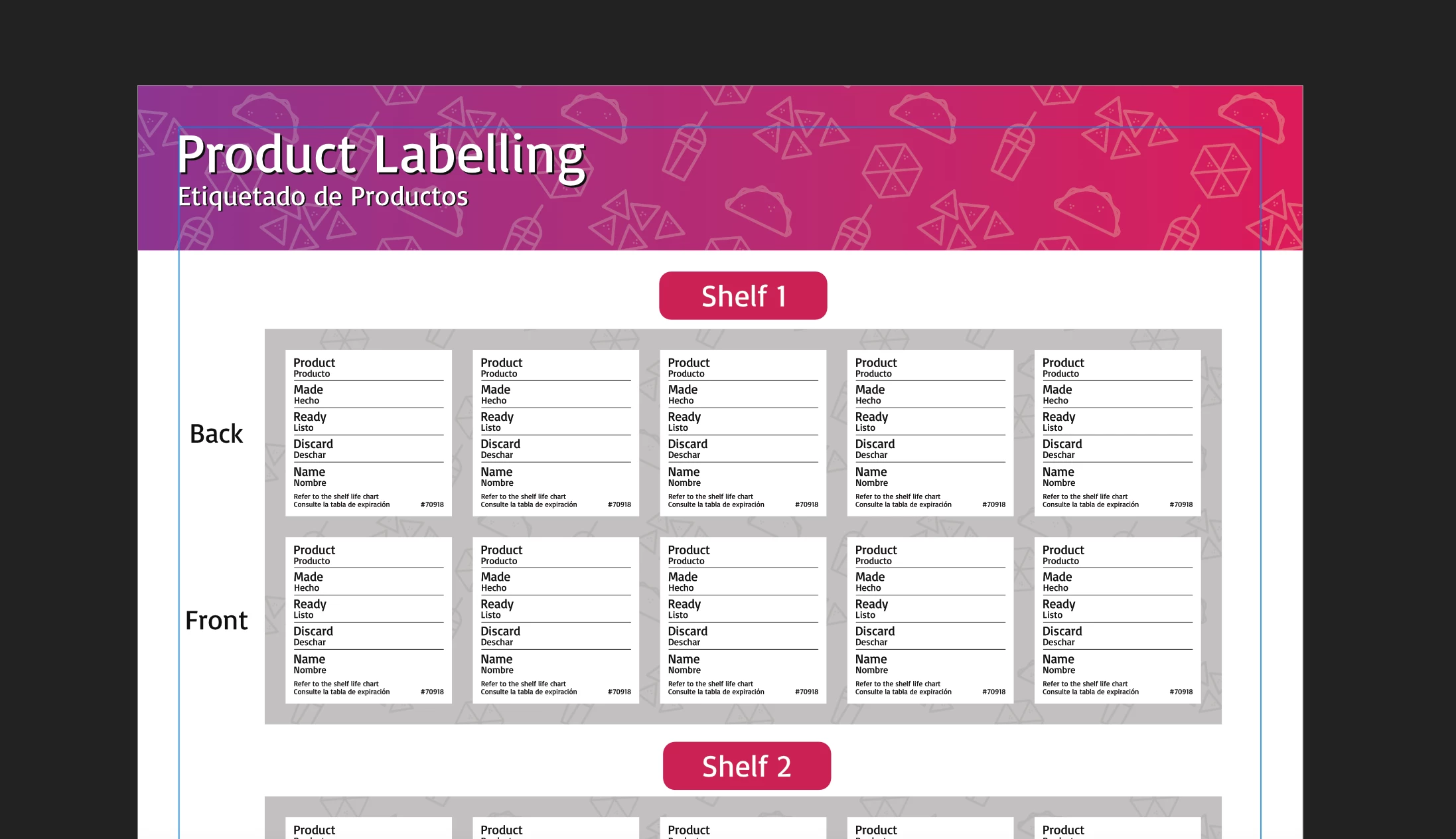
I'm currently making a product labelling sheet for Taco Bell, and I've incorporated a vector pattern that includes different Taco Bell foods. It looks like this (in Affinity Designer):
Usually, Indesign plays nice when I want to copy and paste Affinity graphics and vectors over to it. However, for some odd reason I just can't seem to figure out, I paste in the graphics and it looks awful:

Being a 14x20 inch document, I feel like this is going to be noticible. I then tried to copy in each graphic one at a time; first the gradient, then the pattern, then the text:

Keep in mind, all of the files are exporting like this too. It isn't just an issue with Indesign's Display performance (Which I have everything turned up all the way).
I know I said I use Affinity Designer for every project (which I do), but I actually made the pattern in Illustrator (not the shapes, just the pattern). So, I tried copying and pasting the pattern inside of a box directly from Illustrator:

Now this one seems to look okay, but it pasted in larger than I had originally made it. And I can't just scale it down either. The icons in the pattern are too big. The box holding the pattern is the exact size it needs to be.
I then tried to shrink the box holding the pattern in Illustrator and copy and paste that into Indesign:
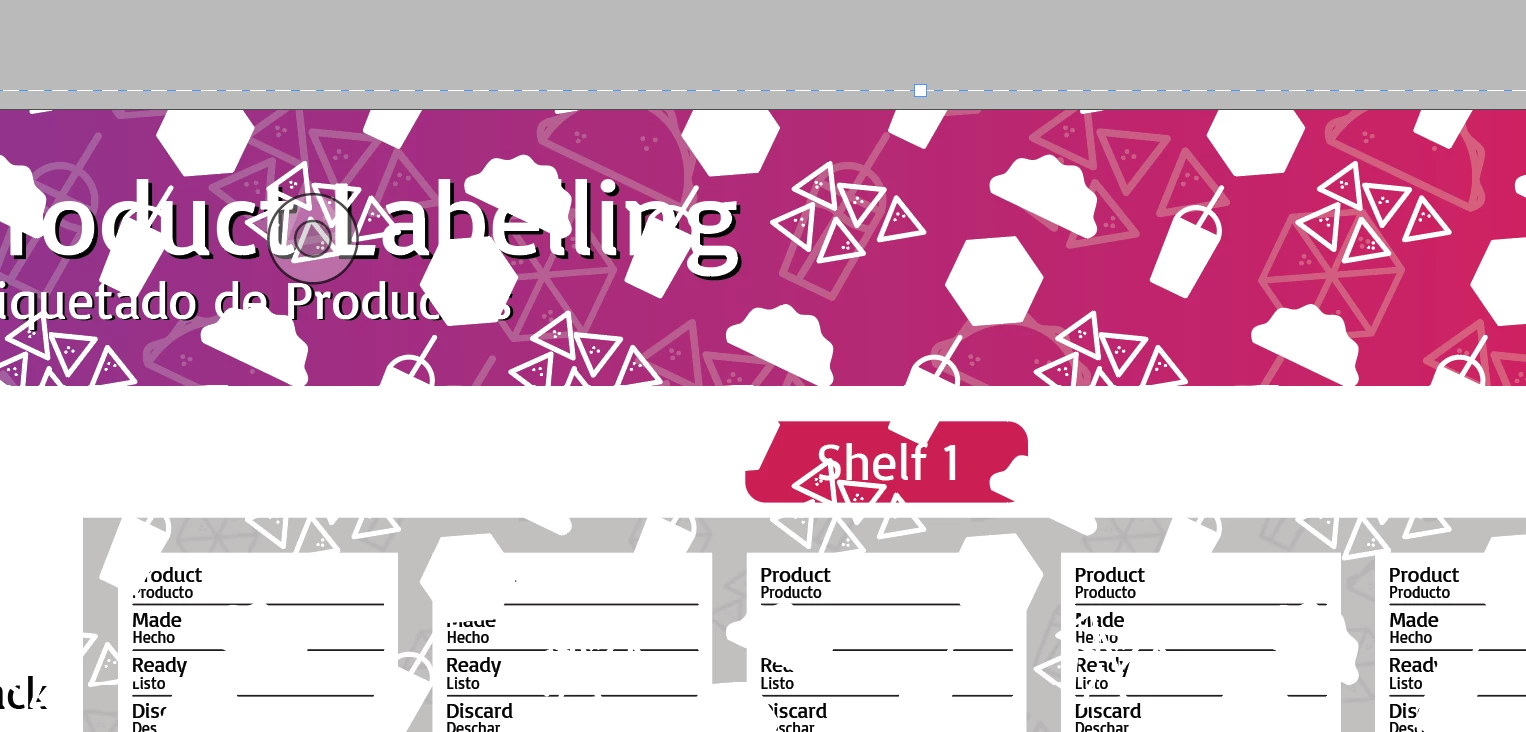
...
Really Indesign?
*Sigh* I'm just lost. I have no idea what to do. This seems like quite a bit of effort just to get some properly placed crop marks and color bars.
 AdChoices