

InDesign opens files with missing images
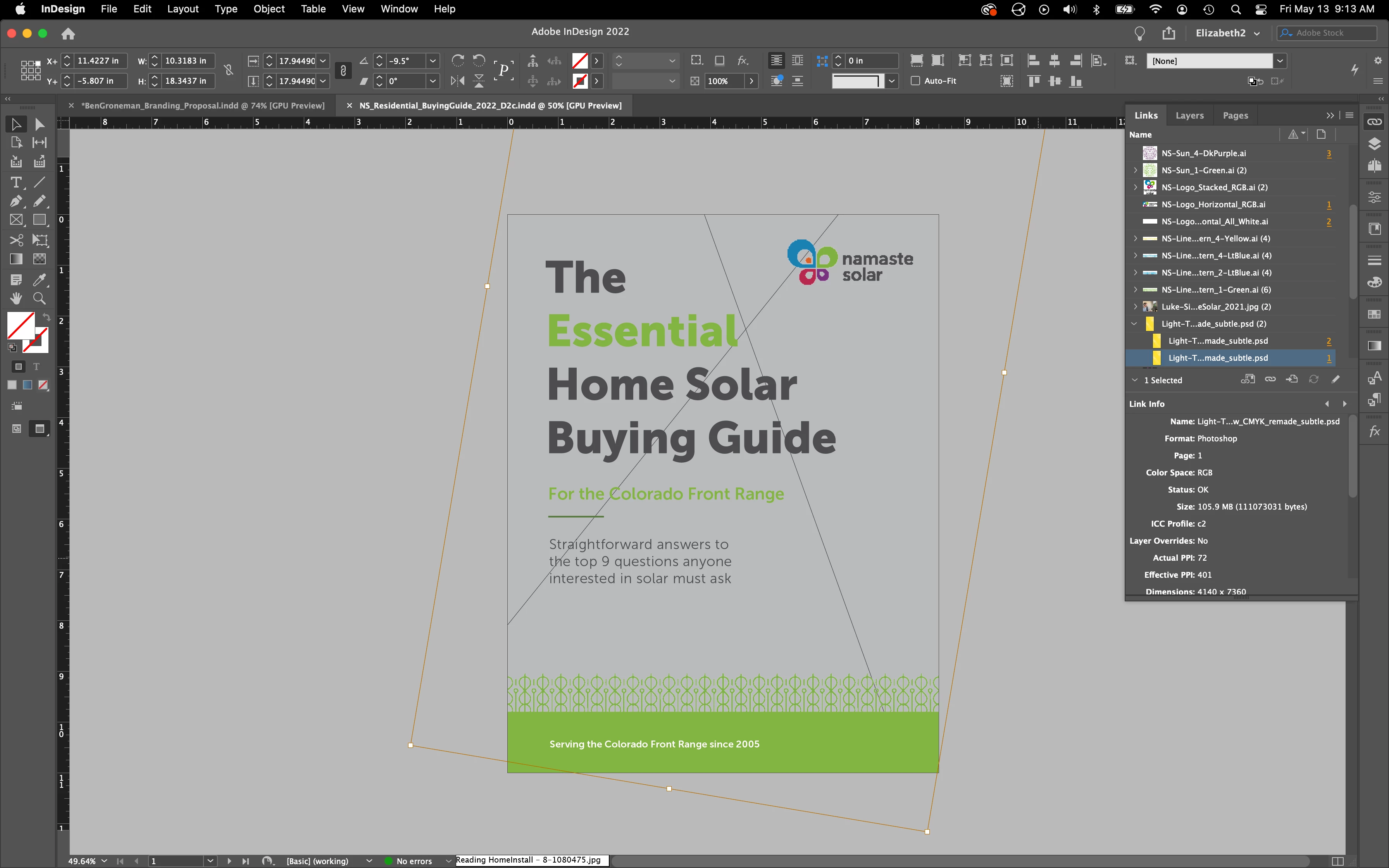
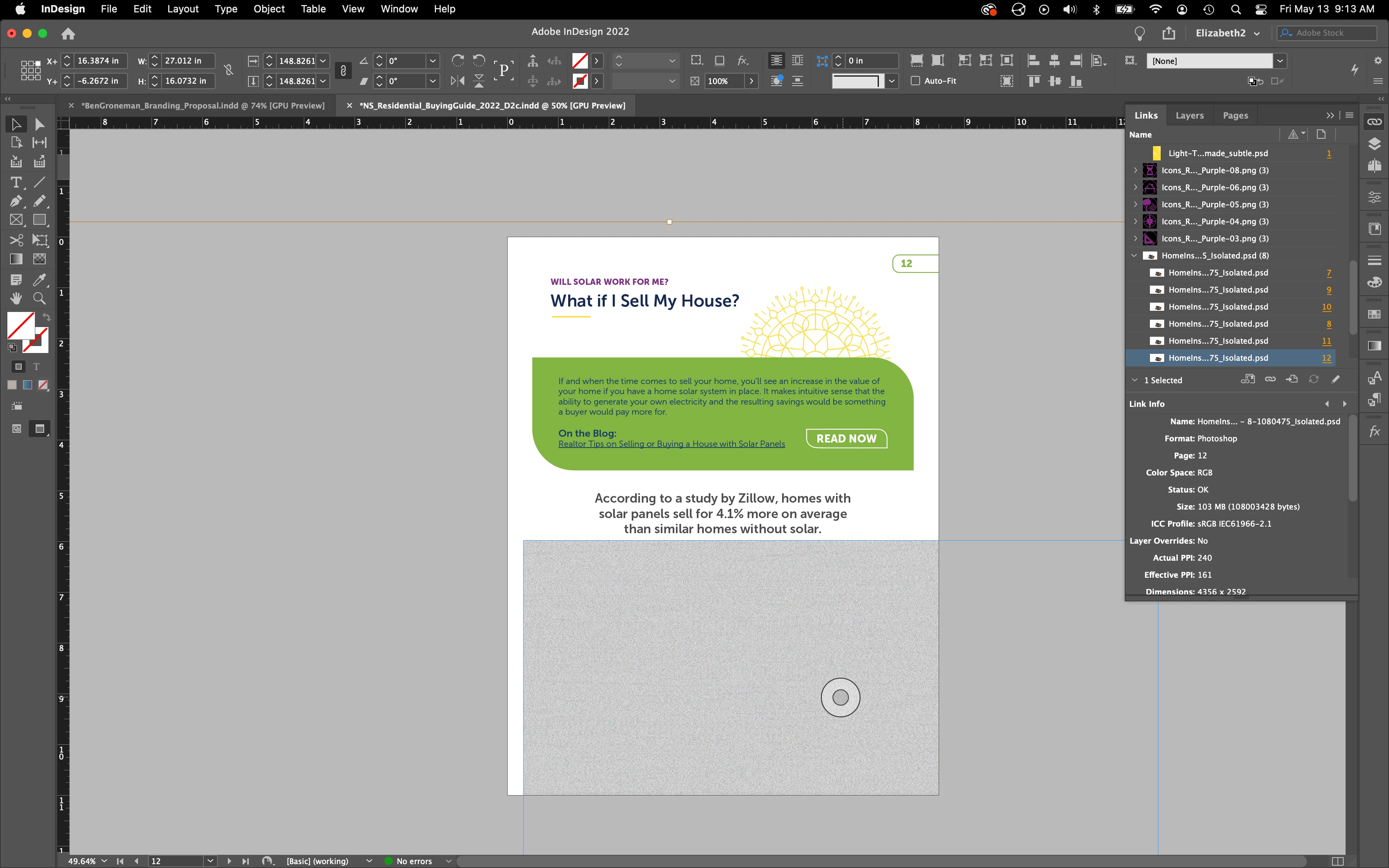
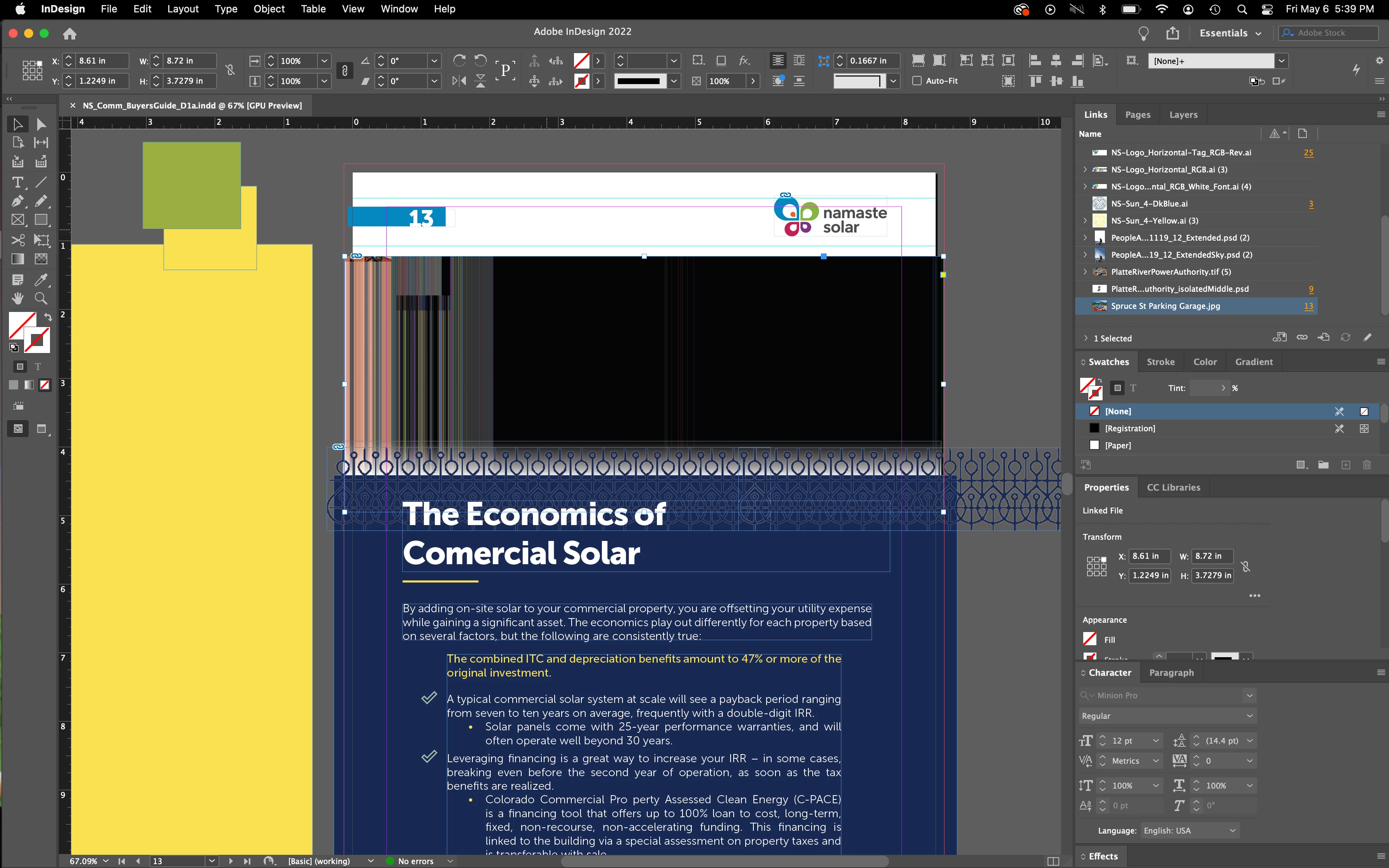
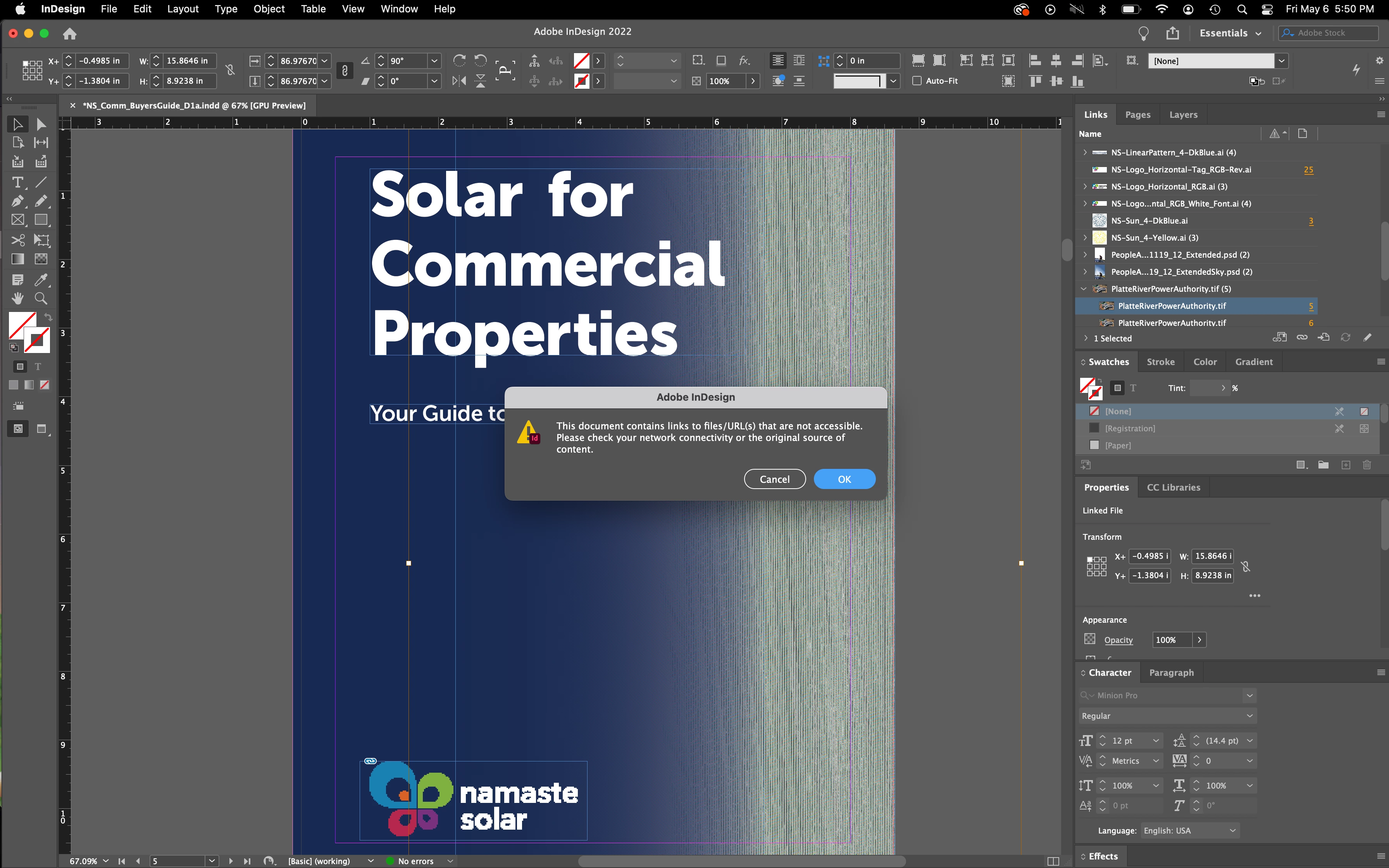
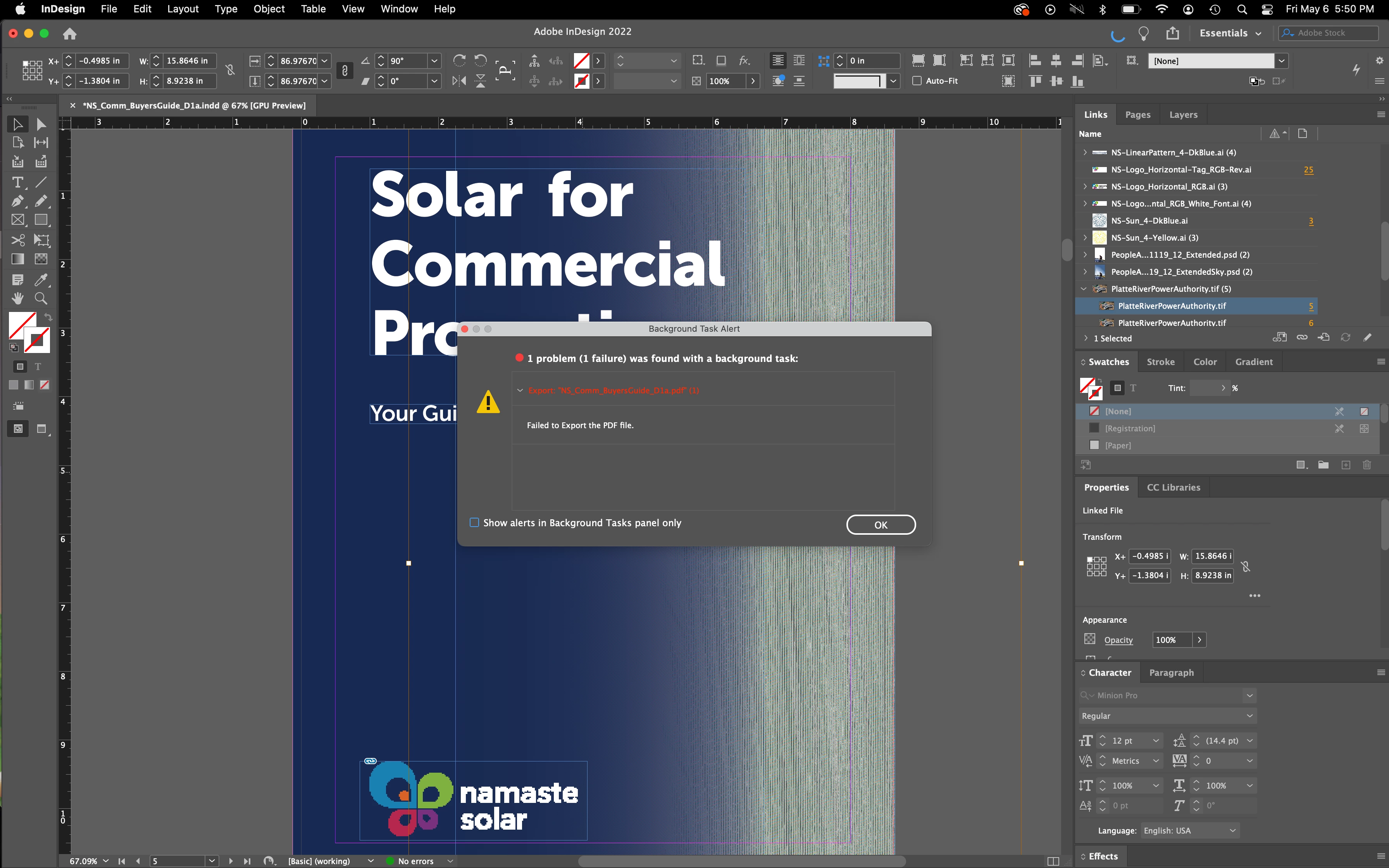
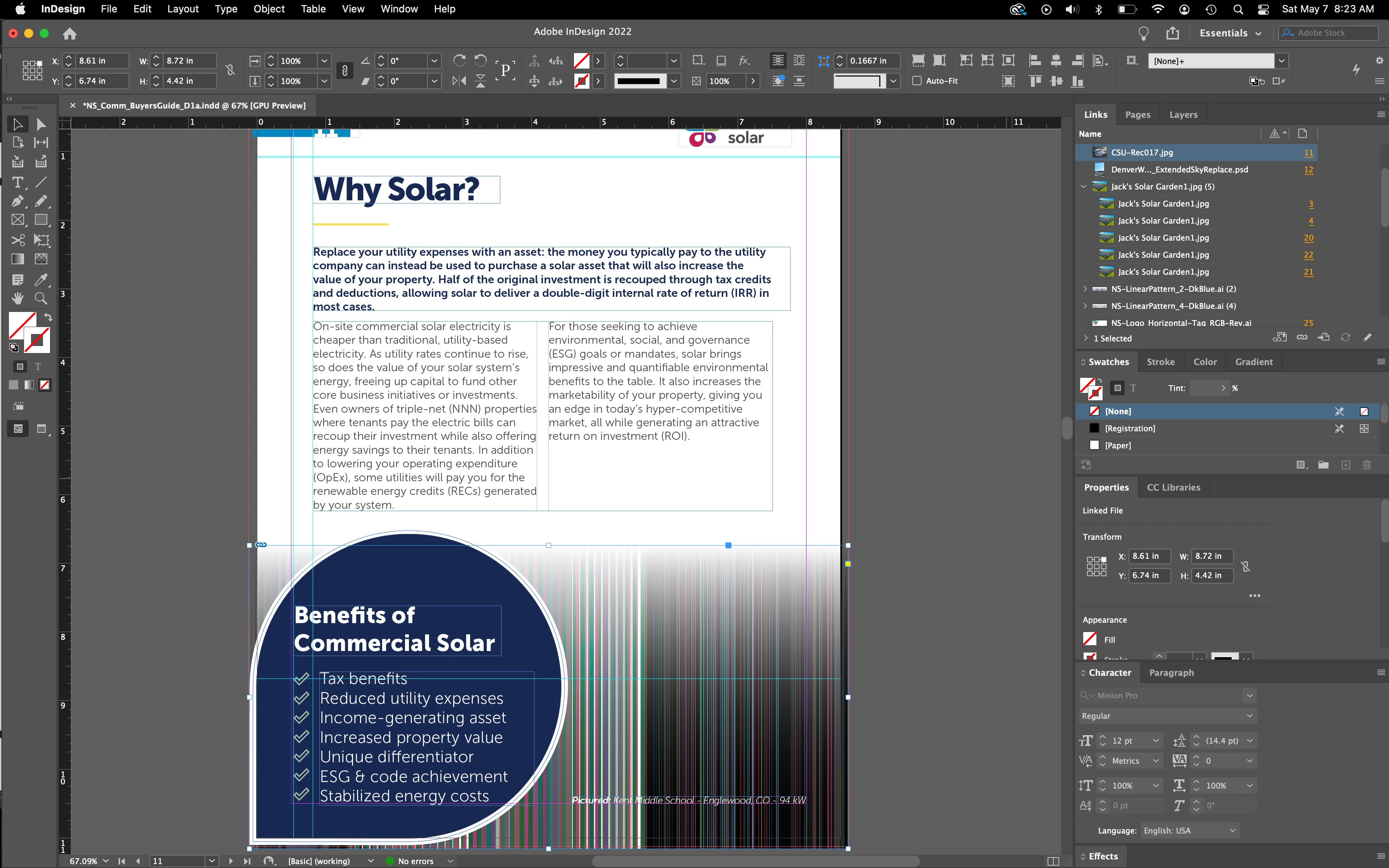
I've been having a repeated issue with InDesign where when I open files, the images look like static (see screenshots below) or are not displaying. The image files themselves have not been moved, and are located on my local machine (not in the cloud), and the ID file has not been moved either. Even though the images aren't displaying, none of them show as needing to be re-linked in the links panel. The images do not display properly until I manually go through and re-link them all. It's a big time sink and I need to figure out how to prevent it, as it's happening every time I send a revision to the client and then come back to the project. At times it has even caused me to not be able to export my file to PDF, which I was trying to do to test something related to this issue.
It may or may not be related, but I've also had issues with files being locked after quitting the program, so I cannot open them until I delete the lock file or some other similar workaround. Generally ID doesn't seem to be playing well with my computer. I'm on a MacBook Pro running Monterey.
 AdChoices