
Question
InDesign placing a cutout from Photoshop HELP!
I was wondering if anyone would be able to help me with my Indesign dilemma.
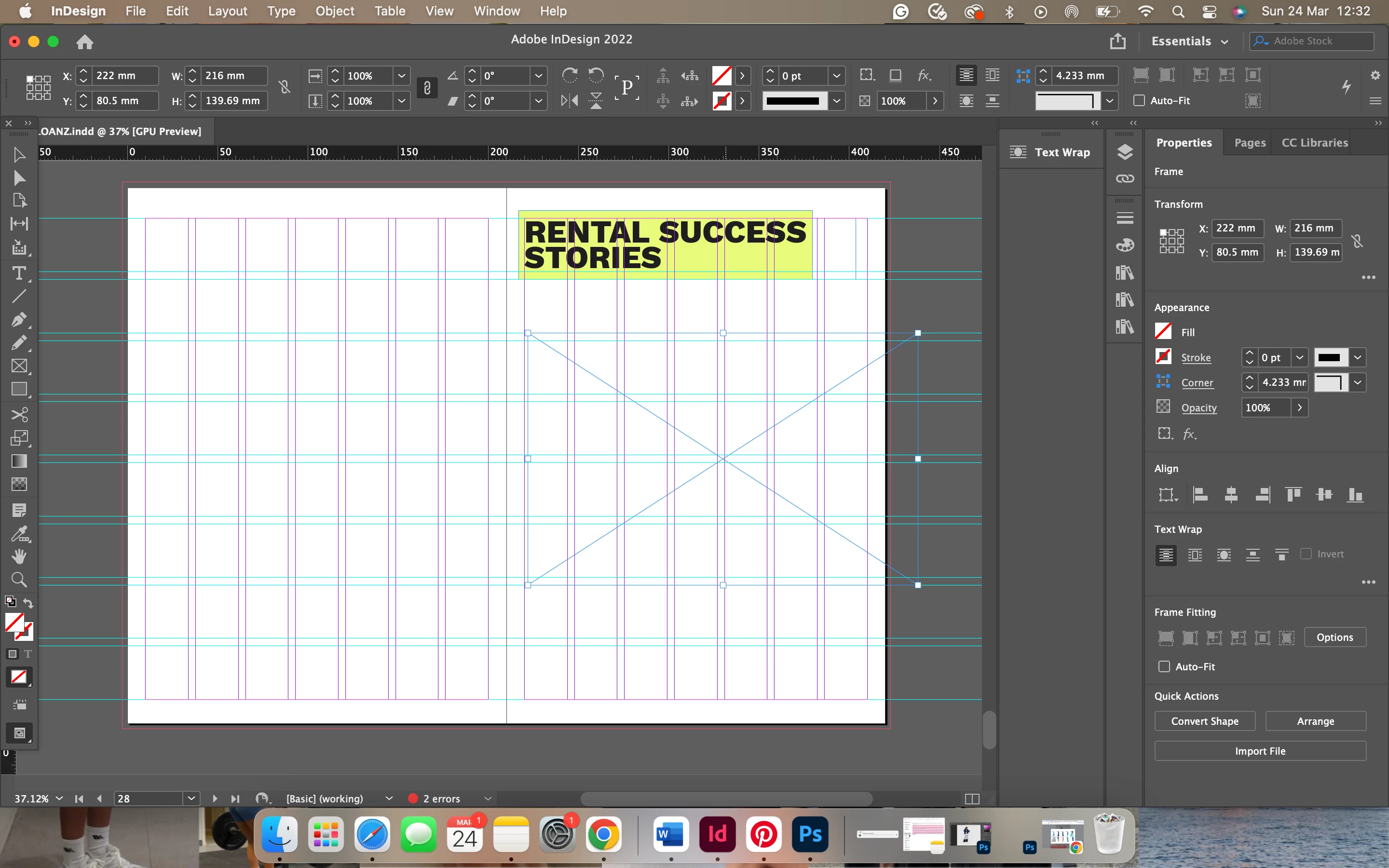
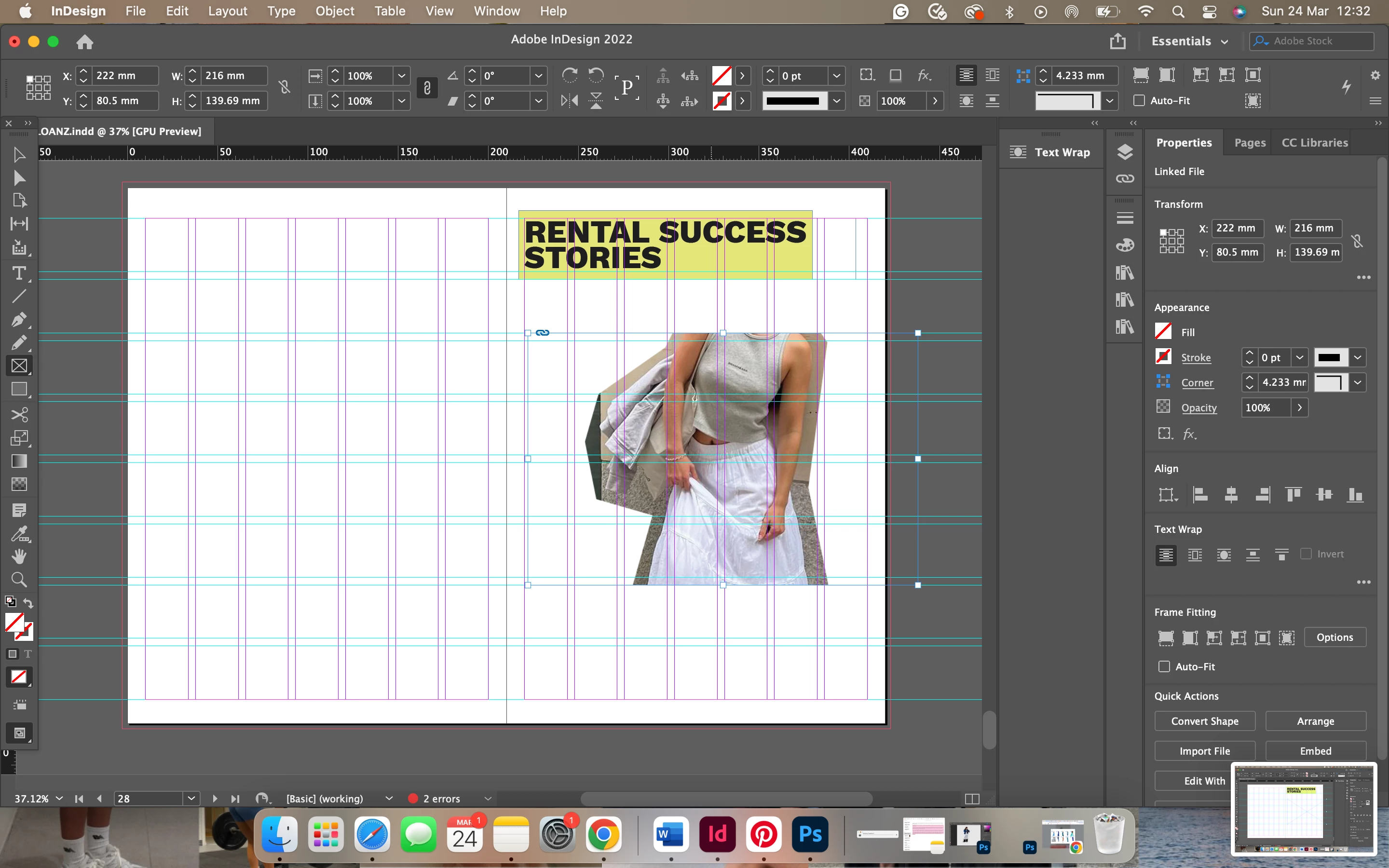
Currently working on a magazine for print on InDesign and having a problem pop-up where I’ll go to place a high res image I cutout on Photoshop into InDesign and having bright colours on the page already. As soon as I place the image the colours go dull.
If anyone knows why this keeps happening please help, I still want to have the cutouts there as I’m making a fashion magazine so model cutouts are essential yknow.
Before
After
 AdChoices