InDesign Print Booklet to Postscript cutting off pages
Hoping someone has found a solution to this problem!
When I try to save a postscript file for a booklet, the preview looks correct but the exported file cuts off the pages. I've had this happen for several booklets recently and have had to manually rearrange all the spreads in InDesign for print. Not good!
Here are the steps I currently follow:
File - Print Booklet
Printer is set as a PostScript file. (If I go into print settings and select a printer, it prints instead of saving as a PostScript file, so I'm forced to leave the PPD settings at "Devise Independent.")
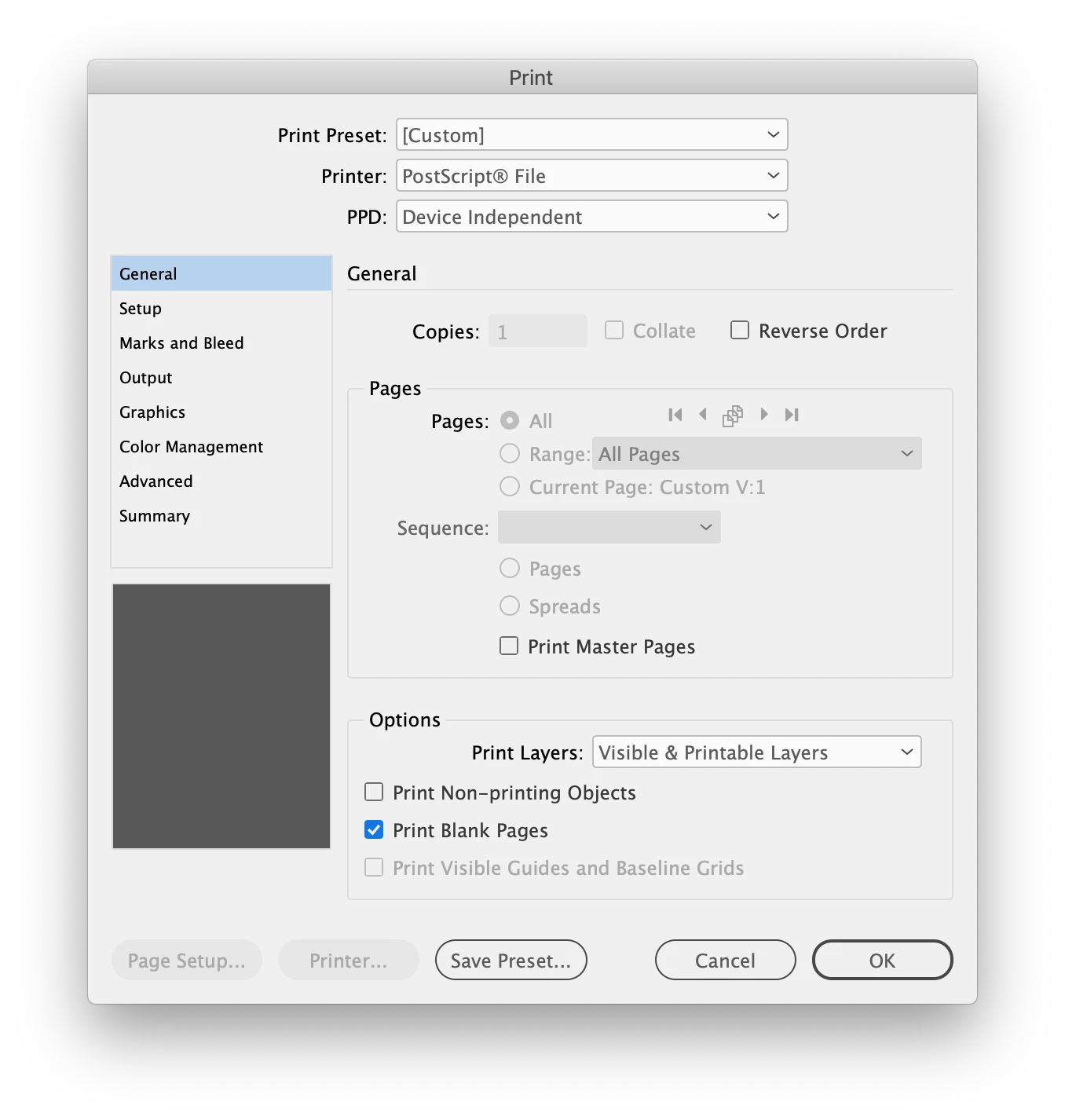
So my setup looks like this:
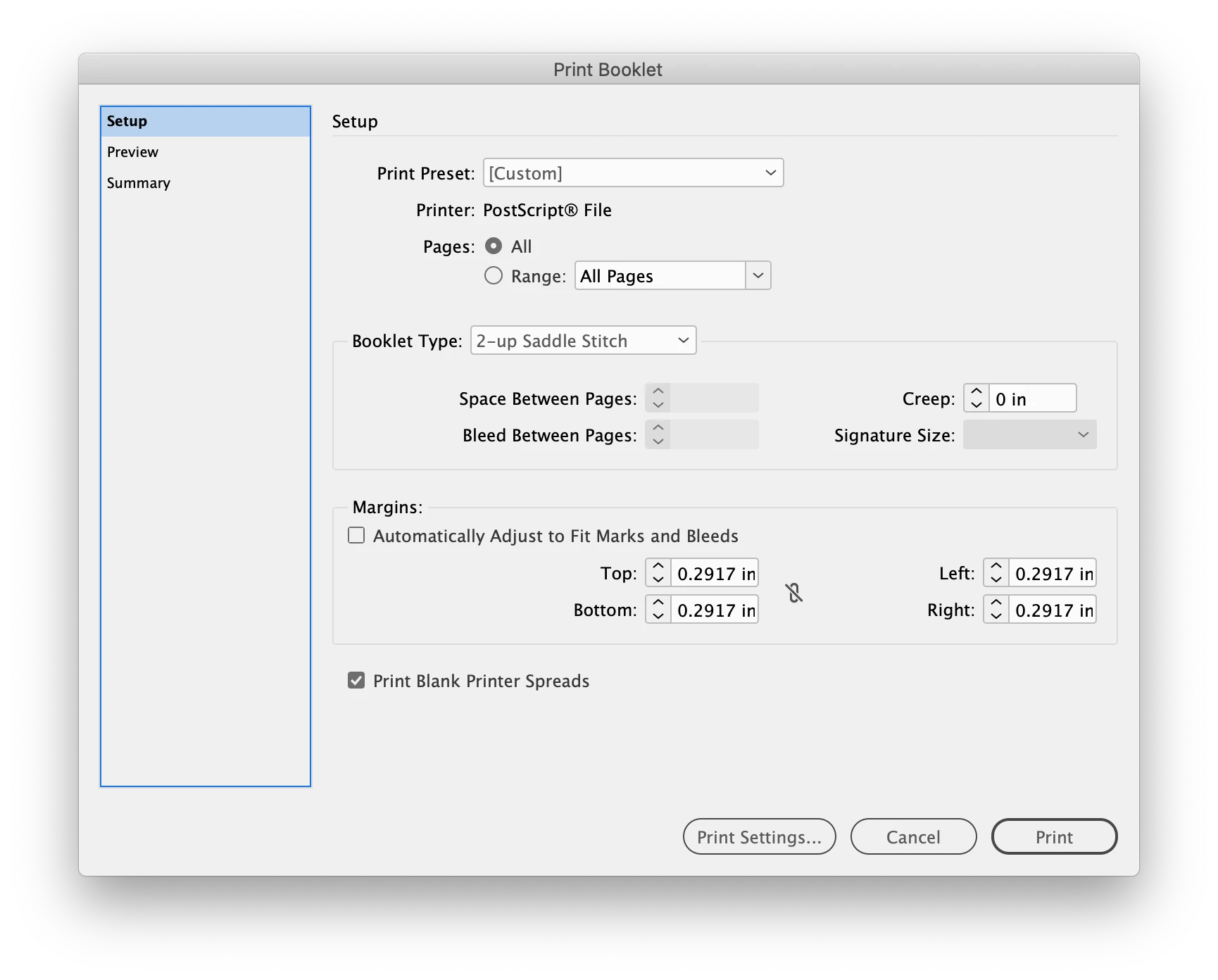
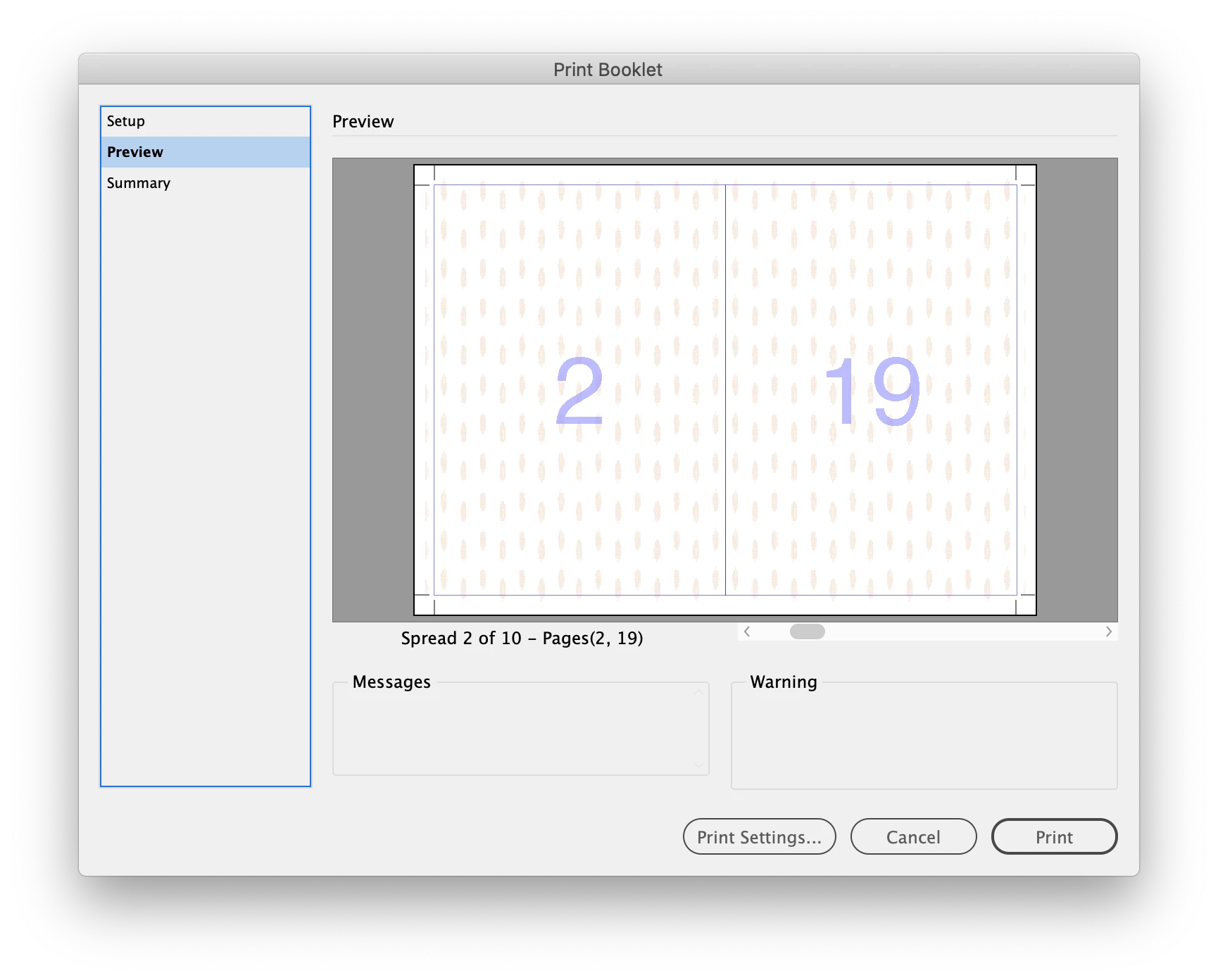
And my preview looks correct:
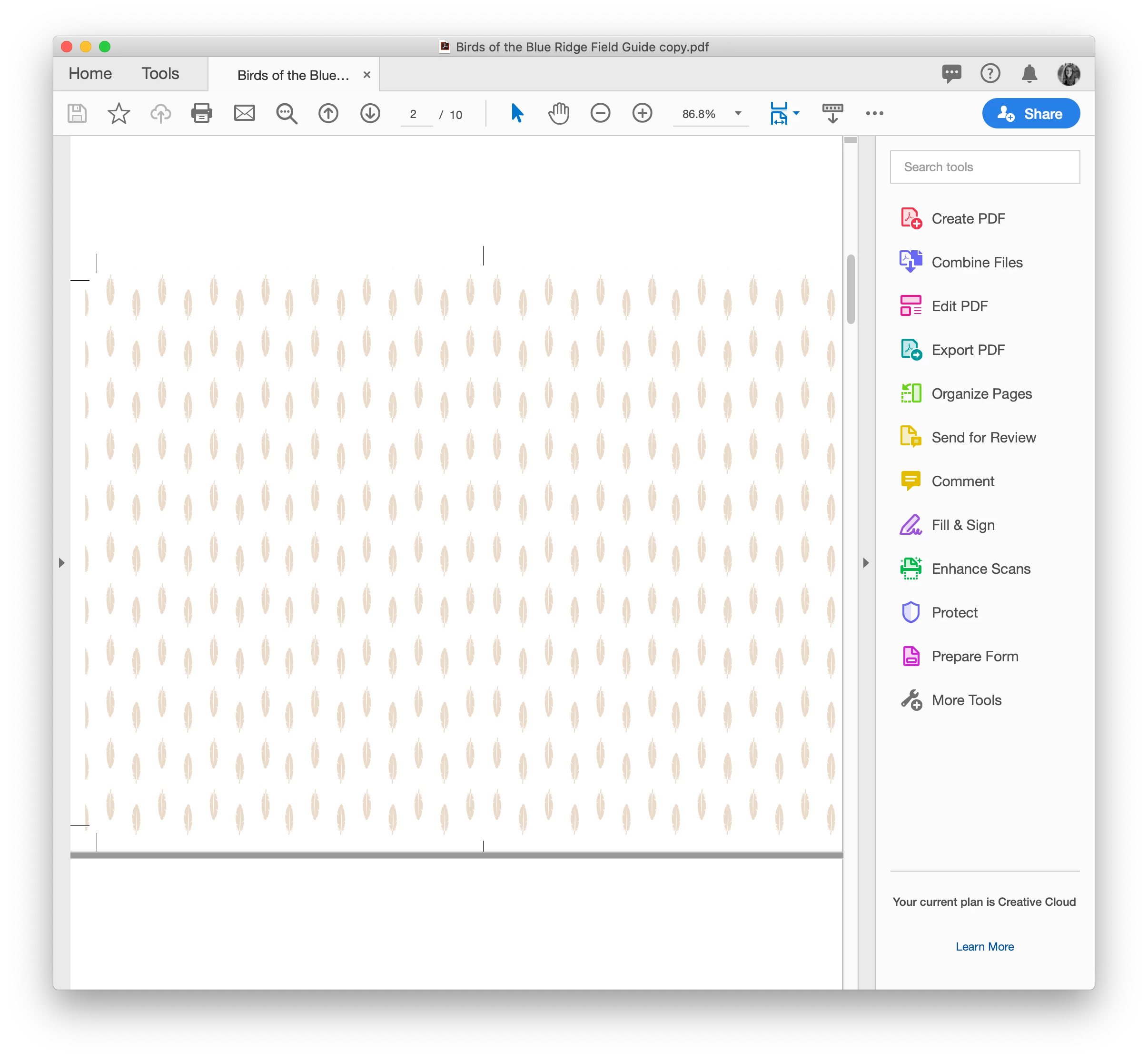
However, when I click "print," the resulting PostScript file cuts off content if the spreads are larger than 8.5" x 11". Converting the PostScript file to a PDF does not solve the problem.
As a print designer, I really need to find a fix for this. Any suggestions would be much appreciated.
All of my CC programs are up to date.
Thanks!
 AdChoices