
Participant
September 14, 2021
Question

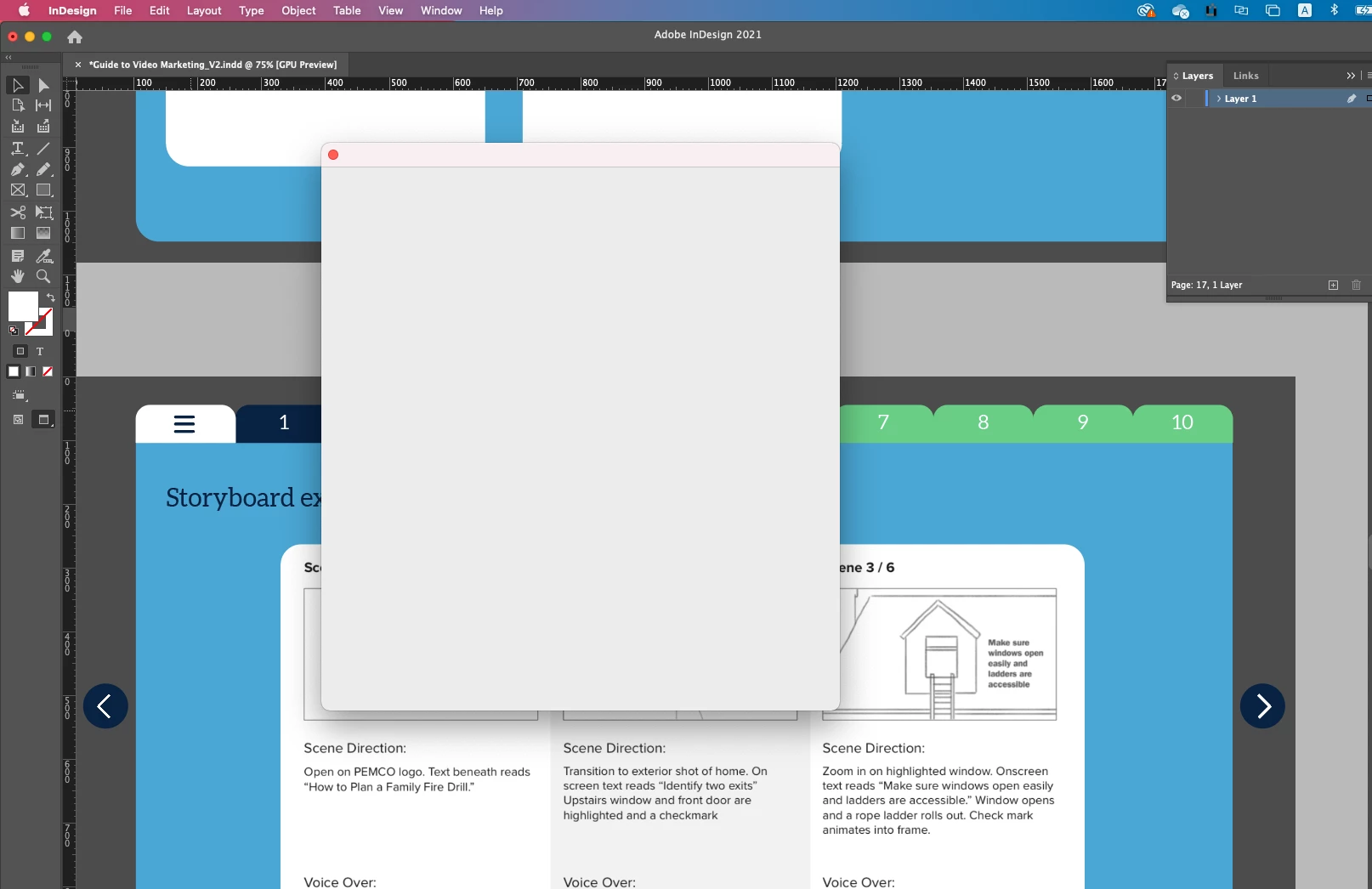
Indesign Publish online window tab not working

  • September 14, 2021
  • 2 replies
  • 111 views

Hi,


as you can see in the attached, when I'm trying to publish online in indesign the window just show a white empty tab and doesn't show the buttons whatsoever. Tried doing a restart and already reinstalled the program, still the same, I even try disconnecting from our VPN hoping that would help but still the same! any ideas?
This topic has been closed for replies.

2 replies

Ashutosh_Mishra
Inspiring
September 26, 2021

Hi there,


Sorry to hear about your experience. In addition to the suggestions given by Eugene, you may try following this troubleshooting steps suggested on this community post & let us know if they help.


Regards,

Ashutosh

Community Expert
September 14, 2021

Try resetting your preferences:
The easiest way to reset everything is to delete the InDesign preferences: as soon as InDesign starts to boot hold down Shift, Alt, Ctrl (and Apple/Cmd if working on a Macintosh). A dialog will appear asking to delete the InDesign Preferences, select 'Yes' on this dialog.
Further info and instructions here if needed:
https://helpx.adobe.com/in/indesign/kb/indesign-preferences-support-file-locations.html