
Question
InDesign RTL Character Direction flips numbers or misplaces percent to the right
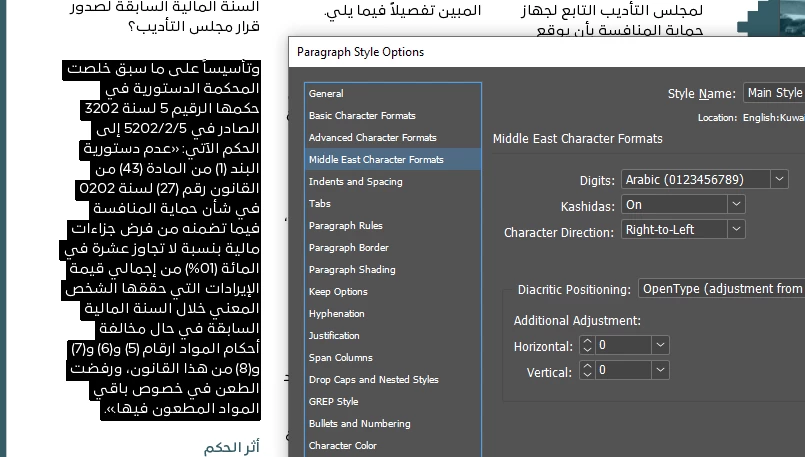
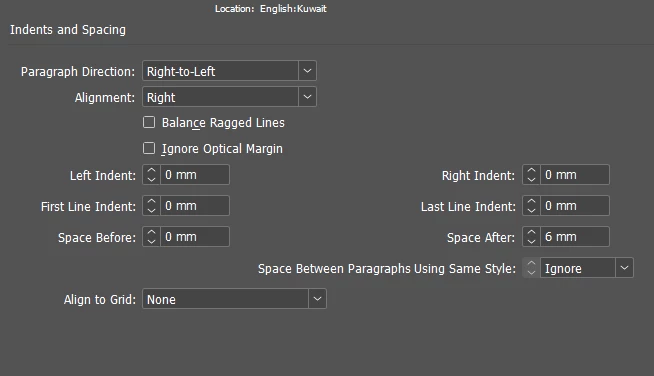
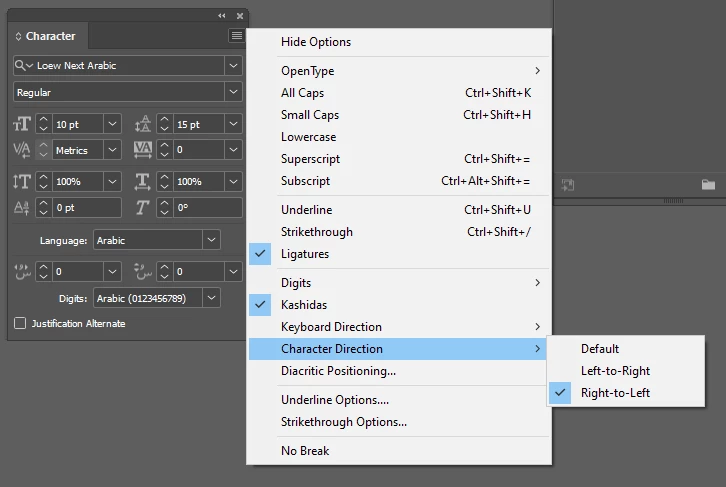
When I set my Paragraph Style to Middle East Character Formats > Character Direction > Right to Left, the percentage displays correctly on the left side of the number, but the numbers themselves are flipped.
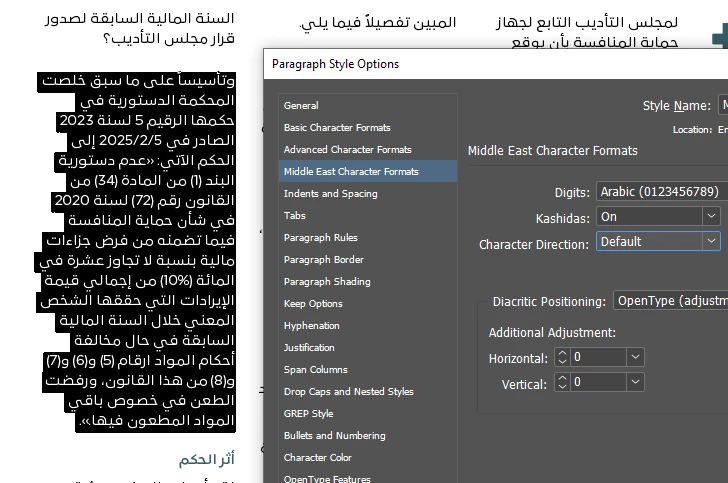
When I set the Character Direction to Default, the numbers display normally, but the percentage sign shifts to the right side, which is incorrect.
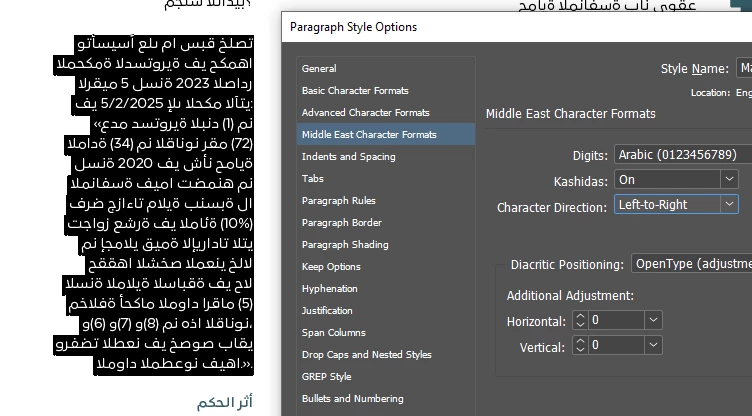
When I set the Character Direction to Left to Right, everything is mirrored.
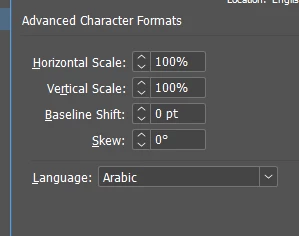
I’ve already set the language to Arabic and tested all possible character direction combinations, but none provide the correct result.
 AdChoices